

Introduction to Smart Locks
🔐 What Are Smart Locks?
Definition and Basic Functionality
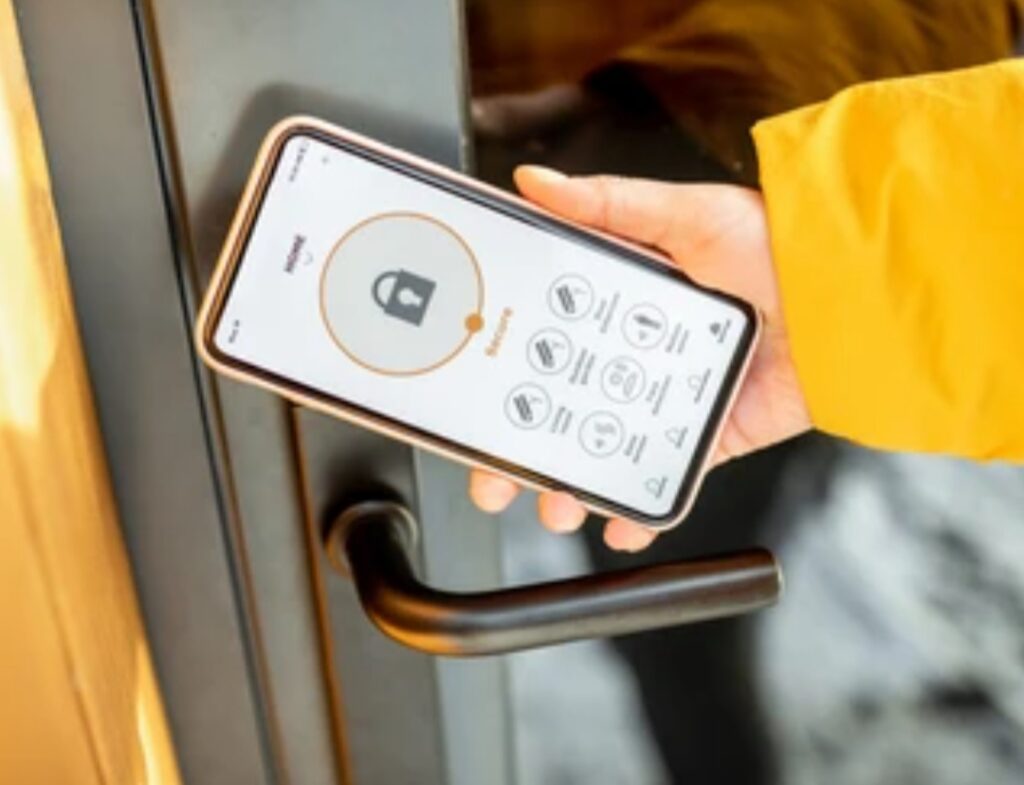
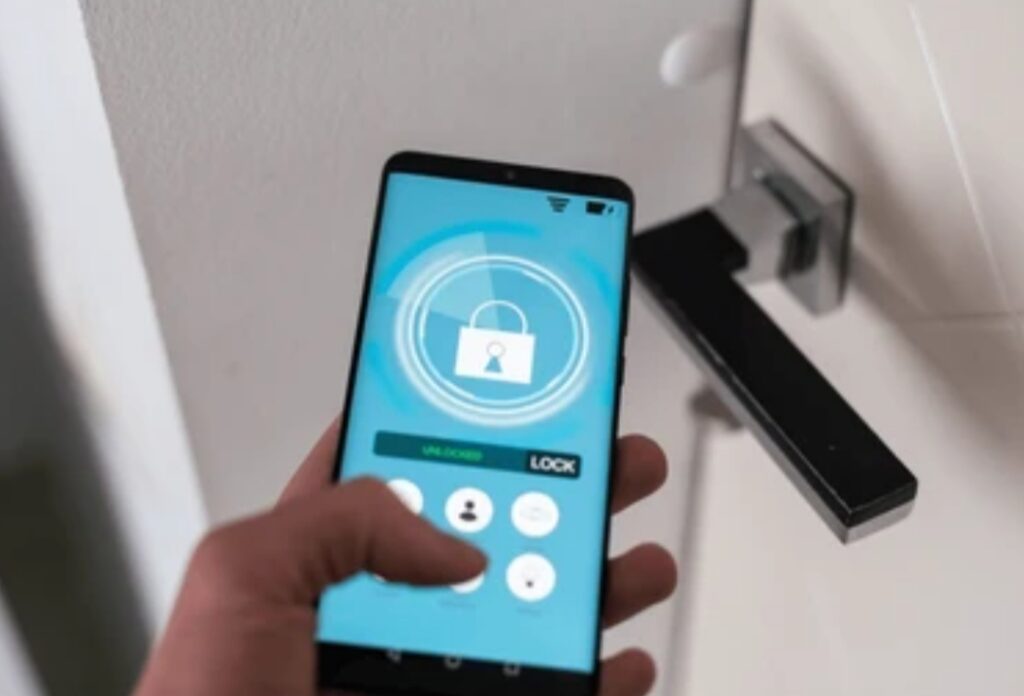
Smart locks are keyless electronic locking systems that allow users to unlock doors using smartphones, biometric data, voice commands, or keypads, rather than traditional keys.
They are typically connected via Bluetooth, Wi-Fi, or Z-Wave and can be controlled remotely through a mobile app or smart home assistant.
This innovative security solution is growing in popularity due to its blend of convenience and advanced safety features.
If you’ve ever asked yourself, “Are smart locks safe?” — the short answer is: they can be, when used correctly and securely configured.
Unlike conventional locks, smart locks offer real-time access control, allow for custom passcodes, and even log entry activity, giving homeowners a greater sense of control and visibility over who enters their property.
Some models come with auto-lock and auto-unlock features, while others integrate with video doorbells and home security systems for an added layer of protection.
👉 Power Tip: Always choose a model that offers bank-grade encryption and supports two-factor authentication (2FA) for enhanced protection.
Smart locks are typically powered by AA batteries or rechargeable lithium-ion batteries, and most send low-battery alerts via their apps.
In the rare case of total power failure, many smart locks also come with physical key overrides or backup power ports.
Comparison with Traditional Locks
While traditional locks rely purely on mechanical components, smart locks offer digital convenience with modern security protocols.
Here’s a quick comparison between the two:
| Feature | Traditional Locks | Smart Locks |
| Access Control | Physical key only | Digital key, app, code, biometrics |
| Remote Access | ❌ Not available | ✅ Available |
| Entry Logs | ❌ None | ✅ Activity tracking |
| Integration with Home Systems | ❌ No integration | ✅ Smart home compatible |
| Vulnerability | Susceptible to lock picking | Susceptible to hacking (if unprotected) |
Smart locks provide a higher level of functionality, but that doesn’t mean they’re automatically safer.
That’s why many people ask: Are smart locks safe in the long run?
The answer largely depends on implementation, brand, and user behavior.
Some smart locks can be more secure than traditional deadbolts, but poor password practices or skipping firmware updates can introduce vulnerabilities.
👉 Expert Tip: Always combine your smart lock with a high-quality deadbolt and regular updates to reduce any cyber risks.
✨ Benefits of Using Smart Locks
Convenience and Remote Access
One of the biggest reasons homeowners switch to smart locks is the unmatched convenience they offer.
Whether you’re letting the dog walker in at noon, your kids after school, or managing Airbnb guests, smart locks eliminate the need for physical keys entirely.
Here’s how remote access changes everything:
- 🔑 Unlock or lock your door from anywhere using a mobile app
- 🔁 Set auto-lock schedules for specific times of the day
- 🔓 Send temporary codes to visitors, cleaners, or contractors
- 📲 Receive notifications when someone enters or exits your home
This kind of control not only adds convenience but also enhances your home’s security posture.
Smart locks also integrate with smart assistants like Alexa, Google Assistant, and Siri, allowing you to say:
“Hey Google, lock the front door.”
That level of accessibility is something traditional locks just can’t match.
It’s features like these that spark the debate: Are smart locks safe enough to replace physical keys?
With the right configurations and security hygiene, the answer is often a confident yes.
💡 Did You Know? Some smart locks can even be paired with geofencing, which automatically unlocks your door when your phone is nearby and locks it when you leave.
Integration with Smart Home Systems
Today’s homes are becoming smarter and more connected, and smart locks are playing a central role in that transformation.
A well-integrated smart lock can work seamlessly with:
- 🔔 Video doorbells – See and speak to guests, then unlock the door
- 📷 Security cameras – Capture who’s entering your property
- 🧠 Smart hubs like Samsung SmartThings or Apple HomeKit
- 🚨 Home security systems – Trigger alarms or lock doors during an emergency
- 📱 Voice assistants – Control locks using simple voice commands
This level of integration doesn’t just make life easier — it strengthens your overall home security ecosystem.
If you’re wondering are smart locks safe in a smart home setup — the answer is a clear yes, especially when layered with other security tools and practices.
👉 Pro Tip: Always secure your home Wi-Fi network with a top-rated VPN and change your smart home passwords every 90 days.
🎯 Ready to experience the future of home security? Don’t settle for old-fashioned locks
Upgrade to a smart lock today and secure your home the smart way!
👉 Click here to check out our best smart lock picks for 2025.
💬 Final Thoughts for This Section
The convenience, flexibility, and advanced control that smart locks provide make them a powerful upgrade to any home security setup.
Still, if you’re asking are smart locks safe?, remember this:
They are only as secure as the habits and systems around them.
By choosing a trusted brand, keeping your systems updated, and practicing smart digital hygiene, you can enjoy all the benefits of smart locks without compromising on safety.
Stay tuned as we dive deeper into smart lock security features, potential vulnerabilities, and expert tips in the upcoming sections.
🛡️ Security Features of Smart Locks
🔒 Encryption Standards in Smart Locks
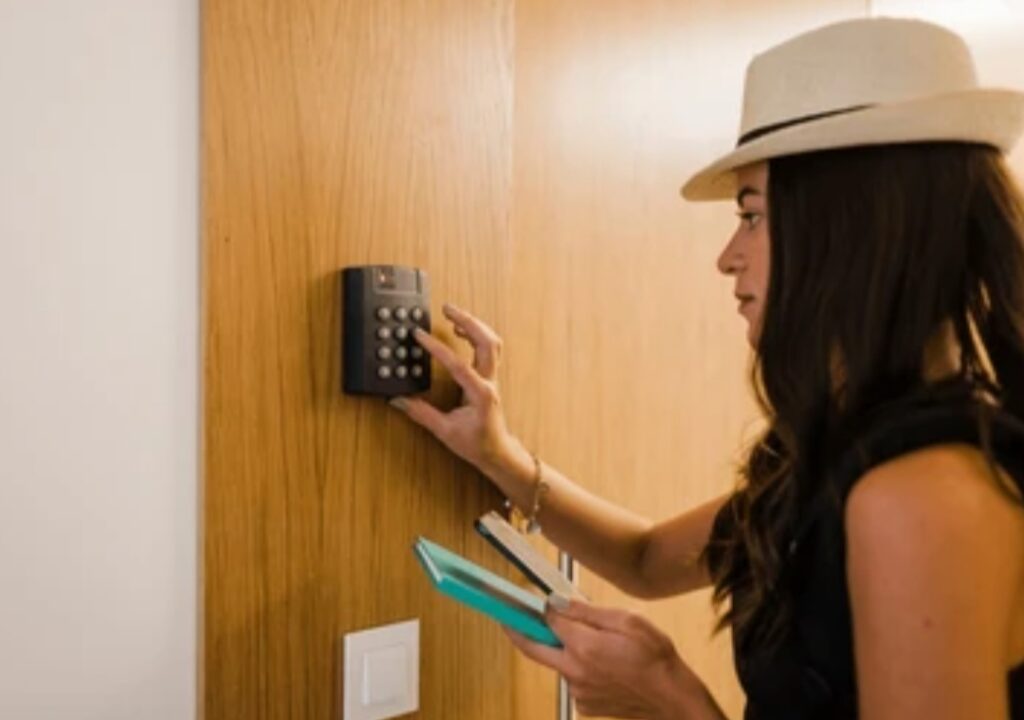
When discussing smart lock safety, one of the most critical elements is data encryption.
Encryption ensures that when you unlock your door via your smartphone or voice command, the communication between your device and the lock remains confidential and secure.
Most high-quality smart locks today utilize:
- AES-128 or AES-256 encryption protocols
- End-to-end encrypted communications
- Secure cloud-based key management
These standards are the same level of encryption used by banks and government systems, which adds a powerful layer of security.
But even with these features, people still ask: Are smart locks safe from hackers?
While no system is 100% immune, strong encryption greatly reduces the risk of brute force or man-in-the-middle attacks — especially when combined with secure Wi-Fi networks.
👉 Security Tip: Always ensure your smart lock is connected to a secured router with WPA3 encryption enabled and disable remote access when not in use.
🔐 Advanced Authentication Methods
Multi-Factor and Biometric Authentication
Authentication is the process of verifying that the person unlocking the door is authorized to do so.
To make smart locks safer, most modern models offer multi-factor authentication (MFA) or even biometric verification, including:
- ✅ 2FA (Two-Factor Authentication) via email, SMS, or authenticator apps
- 👆 Fingerprint scanning
- 😎 Facial recognition through companion apps
- 🔑 Unique entry codes or digital keys
These methods drastically reduce the chances of unauthorized access, even if someone gets hold of your phone or password.
Think of it as adding a double layer of defense — just like securing a vault with both a key and a code.
🧠 Did You Know? Many smart locks also offer time-based access codes, which are ideal for Airbnb hosts or short-term guests. This is a safe, temporary solution that maintains control over your property.
📊 Real-Time Monitoring and Access Logs
One of the standout benefits that makes smart locks safer than traditional locks is the ability to track who comes and goes from your home — in real time.
Most models offer built-in access logs that provide:
- 🕒 Timestamps for every lock/unlock event
- 🧍 Identification of which user accessed the lock
- 🔔 Notifications when specific codes are used
- 📈 Activity insights over time (daily, weekly summaries)
These logs are accessible via your mobile app and often stored securely in the cloud.
This feature is especially useful for:
- Parents monitoring when kids get home from school
- Employers managing office access
- Airbnb or short-term rental hosts
If you’ve been wondering are smart locks safe enough for rental properties, this kind of detailed access logging makes them far more secure than handing out physical keys.
🛠️ Tamper Detection and Lock Override Features
Another layer of safety comes in the form of physical tamper detection and override systems.
Premium smart locks are built to detect forced entry or tampering and will:
- 🚨 Send instant alerts to your smartphone
- 🔊 Trigger built-in alarms
- 🚫 Lock down temporarily after multiple failed attempts
Additionally, in the event of power or connectivity loss, many smart locks feature:
- 🔋 Battery backup indicators
- 🗝️ Physical key access overrides
- ⚡ Micro USB emergency charging ports
💡 Expert Tip: Choose a model that supports offline functionality, so even without internet access, your home stays protected.
🌐 Integration With Broader Security Ecosystems
A smart lock becomes even more powerful when it’s integrated into a larger smart home security system.
Here’s how your smart lock can collaborate with other devices:
- 🚨 Connect with smart alarm systems to automatically lock doors during an intrusion
- 🎥 Pair with security cameras to visually verify who’s at the door
- 🌐 Link with smart lighting to activate lights upon unlocking
- 💬 Receive voice alerts through smart speakers if unusual activity is detected
This seamless connectivity transforms your smart lock into a proactive security sentinel, not just a digital doorkeeper.
✅ Don’t Just Lock Your Door — Outsmart Threats
💥 Stop relying on outdated locks! Upgrade to a secure smart lock today and enjoy true peace of mind.
Explore our Top-Rated Smart Locks with Advanced Security
💬 So, are smart locks safe?
Yes — especially when they feature strong encryption, multi-layered authentication, activity tracking, and tamper alerts.
The key to smart lock safety lies in:
- Choosing a reputable brand
- Keeping your firmware and apps updated
- Practicing smart digital hygiene (like strong passwords and secured Wi-Fi)
When used properly, smart locks are not just a convenience — they’re a reliable, high-tech way to keep your home or office safe in today’s connected world.
Stay tuned — in the next section, we’ll explore the vulnerabilities and risks associated with smart locks so you know exactly what to avoid.
⚠️ Potential Vulnerabilities and Risks of Smart Locks
🧠 Are Smart Locks Hackable? Here’s the Truth
The most pressing question people ask when considering these devices is:
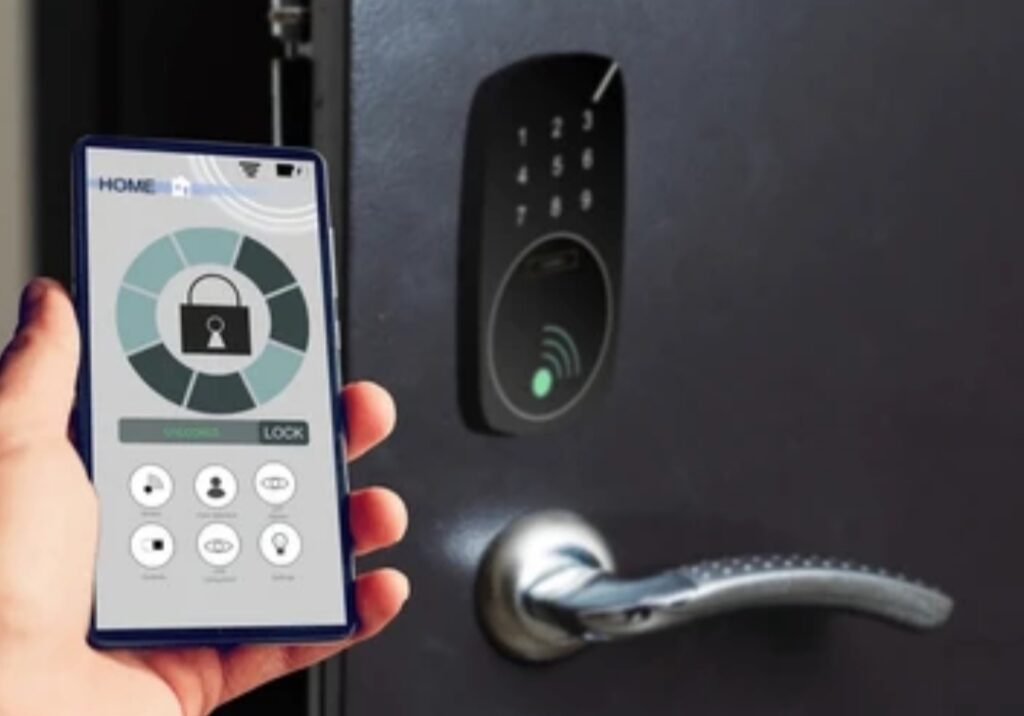
Are smart locks safe from hackers?
Let’s face it—any device connected to the internet carries some level of risk. Just like smartphones or computers, smart locks can be vulnerable to cyber threats if not properly secured.
Some real-world threats include:
- 👨💻 Brute-force attacks to guess digital passcodes
- 🛰️ Relay attacks, where hackers intercept the signal between your phone and lock
- 🧬 Firmware vulnerabilities in low-quality or outdated models
- 📡 Bluetooth spoofing (particularly in cheaper, unsecured models)
A 2023 cybersecurity report by Pen Test Partners revealed that many off-brand or budget smart locks use outdated encryption or lack basic security protocols — making them easier targets.
⚠️ Pro Tip: Always choose a smart lock with AES-256 encryption, regular firmware updates, and secure Bluetooth communication.
🔋 Battery Failures and Power Dependency
Unlike traditional mechanical locks, smart locks are dependent on power and battery life.
If your lock’s battery dies and there’s no override method, you might get locked out of your own home.
Here are the risks:
- 🔋 Battery drain during extreme weather
- ❗ No low-battery alert or backup power
- 🚪 No physical key access or override feature
🧠 Are smart locks safe during blackouts or Wi-Fi outages?
It depends on the model.
✅ Better smart locks offer:
- Backup keys or emergency USB ports
- Auto-notifications when battery levels are low
- Offline unlock methods (like manual keypads)
🌐 Connectivity Issues and Network Vulnerabilities
Smart locks depend on Wi-Fi, Bluetooth, or Zigbee to communicate.
When your internet is down or your phone isn’t syncing, you might lose remote access.
Common network-related issues include:
- ❌ Unstable Wi-Fi causing delayed or failed commands
- 🧱 Poor app-to-lock communication
- 💥 Network hacking if the router is not properly secured
That’s why it’s critical to:
- Use strong Wi-Fi encryption (WPA3 preferred)
- Regularly update your router’s firmware
- Keep your lock’s firmware and app up to date
👥 Human Error and Social Engineering Threats
Even the most secure lock can be vulnerable to user mistakes.
Examples of human-based vulnerabilities include:
- 📱 Using easy-to-guess PINs (like 1234 or birthdays)
- 🧾 Writing down codes where others can find them
- 📤 Sharing digital keys over unsecured messaging apps
- 🧔 Being tricked via phishing or impersonation tactics
This is where education and awareness come into play.
🧠 Are smart locks safe if users don’t follow best practices?
Not really. User behavior is a crucial part of the security chain.
👉 Action Tip: Train everyone in your household or workplace on how to use the smart lock securely. Avoid repeating codes or sharing them unnecessarily.
🔧 Manufacturer Quality and Software Support
All smart locks are not created equal.
One of the biggest risks to smart lock security comes from cheap, unregulated manufacturers that:
- Use outdated firmware
- Provide no security updates
- Have poorly coded apps with vulnerabilities
- Go out of business and leave devices unsupported
To stay safe, choose brands with:
- ✅ A strong security track record
- 🛠️ Regular OTA (over-the-air) updates
- 🔍 Transparent privacy policies
- 🧑💻 Active customer support teams
🧠 Did You Know? Some discontinued smart locks no longer get updates — making them easy targets for hackers. Avoid brands without long-term software support.
✅ Don’t Compromise on Safety — Choose Smart Locks with Proven Protection
🛡️ Upgrade to a trusted smart lock brand that values your safety.
💥 Never settle for cheap tech when your home security is at stake.
💬 So, are smart locks safe despite these vulnerabilities?
Yes — but only when you choose reputable models, follow best practices, and stay updated.
To minimize risks:
- Buy from trusted smart lock brands
- Keep your apps and firmware up to date
- Use complex PINs or biometric authentication
- Never share credentials via unsecure platforms
- Secure your home network with strong passwords
Smart locks are an evolution in home security — but like all tech, their safety depends on how they’re used and maintained.
In the next section, we’ll compare smart locks vs traditional locks to see which offers better real-world protection.
🔐 Best Practices for Enhancing Smart Lock Security
✅ Choose Reputable Brands with Proven Security Records
Not all smart locks are created equal.
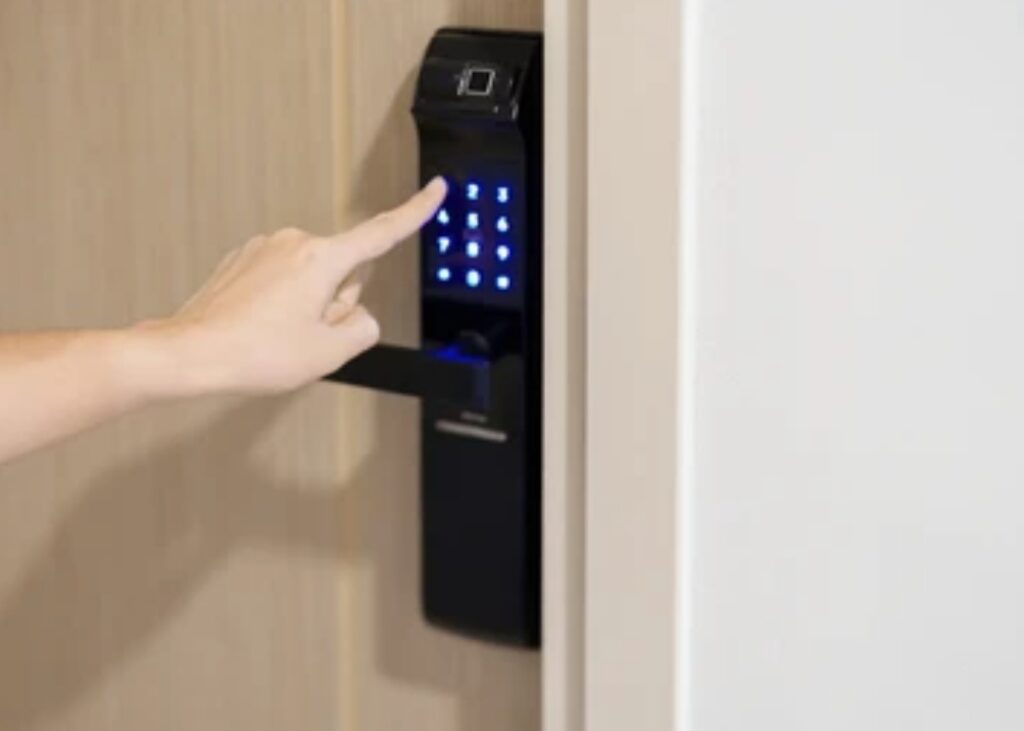
If you’re wondering are smart locks safe, the first step to ensuring security is choosing the right brand.
Top-rated smart lock manufacturers invest heavily in cybersecurity, usability testing, and long-term updates.
🛡️ Look for brands that offer:
- End-to-end AES-256 encryption
- Biometric authentication or 2FA (Two-Factor Authentication)
- Regular firmware updates
- Transparent privacy policies
- Integration with smart home ecosystems like Alexa, Google Home, or Apple HomeKit
Avoid unknown or low-budget brands with limited reviews or no update history — they often skip critical security standards.
👉 Smart Move: Stick with well-known names like August Smart Lock, Yale Assure Lock, or Schlage Encode.
🔐 Use Strong, Unique Access Codes and Passwords
Your smart lock is only as secure as the credentials you set.
Here’s how to strengthen your access:
🔢 For entry PINs:
- Avoid simple sequences (like 1234 or 0000)
- Don’t reuse codes across devices
- Use 6+ digit codes with non-obvious combinations
- Rotate codes every 60–90 days
🔐 For app passwords:
- Use a mix of upper/lowercase letters, numbers, and symbols
- Avoid using names, birthdays, or pet names
- Enable 2FA for account logins
- Store passwords securely in a password manager
💡 Pro Tip: Never share access codes via SMS or email — use secure platforms provided by the lock manufacturer.
📲 Keep Your Software and Firmware Updated
Outdated firmware is one of the biggest threats to smart lock safety.
Why?
Hackers often exploit known vulnerabilities that have already been patched — but only if you’ve updated your device.
📌 What you should update regularly:
- 📱 Your smart lock’s companion mobile app
- 🌐 Router firmware
- 🔐 Smart lock firmware (check in the app)
- 📟 Smart hub or home automation software
⏰ Set a reminder every month to check for updates. Many modern smart locks support automatic over-the-air updates — just ensure they’re enabled.
🌐 Secure Your Wi-Fi and Network Environment
Your smart lock depends on a secure and stable internet connection.
If your home Wi-Fi is weak or compromised, your entire smart home becomes vulnerable.
🔒 Steps to protect your network:
- Upgrade to a router that supports WPA3 encryption
- Create a separate guest network for visitors
- Disable WPS and UPnP (they open security holes)
- Use a long, complex Wi-Fi password
- Change the default router login credentials
📶 Bonus Tip: Use network monitoring tools to spot unauthorized devices or unusual activity on your smart home network.
📵 Limit Remote Access and Geofencing Where Possible
While remote access is a key advantage of smart locks, it can also pose security risks if misused.
Here’s how to use it wisely:
- Only enable remote unlocking when absolutely necessary
- Disable automatic unlocking via geofencing unless you fully trust the app and environment
- Set time-based access for guests or family
- Use alerts to be notified whenever remote access is used
🔔 Some locks allow you to receive real-time push notifications when doors are accessed — enabling instant response to suspicious activity.
🔍 Monitor Access Logs and Set User Permissions
One major benefit of smart locks is the ability to see exactly who accessed your property and when.
Use this feature to:
- Review logs weekly to check for any anomalies
- Assign unique access codes to each user
- Revoke guest access immediately after it’s no longer needed
- Use role-based permissions if your lock or app supports them
📈 Example: For Airbnb or property managers, you can set time-sensitive codes for cleaners or guests and delete them after checkout.
🧩 Integrate with Other Security Devices
To truly maximize smart lock safety, it’s best to integrate with a broader smart home security ecosystem.
Connect your smart lock with:
- 🔔 Smart doorbells (e.g., Ring, Nest Hello)
- 🎥 Outdoor/indoor security cameras
- 🌐 Smart alarms and sensors
- 💡 Smart lighting systems for visibility and deterrence
🧠 Smart automation idea:
Set your lock to automatically engage when your camera detects motion after midnight.
This creates a layered defense system, where each device supports the others — reducing vulnerabilities significantly.
✅ Don’t Just Install — Optimize Your Smart Lock Security
🔒 You’ve invested in a smart lock — now it’s time to make it bulletproof.
💥 Follow these best practices and explore our list of Top-Secured Smart Lock Accessories to supercharge your home’s protection.
💬 So, are smart locks safe if you follow best practices?
Absolutely. When installed correctly and maintained proactively, they offer higher security, visibility, and control than traditional locks ever could.
With these proven techniques:
- You reduce the risk of hacks
- You enhance usability for authorized users
- You build a smarter, safer home
💡 Remember: A smart lock isn’t just a gadget — it’s your first line of digital defense.
🥊 Smart Locks vs. Traditional Locks: Which Offers Better Protection?
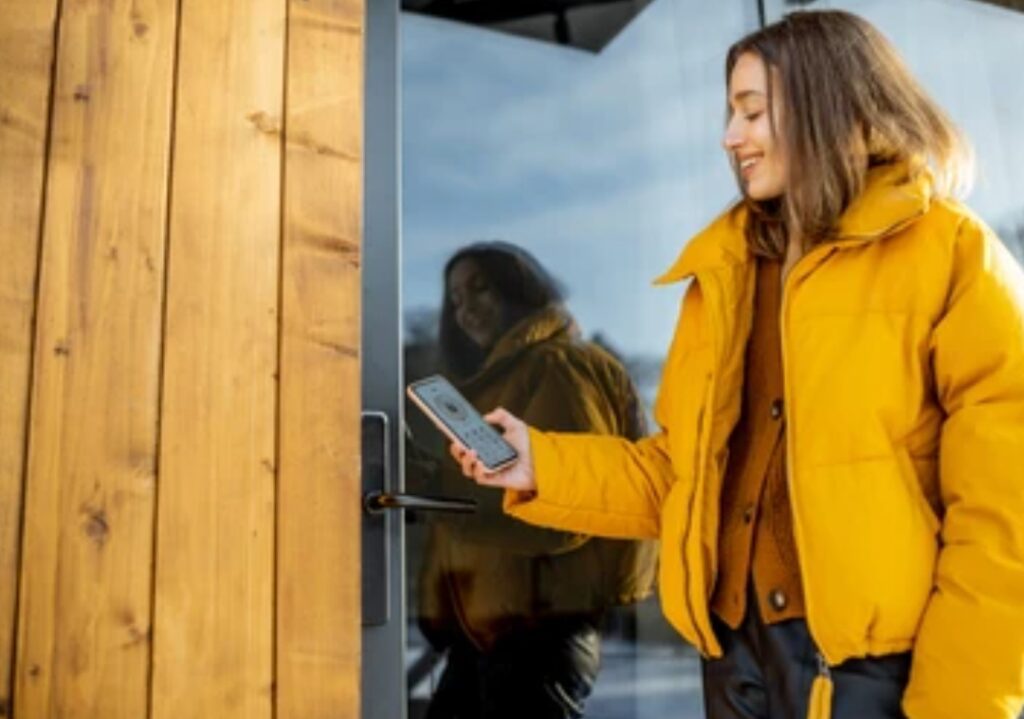
🏠 What Makes a Lock ‘Secure’? Understanding the Basics
Before diving into the comparison, it’s crucial to define what “security” means in the context of door locks.
🔐 A lock’s effectiveness is determined by its ability to:
- Prevent unauthorized entry
- Withstand tampering, picking, or forced entry
- Maintain reliability over time
- Provide user control over access
Now let’s break down the differences between traditional mechanical locks and modern smart locks, so you can confidently answer the question:
👉 Are smart locks safe—and better than traditional locks?
🛡️ Security Features: Physical Strength vs Digital Intelligence
🔑 Traditional Locks
Traditional locks—like deadbolts, padlocks, or knob locks—have been used for centuries. While they’re generally simple and affordable, they rely entirely on physical strength.
Pros:
- No dependency on Wi-Fi or power
- Long lifespan with minimal tech failure
- Familiar to everyone—no learning curve
Cons:
- Vulnerable to lock-picking, bump keys, and brute-force attacks
- No remote control or monitoring
- Keys can be lost, duplicated, or stolen
📲 Smart Locks
Smart locks combine physical mechanisms with digital controls, offering a much higher level of versatility and automation.
Pros:
- Keyless entry (PIN, biometrics, mobile app, voice assistant)
- Real-time access tracking and logs
- Temporary access for guests or workers
- Remote control and alerts via smartphone
- Integration with smart home ecosystems
Cons:
- Dependence on battery or power source
- Potential hacking risk (though mitigable)
- More expensive upfront
🧠 Are smart locks safe when compared to traditional ones?
Yes, especially when secured with best practices. In fact, smart locks offer more control, customization, and visibility over who enters your home and when.
🧠 Smart Locks Offer Intelligence That Traditional Locks Can’t
Smart locks adapt to your lifestyle. Unlike traditional locks that require physical presence, smart locks:
- Automatically lock behind you
- Alert you if the door is left unlocked
- Sync with your smart doorbell for facial recognition
- Offer remote unlocking for deliveries, cleaners, or family
You can even create custom rules like:
- “Auto-lock the door at 10 PM every night”
- “Unlock when I arrive home using geofencing”
- “Notify me if someone uses a specific code”
None of this is possible with a traditional lock.
🔩 Durability & Physical Resistance
When it comes to brute force (like crowbar attacks), traditional locks vary—some are extremely durable (grade 1 deadbolts), while others are easily forced.
Modern high-end smart locks are built with the same ANSI/BHMA grade standards as traditional locks, meaning their physical security is just as strong, if not stronger.
📌 Tip: Look for smart locks that are Grade 1 or 2 certified and include reinforced metal housings for added resistance.
🔍 Control, Monitoring, and Convenience
Here’s where smart locks truly shine.
Traditional Locks:
- No access logs
- Must be locked/unlocked manually
- No visibility of activity when you’re away
Smart Locks:
- View who accessed your home and when
- Set access times for guests or cleaners
- Get alerts if someone tampers with the lock
- Manage your lock even when you’re on vacation or at work
These monitoring features enhance both safety and peace of mind.
⚡ Technology and Power Dependency: A Double-Edged Sword?
Critics often ask: Are smart locks safe during a power outage?
Here’s the truth:
- Most smart locks run on long-lasting batteries (6–12 months on average)
- They include backup keyholes, external power terminals, or emergency unlock options
- Even during power or Wi-Fi outages, Bluetooth models continue to function
Traditional locks, while immune to tech failure, can be defeated with basic lockpicking tools—a method still widely used in break-ins.
💸 Cost vs Long-Term Value
- Traditional locks: Typically cost $20–$60
- Smart locks: Range from $100 to $300+
But here’s why smart locks often deliver more long-term value:
- No more rekeying after losing keys
- Remote guest access reduces need for spare keys
- Custom alerts and logs help deter or track suspicious activity
- Time-saving automation and convenience
You’re not just paying for a lock—you’re investing in a smart home security system.
✅ Ready to Upgrade Your Home’s Security?
💥 Don’t settle for old-school security in a smart world.
💡 Choose a top-rated smart lock and enjoy peace of mind, advanced control, and future-ready home protection.
💬 Final Verdict: Which Lock Wins?
🏆 Verdict:
Smart locks offer better protection, convenience, and real-time control compared to traditional locks—when chosen wisely and secured properly.
They’re not just “locks”; they’re intelligent guardians for your modern lifestyle.
So if you’re still asking are smart locks safe?
✅ The answer is a confident yes—and in most cases, they’re safer than traditional options.
✅ Pros and Cons of Smart Locks: Everything You Need to Know
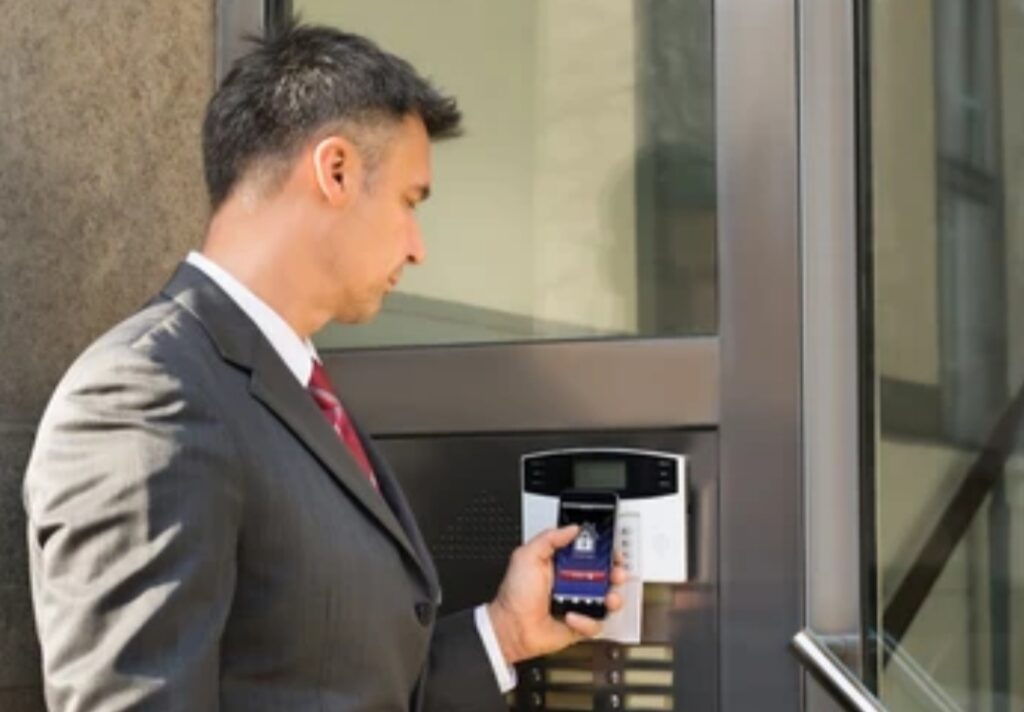
📊 Smart Locks at a Glance: Pros and Cons Table
| ✅ Pros of Smart Locks | ⚠️ Cons of Smart Locks |
| 🔓 Keyless Convenience – No more fumbling for keys or worrying about lost spares. | 🔋 Battery Dependency – Requires regular battery replacement (every 6–12 months). |
| 📱 Remote Access Control – Lock/unlock your door from anywhere using a smartphone. | 🌐 Wi-Fi/Bluetooth Issues – Connectivity loss can cause temporary access issues. |
| 👥 Custom User Access – Give temporary or scheduled access to guests or service pros. | 🧠 Learning Curve – May take time to configure settings and integrations. |
| 🕒 Activity Logs & Alerts – Know who enters and when, with real-time notifications. | 🛠️ Installation Complexity – Some models require professional installation. |
| 🔐 Tamper Alerts & Auto Lock – Get notified if someone tries to break in or forgets to lock. | 💰 Higher Cost – Typically more expensive than traditional locks. |
| 🧠 Smart Home Integration – Works with Alexa, Google Assistant, Apple HomeKit & more. | 🧪 Hacking Concerns – If not properly secured, smart locks can be vulnerable. |
| 🏠 Improves Property Value – Seen as a modern upgrade in real estate listings. | 🔧 Maintenance – Requires firmware updates and occasional troubleshooting. |
🧠 Are Smart Locks Safe Enough to Replace Traditional Locks?
In most real-world cases, yes.
When installed correctly and paired with secure practices like:
- Using strong, unique access codes
- Keeping firmware updated
- Choosing reputable brands with encryption features
Smart locks surpass traditional locks in both functionality and layered security.
✅ Power Tip: What to Look for in a Smart Lock
Before choosing your smart lock, prioritize models that offer:
- ANSI/BHMA Grade 1 or 2 certification
- End-to-end encryption (AES-128 or AES-256)
- Two-factor authentication for app access
- Manual key override in case of emergencies
- Integration with your existing smart home platform
💬 Is a Smart Lock Right for You?
If you value convenience, control, and customizable security, then a smart lock is worth the investment.
But if you’re in a remote area with poor connectivity, or don’t feel comfortable with tech—traditional locks might still suit your lifestyle better.
The good news? Many homeowners use a hybrid system, combining a traditional deadbolt with a smart lock overlay or smart keypad, offering the best of both worlds.
👉 Ready to upgrade your door security to the next level?
Explore the best-reviewed smart locks on the market today and transform your home into a smarter, safer haven.
🧠 Expert Tips for Choosing the Right Smart Lock for Your Home or Office
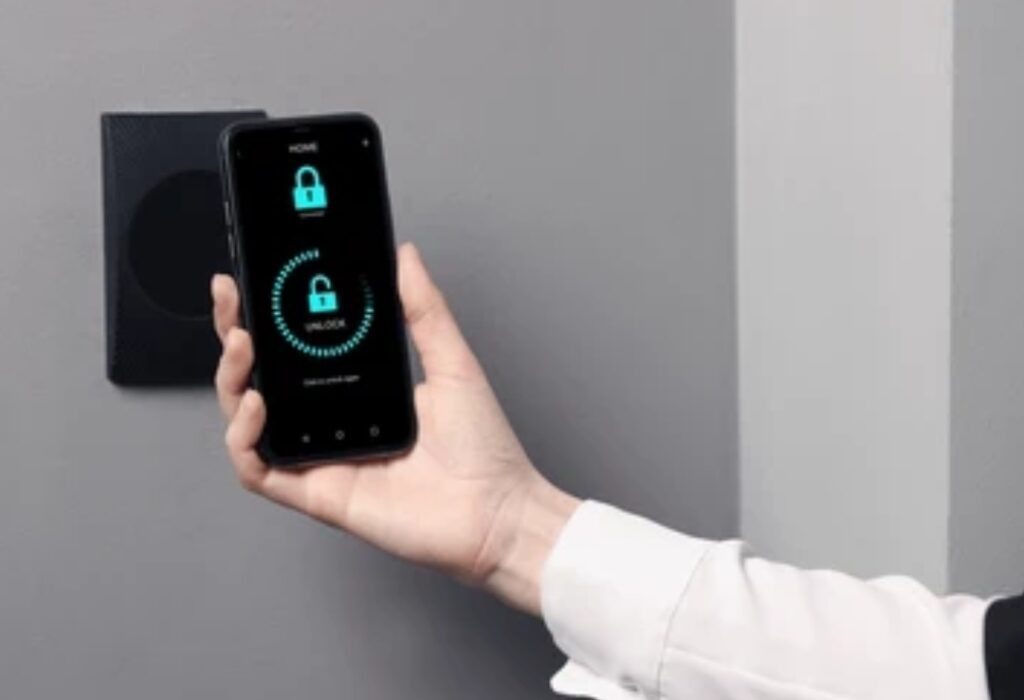
🏷️ Tip #1: Choose a Smart Lock That Meets ANSI/BHMA Standards
Security isn’t just about features—it’s also about certification.
Look for locks rated by the ANSI (American National Standards Institute) or BHMA (Builders Hardware Manufacturers Association).
- Grade 1 = Highest level of residential security
- Grade 2 = Excellent for standard home use
- Grade 3 = Basic protection for light usage
🧠 Pro Insight: Smart locks that meet Grade 1 or 2 standards offer physical security on par with high-end traditional locks—crucial if you’re still wondering “are smart locks safe?”
🔐 Tip #2: Prioritize Models with Strong Encryption and Two-Factor Authentication
To stay protected from hackers or brute-force digital attacks, your smart lock should have:
- AES-128 or AES-256 encryption (same level used in banking)
- Two-factor authentication (2FA) for app access
- Encrypted communication between the lock and your phone/Wi-Fi
🛡️ Power Tip: Avoid locks that only use simple Bluetooth pairing without PIN authentication. Look for models with cloud encryption and secure key storage.
📱 Tip #3: Match the Lock to Your Smart Home Ecosystem
A smart lock should seamlessly integrate with your existing system to create a truly automated and secure experience.
Here’s how to match:
| Platform | Look for Smart Locks Compatible With: |
| Amazon Alexa | Yale, Schlage Encode, August, Level Lock |
| Google Assistant | Nest x Yale, Kwikset Halo, August |
| Apple HomeKit | Level Lock, Schlage Encode Plus, Yale Assure |
| SmartThings | Lockly, Kwikset, Danalock |
📌 Pro Insight: Integration allows for voice control, routines, and automation like “lock doors when I say goodnight” or “unlock when I arrive.”
🔋 Tip #4: Check for Battery Life, Backup Options & Emergency Unlocking
One of the most common concerns is: What happens if the battery dies?
✅ A great smart lock should have:
- Battery life of 6–12 months
- Low-battery alerts via app and lock beeping
- Backup access methods (manual key, external battery terminals, fingerprint)
Pro Tip: Avoid locks that rely solely on app control without a backup method. If you’re ever locked out with a dead phone or dead battery, you’ll thank yourself for choosing a lock with a fail-safe.
🧰 Tip #5: Consider Retrofit vs. Full Replacement Models
There are two main types of smart locks:
- Retrofit models: Attach over existing deadbolts (like August or Wyze)
- Full replacement models: Replace your deadbolt and require full installation
🔧 Which should you choose?
- If you’re renting or want minimal installation, go for retrofit
- If you’re a homeowner or doing a smart home overhaul, go for full replacement models for better security
💬 Tip #6: Read Reviews & Real-World Feedback
Always check:
- Verified buyer reviews
- Installation difficulty
- Reliability over time
- Support and app performance
Trusted review platforms include Amazon, Best Buy, and TechRadar.
🧠 Pro Suggestion: Look for reviews that mention app glitches, connectivity issues, or customer support problems, as these are often overlooked yet critical.
✅ Bonus Pro Tip: Buy from Reputable Brands Only
Trusted brands offer better:
- Firmware support and regular security updates
- Customer service
- Durability and quality control
🏆 Top recommended brands:
- August
- Yale
- Schlage
- Kwikset
- Level
- Lockly
⚠️ Avoid generic, no-name brands unless they’re certified and reviewed thoroughly.
🔥 Ready to Buy the Right Smart Lock?
👉 Don’t gamble with your home’s safety.
Choose a trusted smart lock brand today and enjoy full control, stronger security, and peace of mind.
❓Frequently Asked Questions About Smart Locks
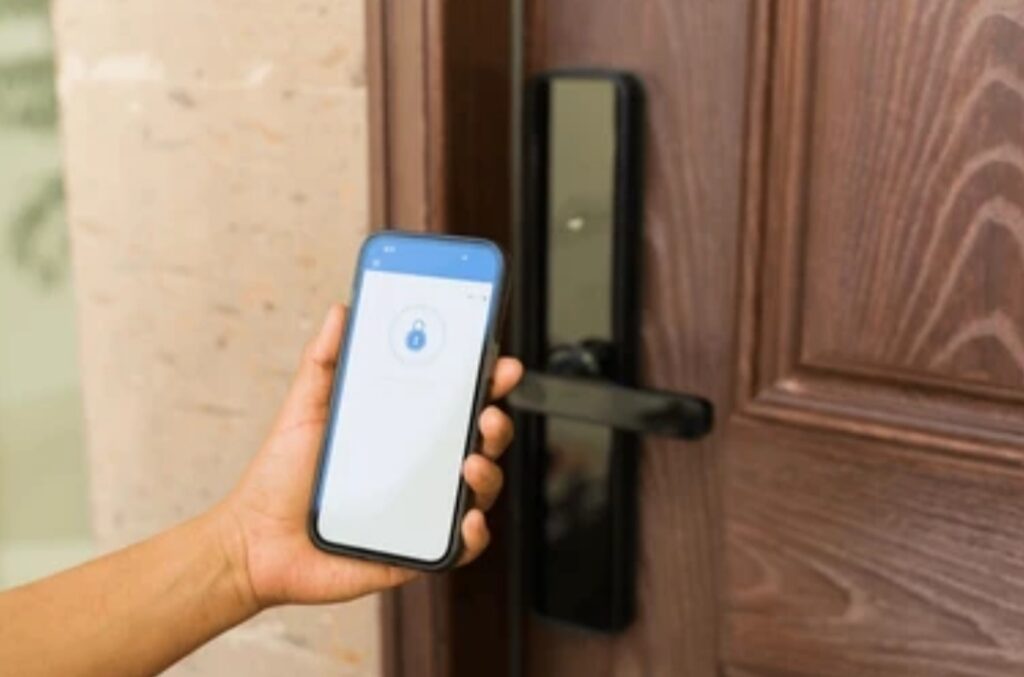
🔐 Are smart locks safe for home use?
Yes, smart locks are generally safe for home use—if installed and managed properly.
They often include advanced features such as:
- Two-factor authentication (2FA)
- End-to-end encryption
- Auto-locking
- Real-time activity tracking
However, their safety also depends on:
- Choosing a trusted, well-reviewed brand
- Keeping firmware up to date
- Avoiding default or easy-to-guess passcodes
👉 With the right setup, smart locks can be more secure than traditional locks due to digital access control and real-time monitoring.
🔍 Can smart locks be hacked?
Technically, yes, but the risk is low with proper precautions.
Most smart locks today use:
- AES-128 or AES-256 encryption
- Encrypted cloud communication
- Device authentication
Still, risks exist—just like any connected device. To minimize hacking threats:
- Regularly update the lock’s firmware
- Enable 2FA in your smart lock app
- Avoid using public Wi-Fi for remote access
- Choose a model from a reputable security-focused brand
💡 Remember: physical locks can be picked too. No system is 100% secure, but smart locks offer multiple security layers.
🛠️ Do smart locks work without internet?
Yes—some smart locks can function offline using Bluetooth or keypad entry.
Here’s how:
- Bluetooth-only locks (like Level Lock or August): Work without Wi-Fi, but only nearby
- Keypad smart locks: Still allow PIN entry even if your internet is down
- Locks with physical keys: Offer backup access if all else fails
📌 However, remote access and app notifications may require Wi-Fi or a smart home hub.
💰 Are smart locks worth the money?
Absolutely, for many homeowners and renters.
Here’s what you’re paying for:
- ✨ Convenience – No more keys, remote locking/unlocking
- 🧠 Smart integrations – Voice control, routines, automation
- 🔐 Improved security features – Access logs, alerts, PIN scheduling
- 📈 Home value boost – A modern touch appreciated in real estate
➡️ If convenience and security are priorities, then yes—smart locks are a smart investment.
🏠 Can I install a smart lock myself?
Yes, most smart locks are DIY-friendly and come with detailed instructions.
✔ Retrofit locks (like August) often take under 15 minutes to install
✔ Full replacement locks (like Schlage or Yale) may require tools but are still doable for beginners
✔ For complex integrations (like wiring into security systems), consider professional help
📢 Pro Tip: Always ensure your door is compatible with the lock’s size and alignment before buying.
🔄 Do smart locks still work during a power outage?
Yes—most smart locks run on batteries, not your home’s power supply.
✔ They will continue functioning even if there’s a blackout
✔ You’ll get low battery alerts via the app or on the lock itself
✔ Many models include a backup key slot or emergency battery terminal
⚠️ Make sure to replace batteries on schedule to avoid lockouts.
📱 Can I unlock my smart lock if I lose my phone?
Yes. Here are your options:
- Use the lock’s physical key override
- Log into your account on another device
- Use a keypad code if your lock supports it
- Access the lock through a connected smart home hub
👉 It’s a good idea to set up multiple access methods in case of emergency.
🧰 How often should I update the smart lock’s firmware?
Check the app at least once a month or enable automatic updates.
Manufacturers regularly release patches to:
- Fix bugs
- Improve security
- Add new features
⚠️ Outdated firmware is one of the top causes of smart lock vulnerabilities—stay updated for maximum safety.
✅ Pro Tip: Have More Questions?
👉 Ready to explore the most secure smart locks available right now?
Click here to compare features, prices, and customer reviews.
🏁 Final Verdict: Are Smart Locks Safe for Your Home in 2025?
🔎 So… Are Smart Locks Safe in 2025? Let’s Wrap It Up.
Yes—smart locks are safe when you choose the right model, follow best practices, and keep them updated.
In fact, when used correctly, they offer more control and visibility than traditional locks ever could.
That said, no system is completely hack-proof—not even conventional locks.
But what smart locks do offer is:
- Real-time access monitoring
- Auto-locking features
- Remote control and user management
- Seamless smart home integration
- Enhanced convenience and customization
So if you’re still asking, “are smart locks safe for home use?” — the answer is a confident YES, with a few important conditions:
✅ Choose a reputable, well-reviewed brand
✅ Regularly update firmware
✅ Use two-factor authentication
✅ Set strong PIN codes and user permissions
✅ Combine with traditional safety practices
🧠 Smart Locks Are the Future of Home Security
From remote door access to voice assistant compatibility, smart locks are transforming how we protect our homes and offices.
They’re not just gadgets—they’re a major step forward in personal and property security.
Whether you’re a tech-savvy homeowner, busy professional, or someone looking for a smarter way to secure your space, smart locks are a wise, future-ready investment.
✅ Final Thoughts & Action Plan
🔐 Want better control over who enters your home?
🧠 Looking to automate your security without sacrificing safety?
🚪 Ready to ditch your keys forever?
👉 It’s time to make the switch to a reliable smart lock system today.
Protect your home smarter, not harder.
🛒 Next Step: Choose Your Smart Lock With Confidence
Click here to compare the top-rated smart locks trusted by thousands of homeowners and security experts in 2025.
Get expert reviews, real user feedback, and exclusive discounts on your favorite brands now.
🔚 Summary at a Glance
- Are smart locks safe? Yes, with strong encryption, app security, and backup access, they’re highly secure when properly set up.
- Best features to look for: 2FA, AES encryption, physical key override, app control, and integration with smart home hubs.
- Top brands: August, Yale, Schlage, Level, Kwikset.
- Biggest risks: Poor password practices, outdated firmware, weak apps—easily mitigated with smart habits.
- Final verdict: Safe, convenient, and worth it for modern homes.
🔒 Don’t Wait. Upgrade Your Home Security Now.
➡️ Choose a powerful, reliable smart lock system today and enjoy next-level safety.
Your home deserves nothing less.
You might also like :