
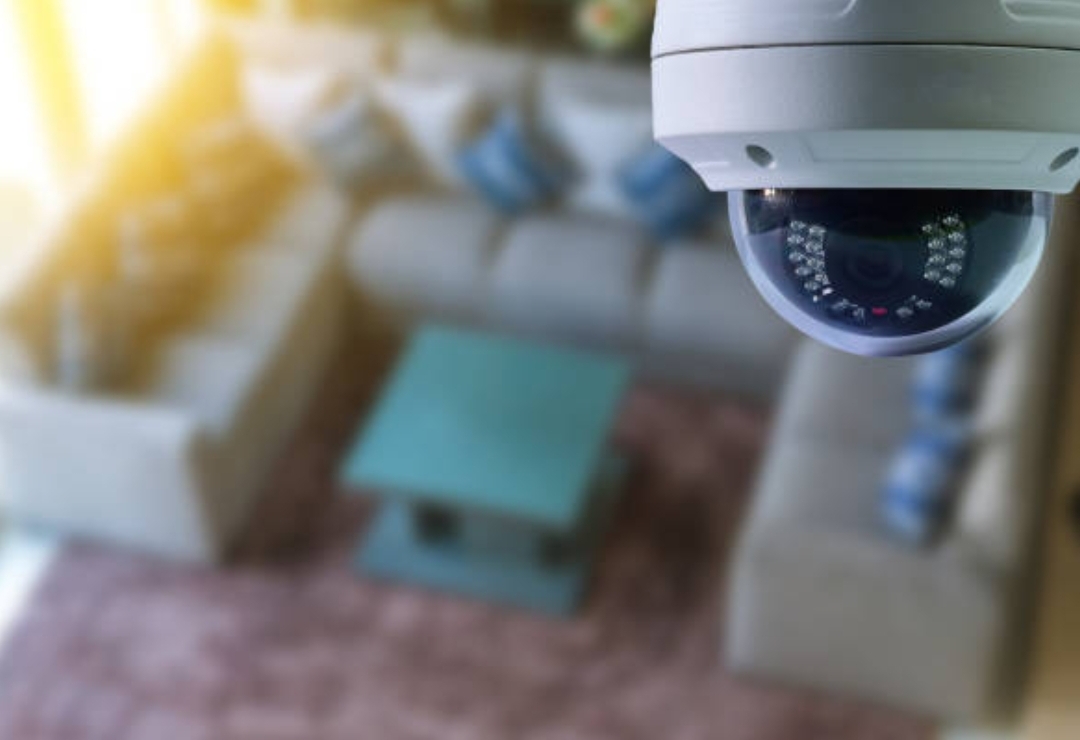
DIY smart security, budget home surveillance, affordable smart cameras
Introduction
Building a secure, smart, and reliable home doesn’t have to cost a fortune anymore.
🔐
Today’s technology has made DIY smart security more accessible, more customizable, and more budget-friendly for everyday homeowners and renters.
In the past, installing a home security system usually required expensive contracts, professional installers, and complicated wiring that felt overwhelming for beginners.
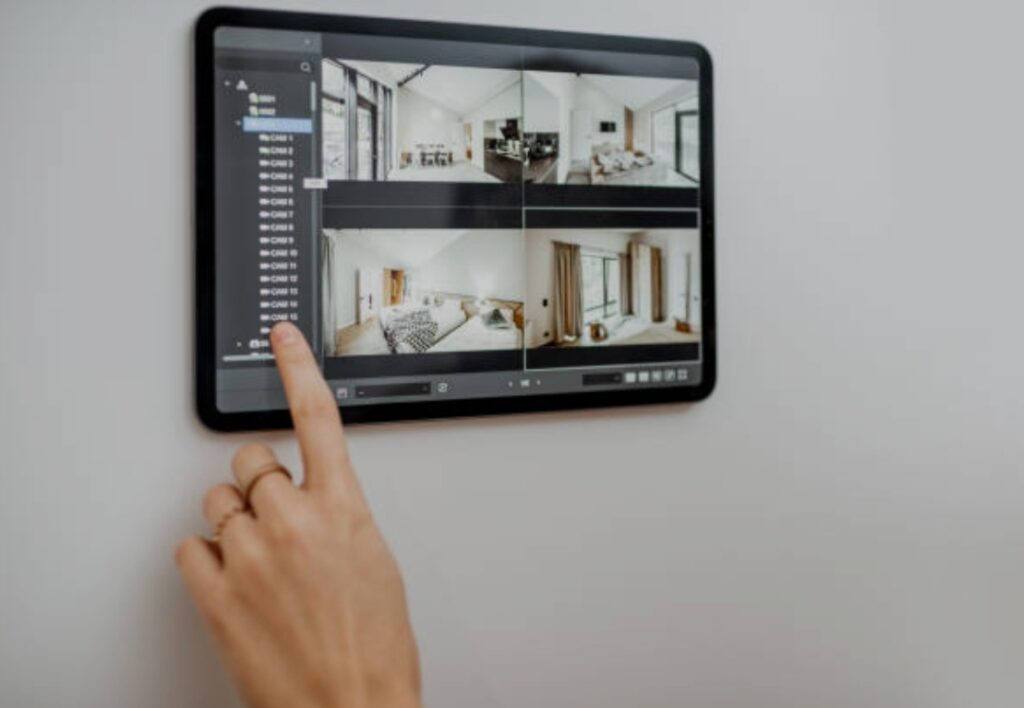
Now, with the rise of cloud-connected devices, affordable sensors, and plug-and-play gadgets, anyone can start building a powerful smart home security setup even with a limited budget.
Many people believe that advanced home surveillance systems are only for large properties or expensive homes, but this is no longer true.
With the wide range of affordable smart cameras, multi-functional sensors, and app-controlled devices available today, it’s easier than ever to strengthen your home’s protection without overspending.
Whether you live in an apartment, a small home, a shared rental, or a landed property, there are options designed to fit your specific needs and financial limitations.
As crime trends and home break-ins continue to evolve, more homeowners are looking for smarter, faster, and more flexible security solutions.
This has created a wave of innovation—devices that were once expensive and exclusive are now compact, wireless, and extremely budget-friendly.
Brands around the world are competing to offer better features at lower prices, giving homeowners more choices than ever before.
This shift has made budget home surveillance not just an alternative but a smart, empowered decision that gives you full control over your environment.
In this guide, you’ll discover how to choose the right devices, how to plan your setup, and how to build a scalable security system that grows with your needs.
You will learn beginner-friendly tips, practical recommendations, and expert insights to help you make informed choices without falling into marketing traps.
The goal is to help you understand every part of a smart security ecosystem—from cameras and motion sensors to smart locks and mobile alerts—so you can create a layered protection strategy that truly works.
This introduction sets the foundation for a complete step-by-step journey that will walk you through the entire process of building your own smart security system.
Whether you’re a total beginner or someone upgrading an old setup, this guide will empower you with actionable knowledge you can use immediately.
And the best part?
You can do all of this on a budget, using reliable, modern devices that provide excellent value.
By the end of this post, you’ll be ready to start building your own powerful home protection system using affordable tools, smart automation, and clever planning.
You’ll also learn how to pick the right DIY smart security devices, where to place them, and how to maximize their performance without overspending.
This article is created to help you build a smart, modern, and highly effective security system using a mix of budget home surveillance solutions and affordable smart cameras that deliver real results.
If you’re ready to take control of your home’s safety and create a system that gives you confidence, convenience, and peace of mind, then keep reading.
Your smart home security journey starts right now — and you’re about to unlock powerful tools that protect what matters most.
Why Smart Home Security Matters
Home security has evolved dramatically over the past decade, and understanding why it matters today is the first step toward building a safer, smarter living environment.
With more people working remotely, spending time at home, and relying on digital devices, protecting your personal space has become more important than ever.
Smart home security systems combine intelligence, automation, and connectivity to help you stay informed, stay alert, and stay protected—without needing a professional installer or a large budget.
Gone are the days when home protection meant bulky alarm panels, expensive wiring, or costly monitoring contracts.
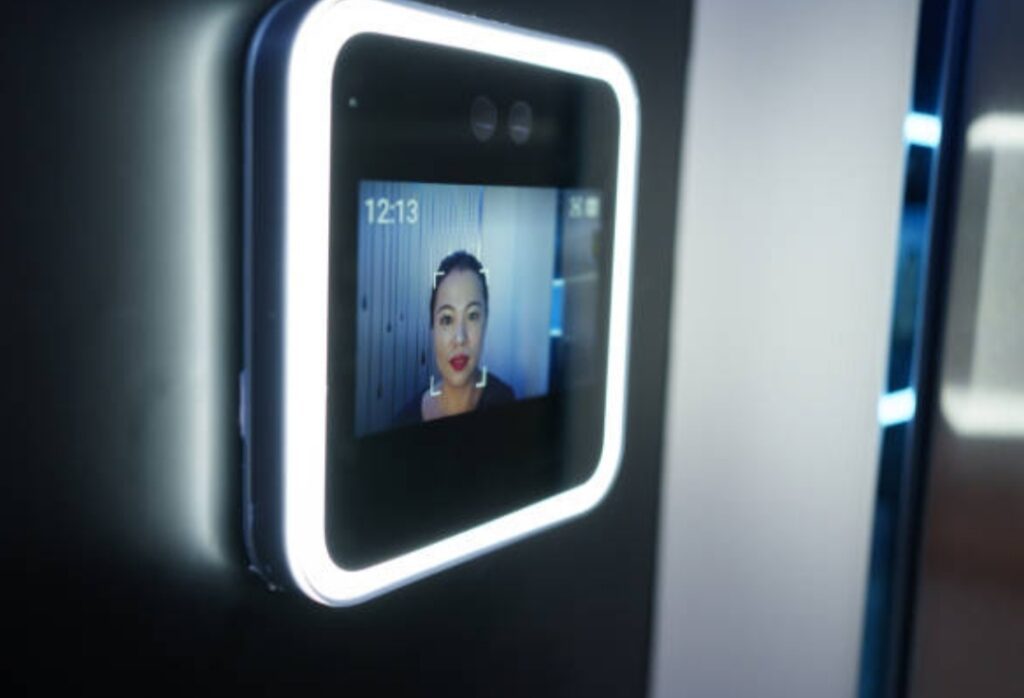
Modern security devices are designed to work seamlessly with your smartphone, giving you instant access to live video, motion alerts, and door activity from anywhere in the world.
This ability to monitor your property in real time has completely changed how homeowners prevent and respond to suspicious activity.
Today’s homes face more threats than traditional break-ins alone.
Package theft, vandalism, unauthorized access, and even unintentional safety hazards like open doors or forgotten windows can put your home at risk.
Smart devices provide advanced detection systems that notify you before small issues turn into major problems.
This proactive approach is what makes DIY smart security such a powerful and practical solution for modern households.
Another reason smart security matters is the affordability and accessibility of today’s technology.
Many homeowners still assume sophisticated security systems require big budgets, but the rise of budget home surveillance has made advanced protection possible for nearly everyone.
From affordable smart cameras to smart locks and wireless sensors, you can start protecting your home with entry-level devices that cost less than a dinner out.
These tools offer impressive features—night vision, two-way audio, AI motion detection, cloud recording, and more—at a fraction of what they used to cost.
As technology becomes smarter, so do intruders.
Criminals today often look for homes with weak or outdated security systems.
A visible smart camera, door sensor, or motion light can instantly deter potential thieves because they know these devices send instant alerts and recordings to the homeowner.
This psychological deterrent alone is a major reason so many people choose to upgrade to smart home defense systems.
Smart home security also plays a crucial role in giving families peace of mind.
Whether you’re traveling, at work, or simply away from home for a few hours, you can check in anytime with just a tap on your phone.
You can even automate routines—like turning on lights at night, locking doors, or activating motion cameras—so your home always looks secure and occupied.
This combination of convenience and safety makes smart systems an essential part of future-ready homes.
Another important factor is the integration between multiple devices.
Smart home security works best when your devices communicate with each other, creating a powerful, interconnected safety network.
For example:
- A motion sensor detects movement and immediately triggers the camera to start recording.
- A smart doorbell alerts you when someone approaches before they even knock.
- A smart lock automatically secures itself if left open for too long.
This layered protection strategy dramatically increases your home’s ability to detect threats early and respond automatically—something traditional systems simply cannot do.
In addition, modern smart security systems are designed to grow with your needs.
You can start small with one or two cameras and gradually expand your system as your budget allows.
This flexible and scalable approach is ideal for homeowners and renters who want professional-level protection without long-term commitments or upfront costs.
Smart security matters because it combines safety, convenience, automation, and affordability in one powerful package.
It empowers homeowners to take control of their environment and make smarter decisions about protecting their loved ones, property, and belongings.
And with so many affordable smart cameras and low-cost sensors now available, strengthening your home’s security no longer feels out of reach.
As we continue through this guide, you’ll learn how to choose the right devices, build a practical setup, and maximize your home’s protection using simple, cost-effective strategies.
Your journey toward better home security starts with understanding the value of smart protection—and now, you’re ready to take the next step.
Stay with me, because the next section will show you exactly what features to look for when choosing budget-friendly smart security devices.
Don’t miss it.
Key Components of a Smart Home Security System
Building an effective smart home security setup begins with understanding the essential components that make the entire system work smoothly.
Each device plays a unique role in monitoring activity, sending alerts, and keeping your home protected with smart automation.
Knowing these components will help you plan a reliable, scalable, and budget-friendly setup using DIY smart security, budget home surveillance, and affordable smart cameras.
Below are the core elements every smart home security system should include.
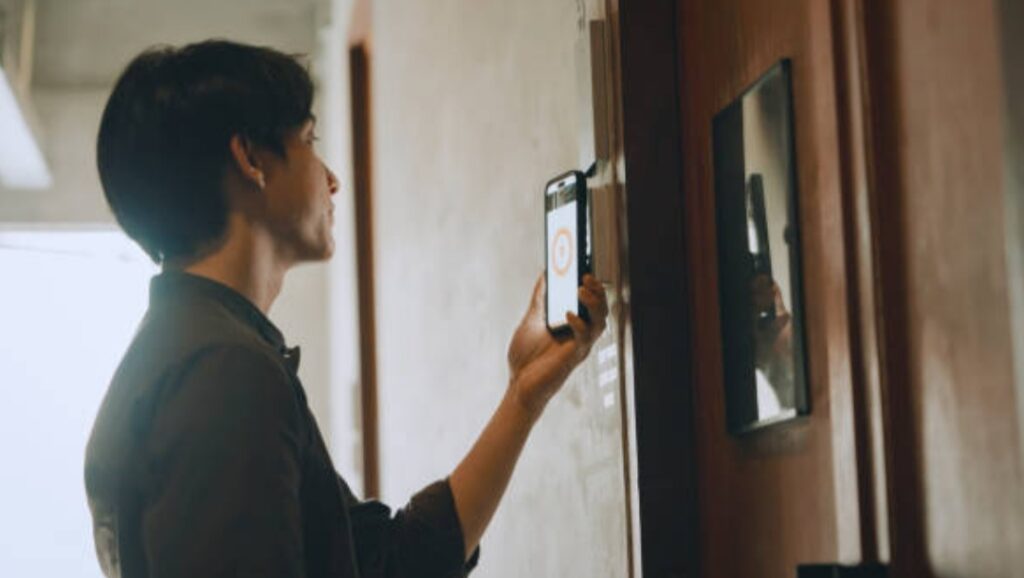
Smart Cameras — The Backbone of Budget Home Surveillance
Smart cameras are usually the first device people think about when building a home security system.
They provide live video streams, motion alerts, and cloud or local storage, giving you real-time insights into what’s happening around your home.
With the rise of affordable smart cameras, even entry-level models now offer clear HD video, night vision, and wide-angle lenses.
A good smart camera setup may include:
- Indoor smart cameras for general monitoring.
- Outdoor weather-resistant cameras for perimeters.
- Smart doorbell cameras for real-time visitor alerts.
- Pan-and-tilt cameras to cover wide areas.
Modern smart cameras also use AI-based motion detection to reduce false alerts and help identify people, pets, or packages.
This makes them a powerful and reliable component of any DIY smart security system.
If you want to explore budget-friendly camera options, you can check recommended smart cameras to compare features in detail.
Motion Sensors — Essential for Smart Threat Detection
Motion sensors detect movement in specific zones and instantly send an alert to your phone.
They work exceptionally well in entrances, hallways, living rooms, and high-traffic points inside your home.
These sensors are especially useful for renters or first-time homeowners because they’re lightweight, wireless, and extremely easy to install.
High-quality motion sensors offer:
✔ Adjustable sensitivity
✔ Long battery life
✔ App-based monitoring
✔ Instant push notifications
Motion sensors help you detect unusual activity early, enhancing your overall budget home surveillance setup.
If you want a beginner-friendly option, explore easy-install motion sensors for cost-effective choices.
Door and Window Sensors — Your First Line of Defense
Door and window sensors alert you when someone opens an entry point, giving you fast warnings even before an intruder enters.
These sensors are small, affordable, and extremely effective, making them ideal for apartments, small houses, and rental units.
You can install them on:
- Main doors
- Bedroom doors
- Patio sliding doors
- Ground-level windows
- Balcony access points
Most sensors pair directly with smart hubs or phone apps, allowing you to monitor every opening around your home.
These sensors are crucial for creating a layered defense system that increases your home’s protection.
For easy-to-use options, you can review best door and window sensors to find models that work well with beginners.
Smart Doorbells — Real-Time Alerts for Visitors and Deliveries
A smart doorbell acts as both a security device and a convenience tool.
It alerts you instantly when someone approaches your door, rings the bell, or leaves a package.
Most smart doorbells include HD video, two-way audio, and night vision, making them a valuable part of your DIY smart security setup.
They’re especially useful for:
• Deterring suspicious visitors
• Monitoring packages
• Communicating with guests even when you’re not home
Many models also integrate with smart locks, allowing you to unlock your door remotely if needed.
To explore top-rated and affordable models, you can compare options at recommended smart doorbells.
Smart Locks — Convenience and Protection in One Device
Smart locks give you keyless access to your home while improving security and convenience.
Instead of using traditional keys that can be misplaced, smart locks allow you to unlock doors using PIN codes, mobile apps, fingerprints, or NFC tags.
Benefits include:
- No more lost keys
- Auto-lock functions
- Temporary access codes
- Activity logs for every opening
Smart locks are especially helpful for families, renters, or anyone who wants extra control over who enters their home.
You may explore beginner-friendly models at best smart locks for home security.
Smart Lighting — An Affordable Way to Prevent Break-ins
Smart lighting is one of the most underrated but highly effective security tools.
By scheduling lights to turn on at night or when motion is detected, you make your home appear occupied at all times.
This simple addition greatly reduces the chances of trespassing or unwanted visitors.
Smart lights can be used for:
✔ Porch illumination
✔ Garden and backyard visibility
✔ Indoor presence simulation
✔ Automation routines with sensors
You can check out smart lighting options to make your home look occupied even when you’re away.
Smart Home Hubs — The Command Center of Your System
A smart hub connects all your devices into one ecosystem.
It helps your sensors, cameras, and alarms work together seamlessly.
Some systems don’t require a hub, but having one enhances automation and device coordination.
A hub lets you:
- Control everything from a single app
- Create advanced safety routines
- Integrate with voice assistants
- Expand your system easily over time
Popular hubs include models that work with Google Assistant, Alexa, and Apple Home, giving you plenty of flexible choices.
You can explore smart home hubs if you’re planning a scalable system.
Sirens & Alarms — Instant Alerts for Unexpected Events
Smart sirens are loud deterrents that activate when sensors detect suspicious movement.
They work indoors or outdoors to alert you or scare off intruders.
Some smart cameras also include built-in sirens, allowing for added protection without extra devices.
Features may include:
• Adjustable volume
• Integration with sensors
• Remote activation
• Battery backup
Sirens add a crucial layer of protection and pair well with budget home surveillance devices.
You can compare various options at smart sirens and alarms.
Cloud & Local Storage — Keeping Your Footage Safe
A secure storage option ensures your smart cameras always keep your recordings safe.
Many people prefer cloud storage for convenient, remote access, while others choose local storage for more privacy and no monthly fees.
Cloud storage benefits:
– Easy access anywhere
– Automatic backups
– Simple sharing options
Local storage benefits:
– No subscriptions
– Direct control of footage
– Works even when internet goes down
Both options play a major role in maintaining a secure DIY smart security system.
Mobile App Control — Your Security Dashboard
Smart security systems are powerful because you can control them from your phone.
With a mobile app, you can monitor your home, receive alerts, check camera feeds, and manage your devices in real time.
You can typically:
✔ View live camera footage
✔ Arm or disarm sensors
✔ Receive instant notifications
✔ Manage automation settings
Mobile control gives you peace of mind and the ability to stay connected to your home at all times.
Why These Components Work Better Together
A smart home security system is most effective when all devices work as a team.
For example:
- A motion sensor triggers your camera and sends an alert.
- A door sensor activates your smart lights at night.
- A camera detects a visitor and alerts your smart doorbell.
This teamwork creates a strong, layered security network that enhances your DIY smart security setup dramatically.
Build at Your Own Pace
The best part is you don’t need to buy everything at once.
Start with the essentials, then add more devices as your budget allows.
This approach keeps your system affordable, scalable, and easy to manage.
How to Plan Your Budget Smart Home Security Setup
Planning your smart home security system is the most important step because it helps you avoid overspending, choose the right devices, and build a system that works perfectly for your home size, layout, and needs.
A good plan ensures you create a powerful protection network using DIY smart security, budget home surveillance, and affordable smart cameras without wasting money on unnecessary features.
This section will guide you through the essential planning steps so you can build a reliable, scalable, and cost-effective setup.
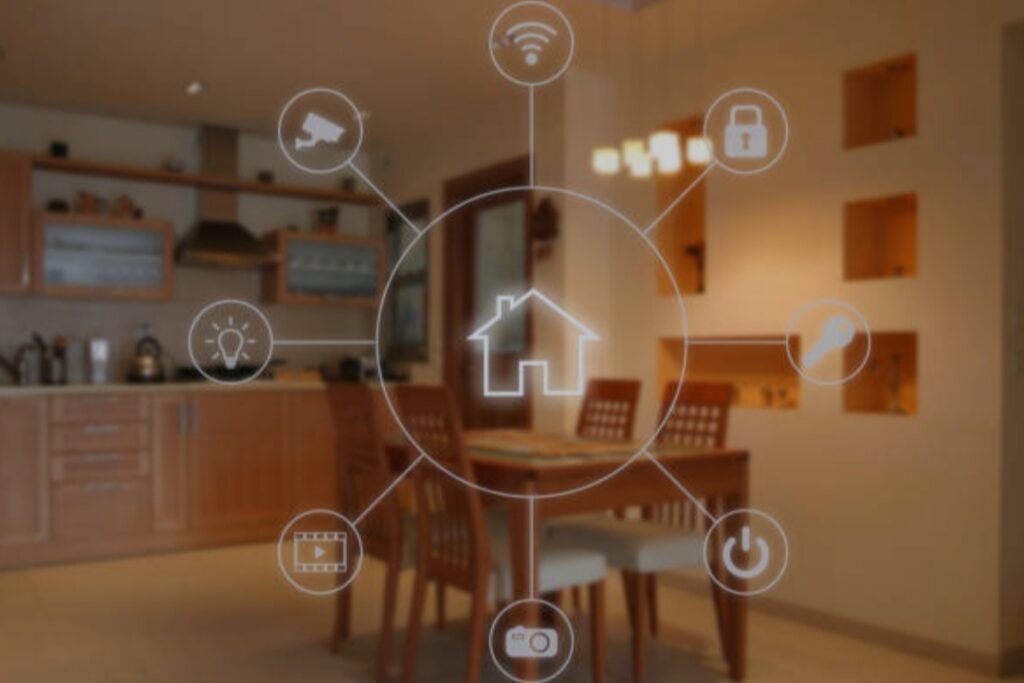
Step 1 — Assess Your Home’s Security Weak Points
Before buying anything, start by understanding which parts of your home need the most protection.
Every home has different vulnerabilities depending on its layout, location, and entry points.
This assessment helps you identify where to place your sensors, cameras, and smart devices for maximum coverage without overspending.
Look for areas such as:
- Main entrance doors
- Back doors or side doors
- Low-level windows
- Dim or hidden outdoor areas
- Entrances that can’t be seen from the street
- Package drop-off zones
- Hallways leading to bedrooms
Walk around your home during the day and night to understand how lighting, visibility, and movement patterns change throughout the day.
This helps you decide which areas need additional lighting, cameras, or motion sensors.
The goal is to protect every major access point while keeping your system affordable and simple.
Step 2 — Determine Your Security Goals and Priorities
Not every homeowner needs the same type of smart security.
Your goals will determine the kind of devices you should invest in first.
By setting clear priorities, you’ll avoid buying unnecessary gadgets and focus your budget on what matters most.
Common goals include:
✔ Preventing break-ins
✔ Monitoring your home when you’re away
✔ Keeping an eye on kids, pets, or elderly family members
✔ Protecting packages from theft
✔ Increasing visibility around dark outdoor spaces
✔ Automating home safety routines
Once you understand your goals, you can match each need to the right type of device.
For example, monitoring packages may require a smart doorbell, while protecting multiple entry points may require door and window sensors.
Step 3 — Set a Realistic Budget That Matches Your Needs
Planning a smart security system doesn’t mean spending a lot of money.
Thanks to modern technology, you can build a reliable setup using affordable smart cameras, basic sensors, and simple automation tools even on a low budget.
A practical budget range could include:
- Entry-Level Budget (RM150–RM350 / $30–$70): 1 smart camera + door sensors
- Moderate Budget (RM350–RM800 / $70–$160): 2–3 cameras + motion sensors
- Full Smart Setup (RM800–RM1500 / $160–$300): Cameras + sensors + smart lighting + smart lock
Creating a budget helps you make smarter buying decisions and lets you expand your system gradually without financial pressure.
The key is to start small and upgrade over time.
Step 4 — Choose Devices That Support Future Scalability
One of the biggest mistakes beginners make is buying devices that can’t connect to each other later.
A scalable system ensures every device can integrate smoothly as your setup grows.
Look for features such as:
• App compatibility
• Cloud or local storage options
• Integration with Google Home or Alexa
• Easy pairing with sensors
• Wireless installation
Choosing scalable devices ensures your DIY smart security system can evolve without needing replacements.
If you want expandable systems, you can explore smart security bundles for future-proof options.
Step 5 — Decide Between Cloud Storage and Local Storage
Your recorded footage must be stored somewhere, so this step matters.
Cloud storage is convenient, while local storage is affordable and subscription-free.
The right choice depends on your security needs and budget.
Cloud Storage Benefits:
✔ Automatic uploads
✔ Access from anywhere
✔ Easy sharing
Local Storage Benefits:
✔ No monthly fees
✔ More privacy
✔ Works during internet outages
Choose the option that fits your long-term goals and budget.
Step 6 — Plan the Placement of Cameras and Sensors
The placement of your devices determines how effective your security system will be.
Good placement ensures maximum coverage while minimizing blind spots.
Here are simple placement tips:
- Front door camera should be at eye level and angled downward.
- Outdoor cameras should be placed under shade or a roof to avoid glare.
- Indoor cameras should cover doorways, hallways, and living rooms.
- Motion sensors should be placed at least 6–7 feet high.
- Door sensors should be installed at the top section of the door frame.
This strategic positioning ensures your budget home surveillance system captures important activity without missing anything.
You may check placement examples at camera placement guide for visual references.
Step 7 — Ensure Your Wi-Fi Network Can Support Smart Devices
Your Wi-Fi acts as the “brain” of your smart home system.
If your connection is slow, weak, or unstable, your cameras and sensors may not work properly.
To ensure strong connectivity:
✔ Place your router centrally
✔ Use Wi-Fi extenders if needed
✔ Keep your devices within 10–15 meters
✔ Avoid thick walls blocking signals
✔ Choose dual-band routers for better performance
A strong Wi-Fi setup guarantees your DIY smart security system works smoothly 24/7.
Step 8 — Consider Automation Routines for Better Protection
Automation transforms your smart devices from passive tools into active defenders.
Simple routines can dramatically increase your security without costing extra money.
Examples of effective automation include:
- Turn on outdoor lights when motion is detected.
- Activate sirens when a door sensor is triggered.
- Start camera recording when the door opens.
- Send phone alerts when visitors arrive.
- Lock doors automatically after 10 minutes.
These automated routines create a smarter, safer home.
Step 9 — Build Your System Slowly and Upgrade Over Time
You don’t need to buy everything at once.
Start with what matters most—like cameras and sensors—then add more devices as your budget grows.
This helps you avoid unnecessary spending while ensuring you build a complete system over time.
A recommended upgrade path:
1️⃣ Start with a smart camera.
2️⃣ Add motion sensors.
3️⃣ Add door and window sensors.
4️⃣ Add smart lighting.
5️⃣ Add a smart doorbell.
6️⃣ Add a smart lock last.
This approach lets your budget home surveillance system expand naturally.
Step 10 — Test Your Setup and Make Adjustments
Once your devices are installed, test everything.
Make sure alerts arrive quickly, cameras show clear images, and sensors respond instantly.
Small adjustments in placement or settings can significantly improve your system’s performance.
Testing helps you:
✔ Reduce false alarms
✔ Improve camera angles
✔ Strengthen motion detection
✔ Optimize Wi-Fi signals
Fine-tuning ensures your system performs at its best.
Ready to Build Your Smart Security Setup?
With proper planning, you can build a powerful, reliable, and affordable smart home protection system that fits your lifestyle and budget.
Planning saves money, avoids mistakes, and helps you choose the right devices from the start.
Stay tuned — the next section will show you the BEST affordable devices to buy, complete with suggestions, comparisons, and tips.
Best Affordable Smart Home Security Devices for Beginners
Here are some of the most cost-effective, easy-to-use devices — especially ideal if you’re building your first smart home security system. I grouped them by their function to make it easier for you to pick based on your needs.
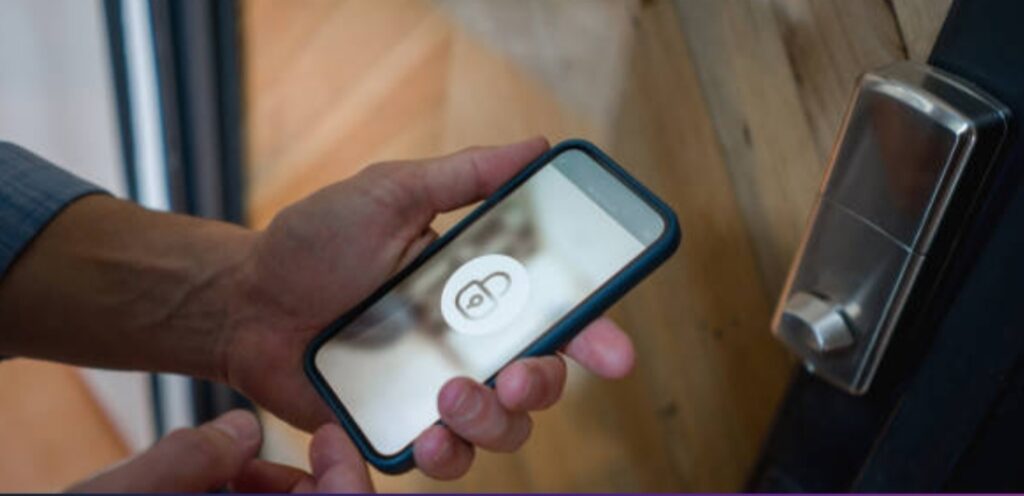
📸 Smart Cameras & Video Surveillance
Recommended picks:
- Ezviz BC2 2MP Wi‑Fi Smart Home Battery Camera — A highly affordable Wi-Fi camera that works both indoors and outdoors. Great for beginners because of its simple installation and battery operation. It’s ideal for monitoring entrances, living rooms, or small outdoor areas.
- Mi Wireless Outdoor Security Camera 1080P — A budget-friendly outdoor camera option that gives you basic surveillance coverage at low cost. Perfect if you want to secure a balcony, porch, or backyard without spending much.
🔔 Smart Doorbells & Entrypoint Monitoring
- Xiaomi 3S Smart Doorbell — A good-value doorbell camera that helps you see and communicate with visitors remotely. Useful for apartments or houses where you want to monitor front-door activity, deliveries, or unexpected visitors.
- Tuya Wireless Doorbell with Camera — A wireless entry-alert camera/doorbell with video and intercom features that fits well in budget home surveillance setups. Great for small homes or rental units.
🔐 Smart Locks & Access Control
- Tuya Fingerprint Smart Door Lock — Adds convenience and security with biometric or password entry, reducing reliance on traditional keys. Useful if you want to control access to your home smartly and affordably.
- Yale Door Lock Keypad — A more premium option if you want robust door-locking security and a more polished, durable door-security solution (though more expensive than basic locks).
✅ Why These Devices Are Great for Starters
- Low Cost, Easy Setup: Many of these devices are plug-and-play or simple to install — perfect if you have a tight budget or don’t want complicated wiring.
- Scalable and Flexible: You can start with just one or two devices (like a camera and a doorbell) and add more later — makes building a smart security system manageable and affordable over time.
- Good for Apartments or Small Homes: The compact size, wireless operation, and simplicity of these devices make them ideal for smaller living spaces or rental units.
- Essential Functionality Without Overspending: You still get vital features like video surveillance, remote monitoring, motion alerts, and smart access control — enough for effective budget home surveillance.
Common Mistakes to Avoid When Setting Up Your Smart Security System
Building a DIY smart security setup is easy, but many people still make small mistakes that weaken their entire system.
To help you avoid wasting money and to keep your home fully protected, here are the most common mistakes you should avoid—especially when working on a DIY smart security setup.
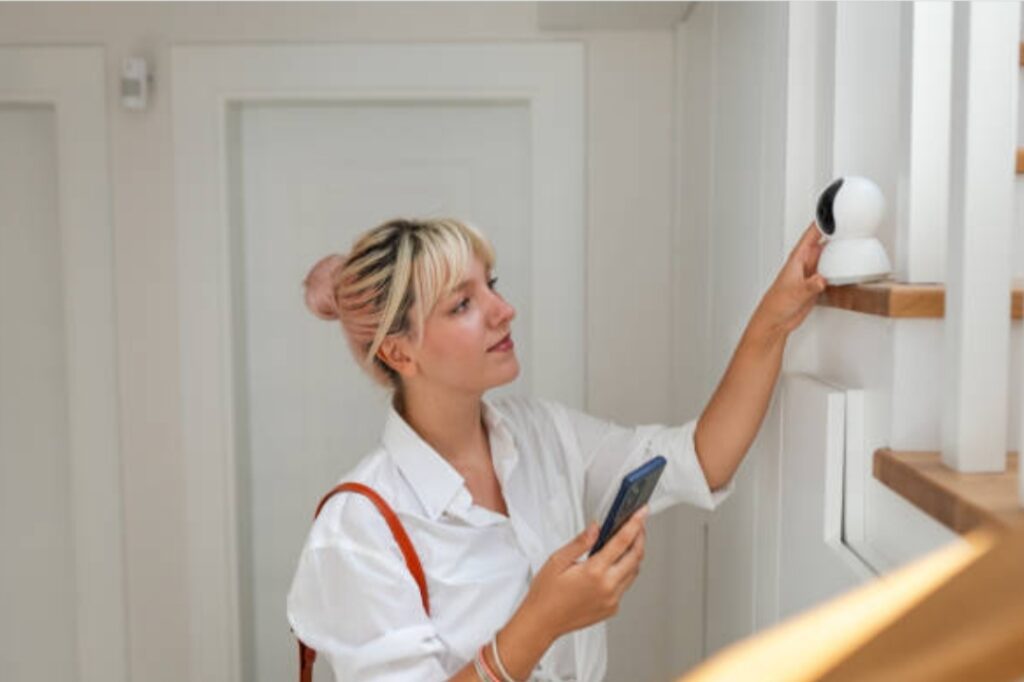
Not Checking Device Compatibility Before Buying
Many beginners buy cheap devices without confirming whether they work with their existing ecosystem such as Google Home, Alexa, or Apple Home.
Always check if the camera, sensor, or hub supports your smart home platform to avoid pairing issues and unnecessary returns.
Using Weak or Default WiFi Passwords
A smart security system is only as strong as your WiFi network.
Keeping default router passwords makes your devices more vulnerable to unauthorized access.
Always change your WiFi password, enable WPA2 or WPA3, and isolate smart devices on a guest network for better protection.
Ignoring Camera Placement and Blind Spots
Many homeowners mount cameras too high, too low, or too close to bright lights—resulting in unclear footage.
Place cameras at chest-level facing entry points, keep them away from direct sunlight, and position them to minimize blind corners.
Not Setting Up Motion Zones or Sensitivity Levels
Leaving motion detection on default settings causes unwanted alerts and drains storage.
Customize motion zones and adjust sensitivity so your camera only records important events instead of everyday movements like cars passing by.
Relying Solely on Cloud Storage Without Local Backup
Cloud subscriptions can get expensive, and depending on one storage method creates risk.
Use a combination of cloud and local storage (SD card or NAS) to ensure your footage is always accessible—even during outages.
Failing to Update Device Firmware
Skipping firmware updates leaves your system vulnerable to bugs and security loopholes.
Turn on auto-updates or manually check for updates regularly to keep your whole setup stable and secure.
Overlooking Proper Power Management
Battery-powered cameras can fail at the wrong moment if you don’t monitor battery life.
Use scheduled reminders, solar panels, or backup power banks to ensure your system stays online 24/7.
Not Testing Alerts and Automations After Setup
Installing the system is only half the job—testing is the most important part.
Trigger your sensors, test your notifications, and make sure automations like lights turning on during motion work correctly so you know everything is functioning as intended.
FAQ on Smart Security Systems for Beginners
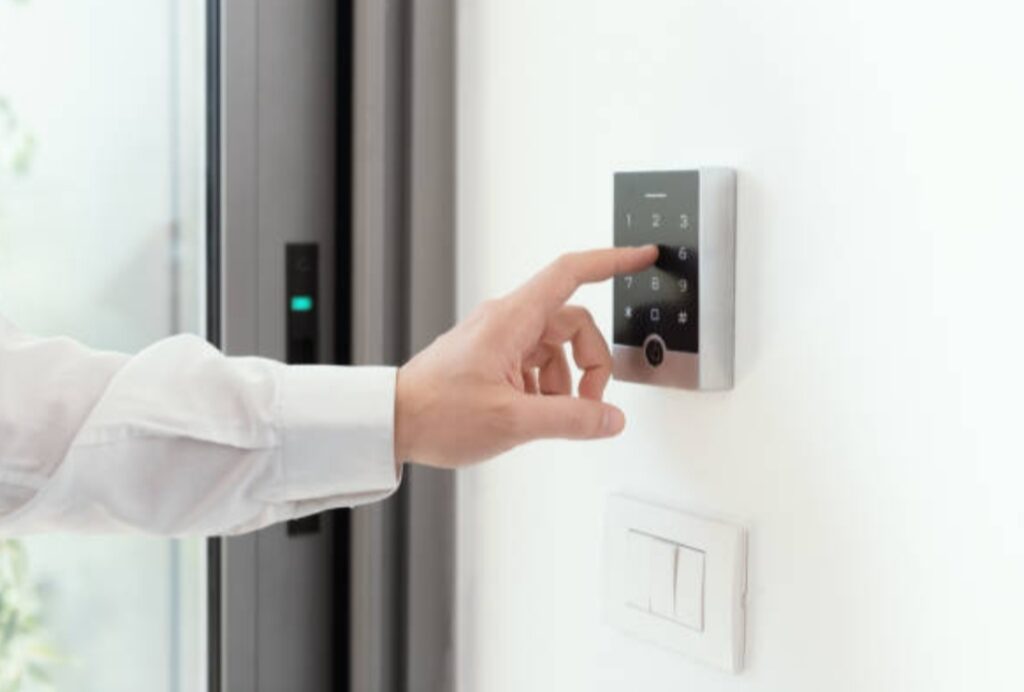
What is the best smart security system for beginners?
The best smart security system for beginners is the one that is easy to install, integrates with your current smart home ecosystem, and offers a balance between affordability and reliability.
Many homeowners starting on a DIY smart security journey prefer systems that work seamlessly with Google Home, Alexa, or Apple HomeKit because they allow simple automation and centralized control.
Look for brands that offer plug-and-play devices, clear mobile apps, and flexible storage options to avoid complications during setup.
Can I set up a smart security system on a tight budget?
Yes, you can absolutely set up an effective system even if you are on a tight budget.
Thanks to modern budget home surveillance devices, entry-level users can build a complete system at a low cost without compromising on essential features.
Affordable smart cameras, door sensors, and WiFi video doorbells now come with HD resolution, mobile alerts, and night vision—making them perfect for a starter setup.
Are affordable smart cameras reliable?
Most affordable smart cameras today are surprisingly reliable because manufacturers compete aggressively on quality, features, and performance.
Even low-cost models offer motion detection, two-way audio, cloud and local storage, and AI-enhanced detection.
Just avoid ultra-cheap, generic, no-brand cameras and choose reputable manufacturers to ensure better security and long-term support.
Where should I place my smart cameras?
Smart cameras should be placed at key entry points of your home such as front doors, back doors, hallways, garages, and facing open areas where intruders are most likely to pass.
Place cameras at chest height for a clearer face capture, angle them away from bright light sources, and avoid installing them too high as it reduces detail in the footage.
Use wide-angle cameras to reduce blind spots and improve coverage.
What Internet speed do I need for a smart security system?
For smooth video streaming and real-time alerts, you should have at least 10–20 Mbps upload speed depending on the number of cameras installed.
Higher resolution devices like 2K or 4K cameras require more bandwidth to prevent lag, buffering, or delayed notifications.
If multiple devices share one network, consider upgrading your router or creating a dedicated guest network for your smart devices.
Can smart security cameras work without WiFi?
Most cameras require WiFi for remote viewing, alerts, and cloud backup, but many models can still record locally on SD cards without an internet connection.
If you live in an area with unstable internet, consider hybrid cameras with both WiFi and LTE/4G support or use a Network Video Recorder (NVR) for continuous recording.
How do I protect my smart security system from hacking?
Start by using a strong, unique WiFi password and avoid using default login credentials on your devices.
Enable two-factor authentication (2FA) whenever possible and keep your firmware updated to protect your network from vulnerabilities.
It’s also best to separate your smart home devices using a guest network so intruders cannot access your main devices even if the smart network is compromised.
Do smart security systems work during power outages?
Most systems rely on household power, but many smart cameras now support battery backups or solar panels to ensure continuous operation.
Routers and modems, however, also need power—so a small UPS (uninterruptible power supply) helps keep your network online during short outages.
For added reliability, consider cameras with built-in batteries or offline recording.
Are smart security systems difficult to maintain?
Smart systems are usually low-maintenance because they are designed for automation and long-term operation.
Just make sure to check battery levels, clean camera lenses occasionally, and update firmware regularly to keep your entire setup performing at its best.
How many cameras do I need for a standard home?
Most small to medium homes need between 3 to 6 cameras to cover the essential areas including the front door, backyard, garage, hallway, and living room.
Larger homes may need additional cameras to eliminate blind spots and provide complete coverage.
Mapping your layout before installation helps you determine exactly how many devices you need.
Conclusion
Building a smart home security system doesn’t have to be expensive, complicated, or overwhelming.
With modern technology, anyone can create a highly effective DIY smart security setup using budget home surveillance tools and affordable smart cameras.
The key is planning carefully, choosing the right devices, and avoiding common mistakes like poor placement, weak WiFi, or incompatible gadgets.
By focusing on essential components—smart cameras, motion sensors, door and window sensors, smart doorbells, and locks—you can create a strong, layered protection system that works 24/7.
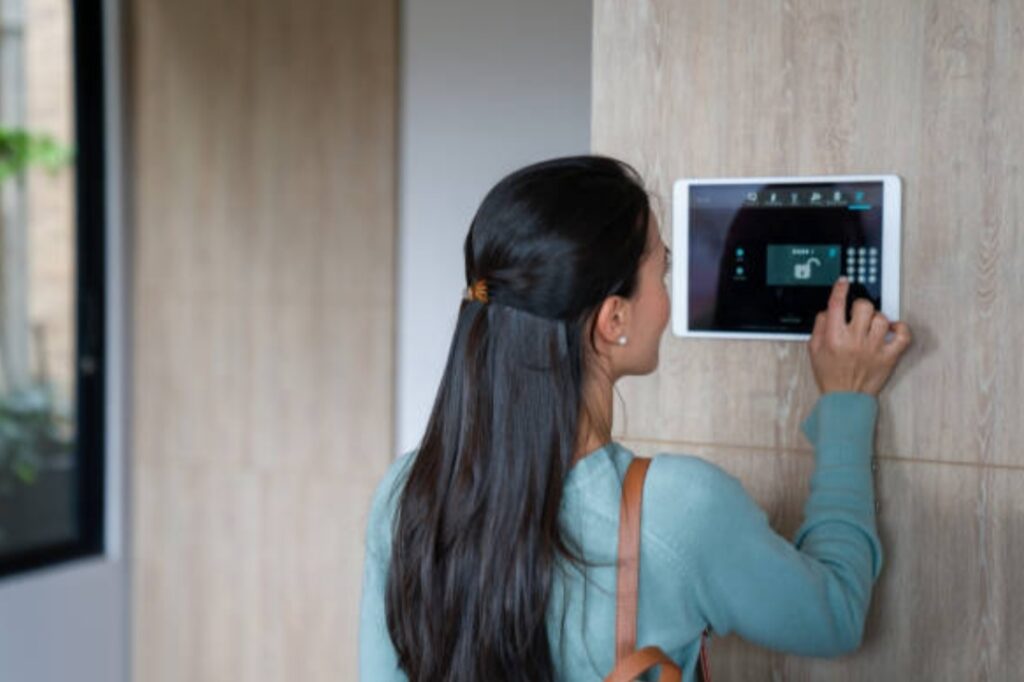
Start small, test your setup, and scale gradually as your budget allows.
Even a few well-placed cameras and sensors can dramatically improve your home’s safety and give you peace of mind.
Automation and app-based controls make it easy to monitor your home anytime, anywhere.
Smart notifications, motion-triggered lighting, and real-time alerts ensure that you are always in control.
Remember, DIY smart security is not just about technology—it’s about building confidence, convenience, and safety for your family and property.
By investing smartly, you can enjoy all the benefits of a modern security system without breaking the bank.
Take action today and start your journey toward a safer, smarter home.
Even small steps—like installing a budget-friendly camera or a door sensor—can make a huge difference.
Combine these devices, follow this guide, and watch as your budget home surveillance setup evolves into a professional-level system that protects what matters most.
Protect your home, simplify your life, and enjoy the peace of mind that comes from smart security.
You might also like :