

Setting Up a Smart Garage
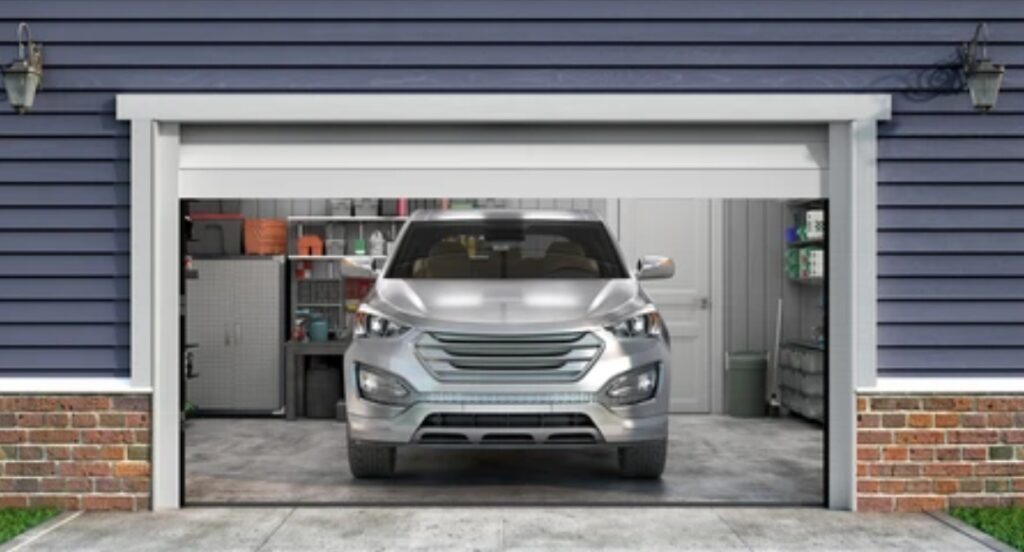
Why Upgrade to a Smart Garage? 🚗🔐
Upgrading to a smart garage is one of the most impactful home improvement projects you can undertake in 2025.
Not only does it enhance your convenience and security, but it also transforms your garage into a high-tech, energy-efficient, and connected part of your home.
Whether you’re starting from scratch or looking into how to set up a smart garage, this guide will walk you through every important detail.
A smart garage is no longer a luxury—it’s becoming a modern-day necessity in smart home setups.
Here’s why making the switch is one of the best decisions you’ll ever make for your home 👇
1️⃣ Unmatched Convenience
Imagine opening or closing your garage door from anywhere in the world with just your smartphone.
Smart garage technology eliminates the need for keys, remotes, or even being physically present.
With smart garage door openers like Chamberlain MyQ or NEXX Garage, you can:
- Receive real-time notifications when your garage opens or closes
- Set schedules to automatically close the door if left open
- Share virtual access with family or delivery services
- Check door status using voice commands via Alexa, Google Assistant, or Siri
This level of remote control and automation brings a new level of freedom and flexibility to your everyday life.
No more turning around mid-commute wondering “Did I shut the garage door?”—your smart system has it handled. ✅
If you’re serious about learning how to set up a smart garage, this benefit alone is worth the investment.
2️⃣ Enhanced Security for Peace of Mind 🔐
Your garage is one of the most vulnerable entry points in your home.
Unfortunately, it’s often overlooked when it comes to home security.
By upgrading to a smart garage, you’re adding a layer of protection with:
- Smart cameras (like Ring Indoor Cam or Wyze Cam v3)
- Motion sensors that send instant alerts to your phone
- Garage door activity logs
- Two-factor authentication to prevent unauthorized access
These tools allow you to monitor and protect your garage 24/7, even when you’re halfway around the globe.
Advanced smart garage systems also integrate with home security systems, creating an unified defense for your property.
Worried about package theft?
Use Amazon Key In-Garage Delivery (compatible with MyQ) and have packages securely delivered directly into your garage—no more porch pirates!
3️⃣ Improved Energy Efficiency 🌱
Today’s smart garage devices are built with sustainability and efficiency in mind.
By setting schedules and routines, you can control:
- Smart lighting systems (LED + motion-sensing = lower energy bills)
- Smart thermostats (like Ecobee or Nest) to regulate garage temperature
- Automated ventilation and humidity control systems to preserve tools, vehicles, and storage items
If your garage is attached to your home, temperature changes in the garage can significantly impact your home’s overall energy usage.
A smart setup helps maintain a stable environment and reduce utility costs.
That’s another reason why homeowners researching how to set up a smart garage are also seeing long-term financial benefits beyond just convenience.
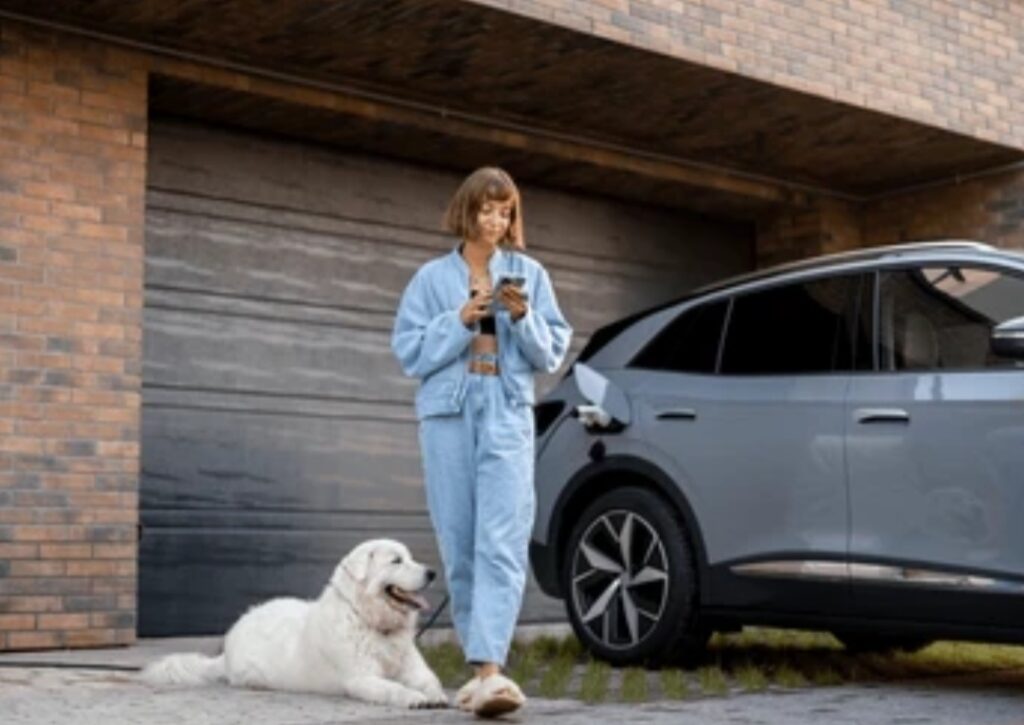
4️⃣ Increased Home Value and Appeal 📈🏠
Smart home tech is no longer just a trend—it’s an expectation among modern buyers.
A home equipped with a fully connected smart garage has increased market appeal and higher resale value.
According to real estate data, homes with smart upgrades sell faster and often above asking price.
Here’s why:
- Smart garages are a unique selling point that stands out in property listings
- Buyers appreciate the enhanced security, automation, and tech-forward features
- It’s an attractive feature for car enthusiasts and families who use garages as extra living or workspaces
In short, if you’re planning to sell your home someday, a smart garage will pay for itself many times over.
📡 The Smart Home Evolution: Garages Are the Next Frontier
As smart home adoption continues to grow rapidly, garages are no longer being left behind.
From smart locks and voice assistants to robotic mowers and EV chargers, the garage is evolving into a central hub of automation.
Top smart home ecosystems—like Google Home, Amazon Alexa, and Apple HomeKit—are now supporting garage-specific devices, making integration seamless.
If you’re researching how to set up a smart garage, now is the perfect time to act.
Technology is more affordable, more user-friendly, and more powerful than ever before.
This movement is only going to grow, and early adopters are seeing not just comfort, but true home automation mastery.
✅ Quick Recap: Why You Should Upgrade Today
Benefits of a smart garage include:
✔️ Hands-free operation and full remote access
✔️ Boosted security with real-time monitoring
✔️ Greater energy savings and automation control
✔️ Increased home value and modern appeal
✔️ Seamless integration with other smart devices
💥 Ready to transform your garage into a smart, secure powerhouse?
👉 Check out the best smart garage devices here and follow our complete setup guide below!
Planning Your Smart Garage Setup 🛠️🧠
Before diving into the installation of smart gadgets, you need to create a rock-solid foundation.
A successful smart garage transformation begins with strategic planning.
Knowing how to set up a smart garage starts with understanding your current setup, setting achievable goals, and preparing for integration with your overall smart home ecosystem.
In this section, we’ll walk you through step-by-step on how to properly assess, plan, and prepare for a seamless smart garage upgrade.
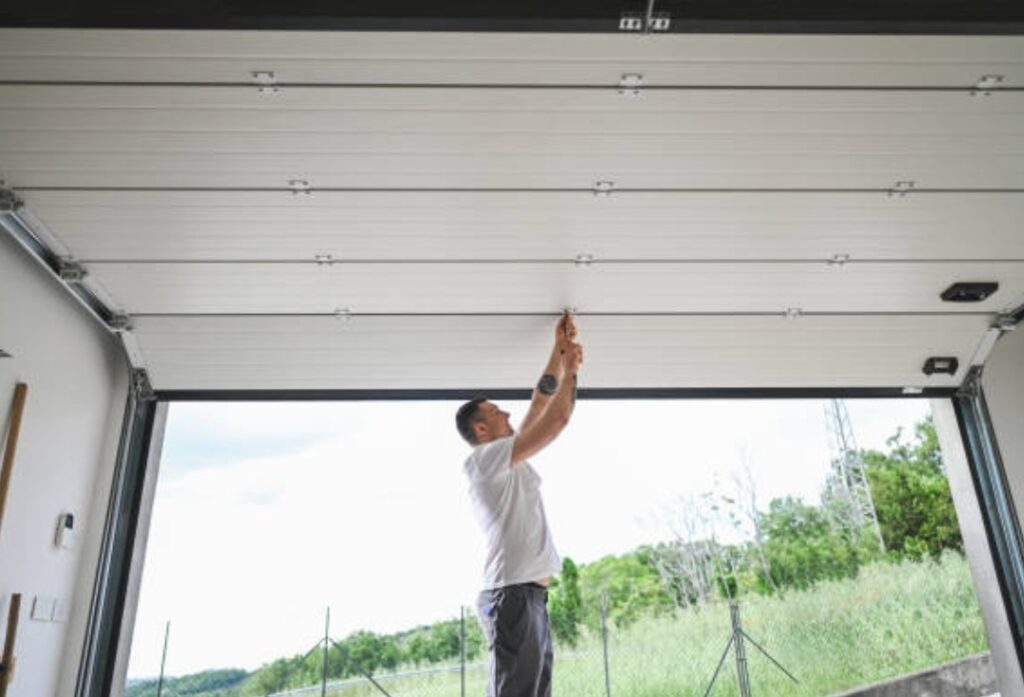
Evaluating Your Existing Garage Infrastructure 🏚️ ➜ 🏡
Before choosing devices or systems, it’s crucial to analyze what you’re working with.
Here’s what to assess first:
🧱 1. Garage Door System Compatibility
Not all garage doors work with smart openers out-of-the-box.
Check if your current garage door opener:
- Has a standard wall button (not a smart multi-function one)
- Was manufactured after 1993 (these usually include safety sensors)
- Supports integration with popular smart modules like MyQ, Nexx, or Tailwind iQ3
If not compatible, you may need to replace or upgrade the opener before installing smart tech.
👉 Pro Tip: Brands like LiftMaster, Chamberlain, and Genie offer smart-compatible models that make integration easy.
📶 2. Wi-Fi Coverage in the Garage
Smart garages are heavily dependent on stable Wi-Fi signals.
Without strong connectivity, your devices can lag or fail to operate properly.
Check your garage’s Wi-Fi signal strength using your phone:
- If the signal is weak or unstable, consider installing a Wi-Fi extender or mesh router node in or near the garage.
- Use dual-band routers (2.4GHz/5GHz) for best results. Most smart garage devices rely on 2.4GHz networks for better range.
👉 Recommended: TP-Link Deco, Google Nest Wi-Fi, or Netgear Orbi systems.
🔌 3. Electrical Outlets and Power Accessibility
You’ll likely need extra power outlets to support:
- Smart lighting systems
- Wi-Fi cameras
- Motion detectors
- Smart charging ports
- Smart climate control devices
💡 Pro tip: Use surge-protected smart power strips like Kasa Smart Plug Power Strip to manage multiple devices safely.
Ensure power outlets are strategically placed or consider hiring a professional to add more where needed.
🏗️ 4. Wall and Ceiling Space for Mounting Devices
Planning to install cameras, smart sensors, or lighting fixtures?
- Check for clear wall or ceiling space
- Avoid installing in spots exposed to high moisture or extreme temperatures
- Use adjustable mounts for flexibility in device placement
Setting Smart Garage Goals 🎯💡
Once your garage is ready structurally and technically, it’s time to get strategic.
Think about what you actually want from your smart garage setup.
Ask yourself:
- 🧠 Do I want to open/close my garage remotely?
- 🧠 Do I want security alerts when someone enters or leaves?
- 🧠 Do I need smart lighting that turns on when I arrive home?
- 🧠 Am I looking for better climate control for stored items or vehicles?
- 🧠 Will I use the garage as a home gym, office, or workshop?
Based on your answers, you’ll be able to prioritize your device selection and budget.
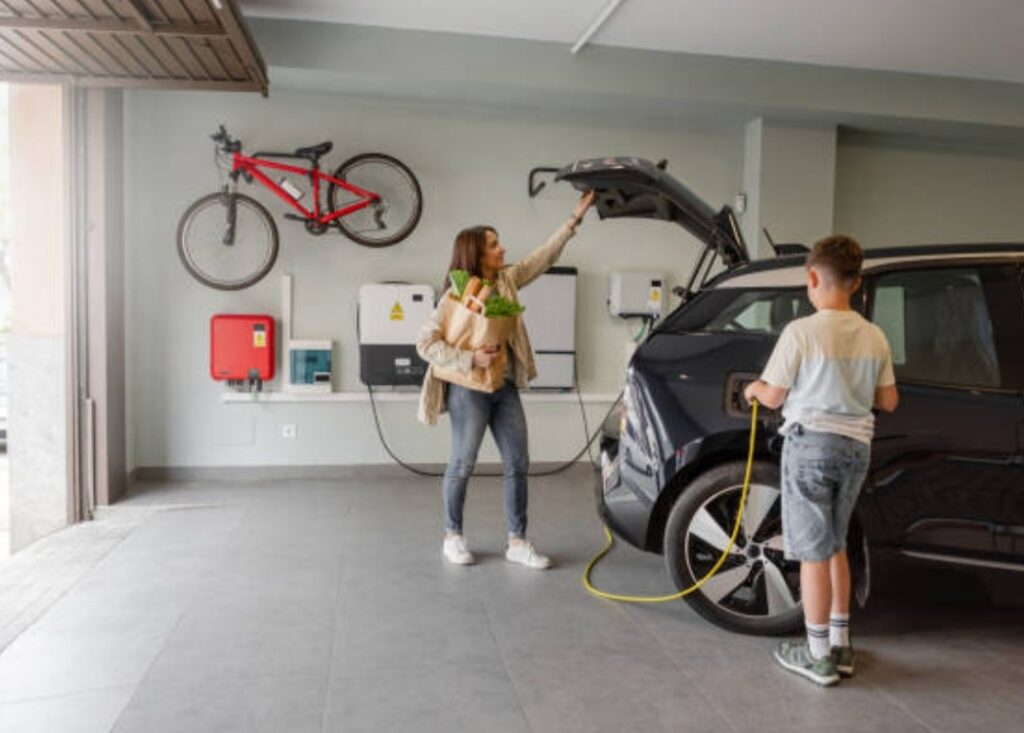
Choosing the Right Ecosystem and Integrations 🤖🔗
Your smart garage should work seamlessly with the rest of your smart home system.
Here’s how to make sure your setup is future-proof and interconnected:
Compatible Ecosystems to Consider:
| Ecosystem | Works With | Voice Assistant | App |
| Google Home | Nest, MyQ, Arlo, TP-Link | Google Assistant | Google Home App |
| Amazon Alexa | Ring, MyQ, Wyze, Kasa | Alexa | Alexa App |
| Apple HomeKit | Eve, Meross, Logitech Circle | Siri | Home App |
Choose devices that support your preferred ecosystem for simple automation and voice control.
Automation & Smart Scenes Ideas:
Once integrated, you can create custom routines like:
- 🏠 “Leaving Home” → turns off lights, closes the garage, arms the camera
- 🏠 “Coming Home” → opens garage, turns on lights, starts fan or AC
- 🏠 “Night Mode” → checks garage door status and closes if left open
Use tools like IFTTT, SmartThings, or Apple Shortcuts to fine-tune automations based on location, time, or sensor input.
Set a Budget and Timeline 💸📅
The cost of setting up a smart garage can vary greatly:
- Basic upgrade (smart opener + camera): $150–$300
- Mid-tier setup (add lighting, sensors): $400–$700
- Full-featured system (camera, climate control, voice integration): $800+
Set a realistic timeline and install in stages if needed.
Start with your highest-priority gadget, then scale up.
🔥 Want to build your smart garage step-by-step without breaking the bank?
👉 Here are budget-friendly smart garage bundles worth checking out!
✅ Key Takeaways: Planning Your Smart Garage Setup
Before setting up a smart garage, be sure to:
- ✔️ Check garage door compatibility and wiring
- ✔️ Strengthen Wi-Fi coverage in your garage
- ✔️ Ensure sufficient power supply and device space
- ✔️ Define your smart home goals and ecosystem
- ✔️ Create a practical budget and phase-by-phase upgrade plan
By planning carefully, you’ll avoid costly mistakes and ensure a smooth, frustration-free installation.
Essential Smart Garage Gadgets ⚙️💡
When considering how to set up a smart garage, choosing the right devices is key.
The market is filled with many options, but not all devices are created equal.
The right gadgets will depend on your garage’s specific needs—whether you’re looking for improved security, energy efficiency, or convenience.
In this section, we’ll go over the essential smart garage gadgets you should consider, as well as provide you with options for different use cases.
Smart Garage Door Openers 🚪📲
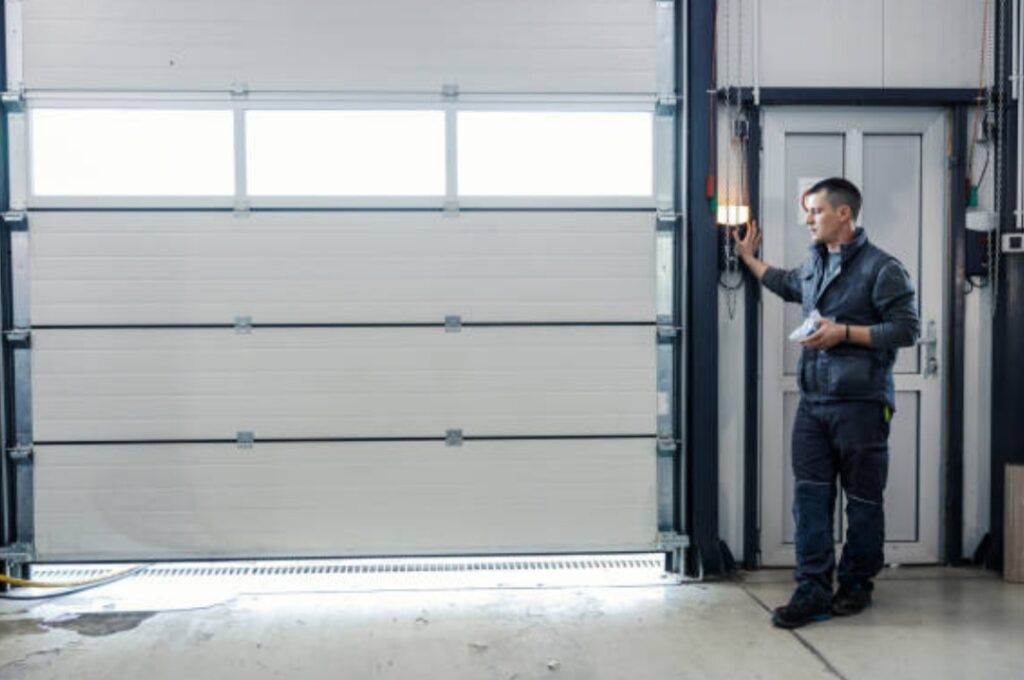
The foundation of any smart garage is the garage door opener.
With smart garage door openers, you can remotely control your garage door from anywhere, using your phone or voice assistant.
Top Smart Garage Door Openers:
- Chamberlain MyQ Smart Garage Door Opener
- Features: Remote access via app, voice control, real-time alerts
- Price: $30–$150
- Best For: Basic, budget-friendly smart garage setups.
- Features: Remote access via app, voice control, real-time alerts
- NEXX Garage Smart Garage Door Controller
- Features: Seamless integration with Alexa and Google Assistant, instant notifications
- Price: $99–$120
- Best For: Voice control and home automation enthusiasts.
- Features: Seamless integration with Alexa and Google Assistant, instant notifications
- Tailwind iQ3 Smart Garage Door Controller
- Features: Geofencing to open the garage door when you arrive, automatic door closing
- Price: $149–$200
- Best For: Hands-free automation based on location.
- Features: Geofencing to open the garage door when you arrive, automatic door closing
💡 Why It’s Essential: A smart garage door opener is the most important smart device in your setup. It simplifies access to your garage and makes it more secure. Choosing a model that integrates easily with voice assistants like Alexa, Siri, and Google Assistant will allow for seamless automation and remote operation.
Smart Security Cameras 🎥🔒
Security is another major concern when upgrading to a smart garage.
Smart security cameras allow you to monitor your garage in real-time, get notifications about movement, and even have video recordings if something goes wrong.
Top Smart Security Cameras:
- Ring Stick Up Cam
- Features: 1080p HD video, two-way audio, motion detection, and integration with Ring Doorbell
- Price: $100–$180
- Best For: Full integration with the Ring ecosystem.
- Features: 1080p HD video, two-way audio, motion detection, and integration with Ring Doorbell
- Arlo Pro 4
- Features: 2K resolution, night vision, waterproof, and smart motion detection
- Price: $179–$200
- Best For: Users who want high-definition video and advanced features.
- Features: 2K resolution, night vision, waterproof, and smart motion detection
- Wyze Cam v3
- Features: 1080p HD, color night vision, two-way audio, motion detection
- Price: $35–$50
- Best For: Budget-friendly, efficient monitoring.
- Features: 1080p HD, color night vision, two-way audio, motion detection
💡 Why It’s Essential: A smart security camera adds an additional layer of security to your garage. Whether you’re worried about break-ins or just want peace of mind while you’re away, these cameras offer real-time notifications and allow you to keep an eye on your property at all times.
Smart Lighting 💡✨
Lighting can make a huge difference in both the aesthetic and functional aspects of your garage.
Smart lighting can be automated to turn on when you arrive, or manually controlled with a smartphone or voice assistant.
Top Smart Lighting Devices:
- Philips Hue White and Color Ambiance Light Bulbs
- Features: Adjustable color temperature, dimming, integration with Alexa, Google Assistant, and Apple HomeKit
- Price: $30–$50 per bulb
- Best For: Full color control and smart home integration.
- Features: Adjustable color temperature, dimming, integration with Alexa, Google Assistant, and Apple HomeKit
- LIFX A19 Smart Bulb
- Features: No hub required, adjustable colors, syncs with other LIFX products
- Price: $40–$60 per bulb
- Best For: Smart color lighting without a hub.
- Features: No hub required, adjustable colors, syncs with other LIFX products
- Kasa Smart LED Light Bulb
- Features: Voice control, scheduling, and dimming options
- Price: $15–$25 per bulb
- Best For: Budget-friendly smart lighting options.
- Features: Voice control, scheduling, and dimming options
💡 Why It’s Essential: Smart lighting doesn’t just add to the convenience—it can also enhance safety. You can automate your lights to turn on as you enter or leave, and with motion sensors, lights will turn on when you approach your garage door, providing enough visibility for security.
Smart Thermostats 🌡️📲
If your garage is attached to your home, it can affect your overall home temperature.
A smart thermostat can help control the temperature in your garage, making it more comfortable and energy-efficient.
Top Smart Thermostats:
- Nest Learning Thermostat
- Features: Auto-schedule, remote control, energy reports, sleek design
- Price: $120–$250
- Best For: A sleek, well-integrated thermostat that learns your schedule.
- Features: Auto-schedule, remote control, energy reports, sleek design
- Ecobee3 Lite
- Features: Room sensors for more accurate readings, integrates with Alexa and Google Assistant
- Price: $120–$170
- Best For: Precise temperature control and integration with Alexa.
- Features: Room sensors for more accurate readings, integrates with Alexa and Google Assistant
💡 Why It’s Essential: Garages can easily fluctuate in temperature, causing discomfort or damage to your vehicles and stored items. By adding a smart thermostat, you can maintain optimal conditions all year long, saving on energy costs in the process.

Smart Sensors for Motion and Activity 🎯🚨
Smart sensors are the backbone of many automation systems.
With motion detectors and contact sensors, you can ensure your garage is always monitored, and alerts are triggered if something unusual occurs.
Top Smart Motion and Activity Sensors:
- Ring Alarm Motion Sensor
- Features: Detects motion, integrated with the Ring Alarm System, works with other Ring devices
- Price: $30–$40
- Best For: Full home security system integration.
- Features: Detects motion, integrated with the Ring Alarm System, works with other Ring devices
- Ecolink Z-Wave Plus Motion Detector
- Features: Real-time alerts, wide range of detection, works with Z-Wave systems
- Price: $35–$50
- Best For: Homes with a Z-Wave smart hub.
- Features: Real-time alerts, wide range of detection, works with Z-Wave systems
- Wyze Sense Contact Sensors
- Features: Detects when a door or window opens, works with Wyze Cam
- Price: $20–$30
- Best For: Simple, cost-effective sensor setup.
- Features: Detects when a door or window opens, works with Wyze Cam
💡 Why It’s Essential: Adding motion and contact sensors to your garage ensures that you can track activity in real-time, and receive instant alerts if someone enters or if the door is left open. These sensors also contribute to automation, triggering actions like turning on lights when motion is detected.
✅ Key Takeaways: Must-Have Smart Garage Gadgets
When planning your smart garage setup, the essential gadgets include:
- Smart garage door openers for remote control and automation
- Security cameras for monitoring and recording activities
- Smart lighting for convenience, security, and energy savings
- Smart thermostats to regulate the garage’s climate
- Motion and activity sensors for added security and automation
Together, these devices will transform your garage into a fully connected, secure, and energy-efficient space that integrates smoothly into your smart home.
Installation and Setup of Smart Garage Devices 🛠️📲
Setting up a smart garage involves more than just buying the right gadgets; it requires proper installation and configuration to ensure everything works together smoothly.
From smart garage door openers to security cameras, every device requires some level of setup, whether it’s physical installation, connecting to Wi-Fi, or configuring integrations with your smart home system.
In this section, we’ll guide you step-by-step on how to install and set up each essential smart garage device, making sure you avoid common pitfalls and get the most out of your investment.
Installing a Smart Garage Door Opener 🚪📱
The garage door opener is the central piece of your smart garage setup.
Installing and connecting it to your smartphone or voice assistant requires following a series of clear steps.
Step-by-Step Guide for Installing a Smart Garage Door Opener:
- Unbox and Inspect
Ensure you have all the components: opener, brackets, screws, wall mount, and power adapter. - Mount the Smart Opener
Attach the smart garage opener module to your existing door opener system. This is typically done by replacing the wall button or attaching the device to the existing opener motor. - Connect to Power
Plug the device into a power outlet. Ensure the wiring is secure, and check that your outlet is working. - Download the App
Most smart garage door openers come with an app. Download the app (like Chamberlain MyQ or Nexx Garage) and create an account. - Connect to Wi-Fi
Follow the instructions in the app to connect the opener to your Wi-Fi network. You’ll need your Wi-Fi name and password. - Pair with Voice Assistants
After setting up the opener, integrate it with your voice assistant (Google Assistant, Amazon Alexa, or Siri). You’ll be able to open or close the garage door with simple voice commands like, “Hey Siri, open the garage door.” - Test the System
Open and close the garage door through the app, voice assistant, or manual controls to ensure everything works correctly.
💡 Tips for Smooth Installation:
- Ensure your Wi-Fi signal is strong in the garage to avoid interruptions during setup.
- If the garage door opener doesn’t work properly, check if it’s compatible with your current setup.
Installing Smart Security Cameras 🎥🔒
Smart cameras provide crucial security monitoring for your garage. Installing these cameras strategically is essential for maximum coverage.
Step-by-Step Guide for Installing Smart Cameras:
- Choose the Right Location
Find locations with a clear view of the garage door, entry points, or the driveway. High-mounted locations offer better surveillance. - Mount the Camera
Most cameras come with mounting brackets. Use a drill to secure the mount to the wall or ceiling. Make sure the camera is firmly in place to avoid camera shake during recording. - Connect to Power
Some cameras are battery-operated, while others need to be plugged into an electrical outlet. Ensure you have access to a power source if your camera requires it. - Download the App
For cameras like Arlo, Ring, or Wyze, you need to download the corresponding app. Create an account and log in. - Connect to Wi-Fi
Follow the in-app instructions to pair the camera with your Wi-Fi. Ensure that the camera is within range of the router. - Set Up Motion Detection and Alerts
Configure motion detection zones and alert settings to receive notifications whenever there is movement in your garage. - Test the Camera
Test the camera by triggering movement in front of it. Check the live feed in the app to ensure that it’s recording clearly.
💡 Tip: Consider placing cameras near entry points (garage door, side door, windows) to maximize security coverage.
Setting Up Smart Lighting 💡✨
Smart lighting enhances both security and convenience in your garage.
Whether you’re entering the garage or need ambient lighting for a home gym, a smart lighting setup is key.
Step-by-Step Guide for Installing Smart Lighting:
- Install Smart Bulbs or Fixtures
If you’re using smart bulbs, simply replace your current bulbs with smart versions. If you’re installing smart light fixtures, follow the manufacturer’s instructions for mounting. - Connect to Power
Make sure your bulbs or fixtures are powered on, and confirm the power supply is working. - Download the App
Many smart lights (Philips Hue, LIFX, Kasa) require you to download a specific app for control. Follow the setup instructions provided in the app. - Set Up Automation
Configure lighting schedules, motion detection, or location-based triggers so the lights turn on/off when needed. - Pair with Voice Assistants
Link the lights with Google Assistant, Alexa, or Siri to allow voice control. This is perfect for turning on lights without lifting a finger. - Test the System
Use the app or voice assistant to test the lights. Adjust brightness or color temperature to your preferences.
💡 Tip: For maximum convenience, set up motion sensors in the garage to automatically turn on lights when you enter.
Installing a Smart Thermostat 🌡️📲
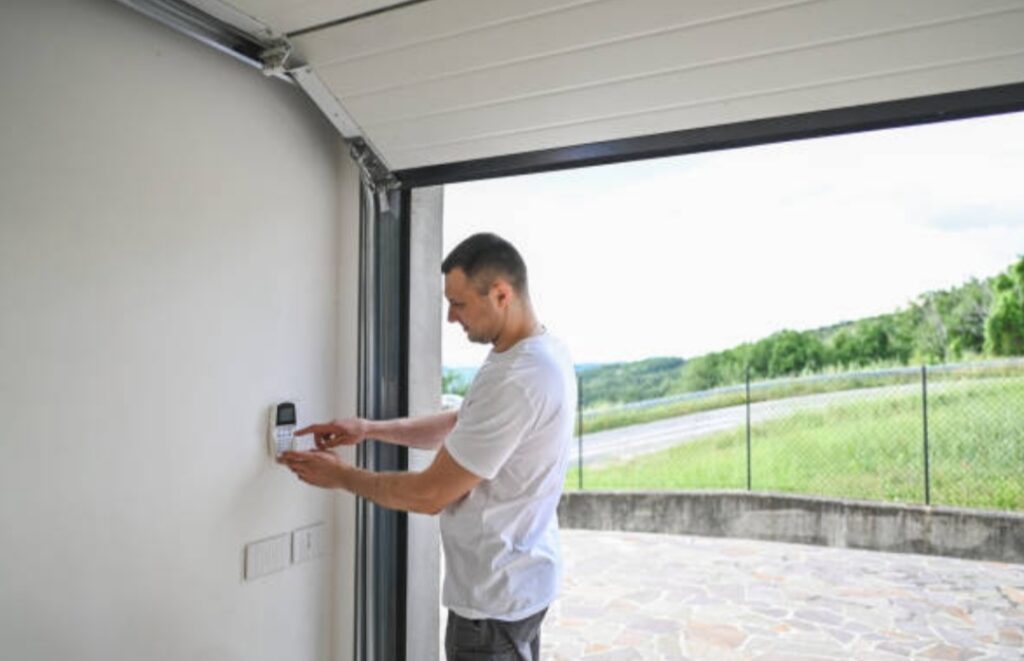
If your garage is used for storage, as a workshop, or as part of your living space, keeping the temperature consistent is essential.
Step-by-Step Guide for Installing a Smart Thermostat:
- Remove Your Old Thermostat
If you’re replacing an existing thermostat, carefully remove the old unit by disconnecting the wires. Note where each wire was connected. - Install the New Smart Thermostat
Mount the new thermostat on the wall and connect the wires according to the manufacturer’s instructions. Most smart thermostats come with clear instructions for installation. - Connect to Power
Some smart thermostats require a C-wire for continuous power. If your current system doesn’t have a C-wire, you may need to install one or use a power extender kit. - Download the App
Install the app for your smart thermostat (Nest, Ecobee, etc.). Log in to your account and follow the prompts to set up your thermostat. - Connect to Wi-Fi
Connect your thermostat to your home Wi-Fi network so you can control it remotely. - Set Up Heating/Cooling Preferences
Customize settings like temperature ranges, schedules, and energy savings mode to suit your needs. - Test the Thermostat
Test the system by adjusting the temperature from the app. Ensure the unit responds correctly.
💡 Tip: Use the thermostat’s energy-saving features to lower heating/cooling costs while keeping your garage comfortable.
✅ Key Takeaways: Installing Your Smart Garage Devices
The installation of smart garage devices is relatively simple if you follow the manufacturer’s instructions and take care with setup:
- Install smart garage door openers by mounting the opener module and syncing with Wi-Fi.
- Smart security cameras provide peace of mind—mount them in key locations for maximum coverage.
- Use smart lighting to enhance security and convenience in your garage, integrating with voice assistants and automation.
- Smart thermostats maintain optimal climate control for comfort and energy savings.
By following these steps, your garage will soon be transformed into a highly functional and secure smart space.
Automating Your Smart Garage 🤖🏠
One of the most exciting aspects of a smart garage is the ability to automate its functions.
By connecting different devices and setting up automation routines, you can create a seamless, hands-off experience that saves time, increases security, and boosts efficiency.
Whether you’re opening the garage door, controlling lights, adjusting the temperature, or monitoring security, automation makes your garage smarter and more efficient.
In this section, we will dive deep into the process of automating your smart garage by setting up different devices to work together through voice commands, schedules, and motion sensors.
We’ll also explore smart hubs and automation systems that allow you to streamline all aspects of your garage’s operation.
Setting Up Automation for Smart Garage Door Opener 🚪🤖
The garage door opener is the heart of your smart garage.
Automating its operation allows for hands-free entry, and combined with voice assistants or sensors, it becomes more efficient and secure.
Step-by-Step Guide to Automate Your Garage Door:
- Use Voice Assistants for Hands-Free Control
One of the simplest forms of automation is connecting your smart garage door opener to a voice assistant like Google Assistant, Amazon Alexa, or Apple Siri. By doing so, you can open or close your garage door using a voice command, such as:
- “Alexa, open the garage door.”
- “Hey Siri, close the garage door.”
- “Alexa, open the garage door.”
- Set Up Scheduled Open/Close Times
Many smart garage door openers allow you to create schedules within their app. This way, you can automate when the door opens or closes each day. For example:
- Set a daily schedule to open the garage door every morning at 8 AM so you can drive in without needing to press any buttons.
- Close the door automatically at a specific time, such as 9 PM, to enhance security.
- Set a daily schedule to open the garage door every morning at 8 AM so you can drive in without needing to press any buttons.
- Integrate with Motion Sensors
Adding motion sensors to your smart garage can help automate the door’s operation. When the sensor detects movement (e.g., your car approaching), it can trigger the door to open automatically. This is perfect when your hands are full, and you need quick access to the garage.
- Sync with Other Devices for Smarter Automation
Your smart garage door opener can also be integrated with other smart devices in your home:
- Smart lights can turn on automatically when the door opens.
- Smart thermostats can adjust the temperature based on your garage door’s status (open or closed).
- Security cameras can start recording as soon as the garage door opens.
- Smart lights can turn on automatically when the door opens.
By combining these automations, your garage will become a truly connected space.
Automating Lighting and Security 🔦🔒
Smart lighting and security cameras are critical elements of your smart garage, but when you automate them, they become even more useful.
The right automation setups can enhance convenience, save energy, and increase your garage’s security.
Step-by-Step Guide to Automating Smart Lighting:
- Set Up Motion Detection for Lights
Use motion sensors to automatically trigger smart lights when you enter the garage. For example:
- When you approach the door, the lights will turn on.
- After a certain period of inactivity, the lights can turn off to save energy.
- When you approach the door, the lights will turn on.
- Create Schedules for Lighting
Schedule your smart lights to automatically turn on and off based on the time of day. This is particularly useful if you’re often in the garage at specific times. For example:
- Lights on at 7 AM when you’re leaving for work.
- Lights off at midnight when you’re done for the day.
- Lights on at 7 AM when you’re leaving for work.
- Automate Camera Recording
For enhanced security, you can automate your smart security cameras to start recording when specific conditions are met, such as:
- Camera triggers when it detects motion or unusual activity around the garage.
- Automatic night vision when it’s dark outside.
- Camera triggers when it detects motion or unusual activity around the garage.
- Link Lights and Cameras for Enhanced Security
When combined with smart cameras, your smart lights can be used to dissuade potential intruders. For example:
- If a camera detects motion, the lights automatically turn on, illuminating the area and making it harder for intruders to hide.
- If a camera detects motion, the lights automatically turn on, illuminating the area and making it harder for intruders to hide.
By automating both lighting and security, you can ensure that your garage is well-lit, secure, and energy-efficient without needing to think about it.
Automating Temperature Control 🌡️📱
Maintaining the right temperature in your garage is crucial, especially if you store sensitive equipment, use the space as a workshop, or simply want a comfortable environment.
A smart thermostat allows you to automate your garage’s temperature based on your schedule, ensuring your space is always at the ideal climate.
Step-by-Step Guide to Automating Temperature Control:
- Set Temperature Preferences
Using a smart thermostat (like Nest or Ecobee), set temperature ranges for when you want the garage to be heated or cooled. For example:
- Set temperature to 65°F in winter during the day when you are working in the garage.
- Cool the garage to 72°F in summer to keep it comfortable.
- Set temperature to 65°F in winter during the day when you are working in the garage.
- Schedule Temperature Adjustments
With your smart thermostat’s scheduling feature, you can program temperature changes:
- Set the thermostat to adjust at certain times of the day (e.g., warm the garage before you wake up, and cool it down once you leave).
- Automate based on occupancy: The thermostat can adjust the temperature based on whether someone is in the garage, increasing energy efficiency.
- Set the thermostat to adjust at certain times of the day (e.g., warm the garage before you wake up, and cool it down once you leave).
- Integrate with Smart Sensors
Some smart thermostats work with motion sensors to adjust the temperature only when you’re present, which helps reduce energy consumption. You could set the temperature to rise or fall when it detects someone entering the garage, ensuring comfort only when needed.
- Voice Control for Instant Adjustments
With your voice assistant, you can also ask for real-time temperature adjustments, like:
- “Alexa, set the garage to 70°F.”
- “Hey Google, cool the garage to 68°F.”
- “Alexa, set the garage to 70°F.”

Creating Automation Routines Using Smart Hubs 🏠📲
A smart hub is a central device that connects all your smart devices and allows you to control them from one app or interface.
Using a hub, like Samsung SmartThings, Amazon Echo Plus, or Apple HomeKit, you can automate multiple aspects of your smart garage at once.
Setting Up Automation Routines with a Smart Hub:
- Create “Scenes” for Your Garage
With a smart hub, you can set up automation routines, or scenes, where different devices in your garage work together in one action. For example, you could create a “Coming Home” scene where:
- The garage door opens automatically.
- The lights turn on.
- The thermostat adjusts to your preferred temperature.
- The garage door opens automatically.
- Use Triggers for Automation
Set triggers that activate your devices based on certain actions, such as:
- If the garage door opens, the lights turn on, and the security cameras start recording.
- If motion is detected, the lights turn on and the camera begins streaming to your app.
- If the garage door opens, the lights turn on, and the security cameras start recording.
- Combine Routines for Maximum Efficiency
You can also combine several actions into one routine. For instance, set up a “Leaving the House” routine that:
- Closes the garage door.
- Turns off the lights.
- Lowers the temperature in the garage.
- Closes the garage door.
By using a smart hub, you can fully automate your garage to run without any manual interaction.
✅ Key Takeaways: Automating Your Smart Garage
Automation makes your smart garage more intuitive and hands-off. The following automation options enhance convenience, security, and energy efficiency:
- Smart garage door openers: Automate entry and exit with voice commands, schedules, or motion sensors.
- Lighting: Set motion-detection triggers, create lighting schedules, and integrate lights with security cameras for better protection.
- Thermostats: Automate temperature control based on occupancy, time of day, or remote adjustments via your phone.
- Smart hubs: Centralize control and create scenes or routines that automate multiple garage functions.
By automating these aspects, your garage becomes a more secure, efficient, and convenient space.
Maintaining Your Smart Garage 🛠️🔧
Just like any other part of your home, maintaining your smart garage is crucial to ensure its longevity, efficiency, and optimal performance.
From updating software to ensuring devices are clean and connected, maintaining your smart garage helps avoid system failures, enhances security, and ensures everything continues to run smoothly.
Regular maintenance allows you to fully maximize the potential of your smart devices and keep your garage working seamlessly.
In this section, we’ll cover the essential steps to maintain your smart garage and keep it in top condition.
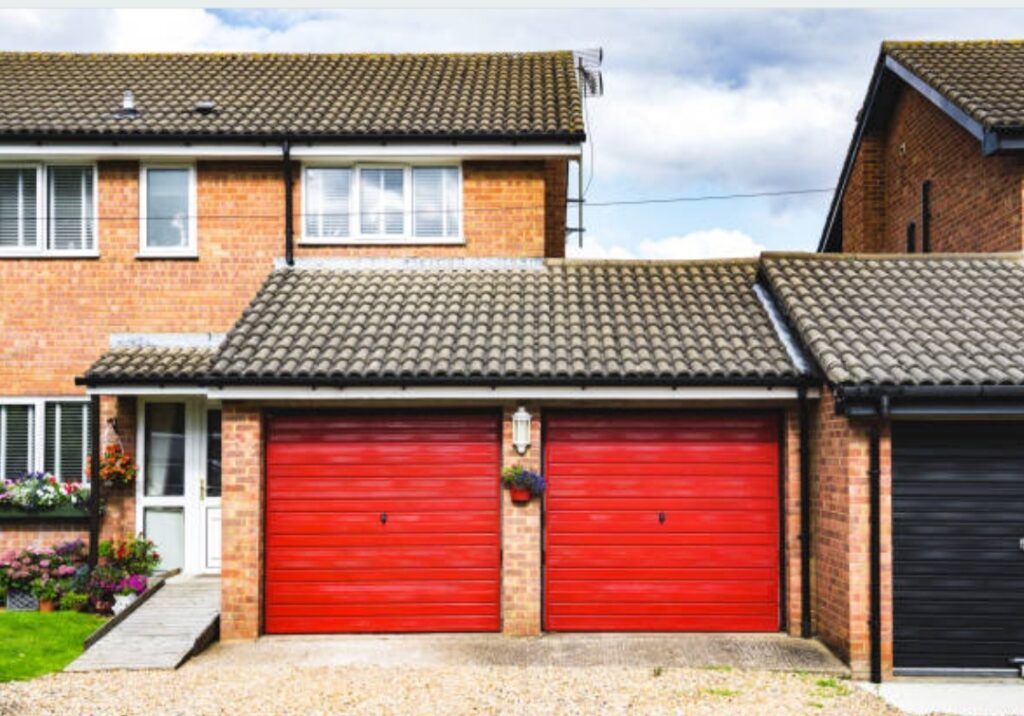
Regular Software and Firmware Updates 🔄📲
One of the simplest yet most effective ways to maintain your smart garage is by updating the software and firmware of all your smart devices.
This includes your smart garage door opener, lights, cameras, thermostat, and any other connected devices.
Firmware updates often bring new features, bug fixes, and security patches that improve your device’s performance and security.
Why You Need Regular Updates:
- Security Enhancements
Cybersecurity is a growing concern for smart devices. Manufacturers often release security patches to fix vulnerabilities that could be exploited by hackers. By keeping your devices up-to-date, you protect your garage from potential security breaches.
- Bug Fixes and Performance Improvements
Updates often address minor bugs that could affect the functionality of your devices. Whether it’s a glitch in the app that controls your garage door opener or a connectivity issue with your smart thermostat, updates often resolve these issues to improve performance.
- New Features and Compatibility
As new technologies emerge, smart garage devices often receive updates that make them compatible with newer systems or add exciting new features. For example, an update might allow your smart garage door opener to work with a newer voice assistant, or it could improve integration with other smart home devices.
How to Ensure Devices Are Updated:
- Set up automatic updates: Many smart devices allow you to enable automatic updates, so you don’t have to worry about manually checking for updates.
- Check device apps regularly: If your devices don’t update automatically, make sure to check their apps for firmware update notifications. Often, you can schedule updates during off-hours to avoid interrupting your garage activities.
- Review release notes: When an update is available, review the release notes to understand what changes or improvements are being made to your devices.
By regularly updating your devices, you ensure that your smart garage is always running at its best.
Cleaning and Checking Your Smart Garage Devices 🧽🔍
Cleaning and maintaining your smart garage devices is essential for longevity and proper functioning.
Dust, debris, and weather conditions can affect the performance of sensors, cameras, lights, and even the garage door opener.
Keeping everything clean and checking for signs of wear and tear can prevent malfunctions and extend the life of your devices.
Cleaning Your Smart Garage Devices:
- Garage Door Openers
Your smart garage door opener should be cleaned regularly to ensure it functions smoothly. Dust can accumulate on the tracks, sensors, and motors, which can lead to operational issues. Clean the tracks using a dry cloth and check the sensor lenses for any dirt or obstruction. - Security Cameras and Lights
Security cameras and outdoor lights are exposed to the elements, which means they’re prone to dirt, dust, and even water damage. Clean the lenses of the cameras with a soft microfiber cloth to ensure clear video quality. For lights, remove any dust or debris that may obstruct the sensors and lenses to ensure maximum brightness and efficiency. - Motion Sensors
Motion sensors are essential for automating your garage, so it’s important to clean them regularly. Dust or cobwebs can interfere with their ability to detect movement accurately. Wipe them gently with a dry cloth to avoid damaging the sensors. - Smart Thermostats
Even though smart thermostats don’t require much cleaning, it’s still a good idea to check for dust around the device. A buildup of dust can affect its temperature readings and its connection to the network. Wipe the thermostat’s surface to keep it working efficiently.
Checking for Wear and Tear:
As with any technology, wear and tear can occur over time, especially with devices that are frequently used, such as garage door openers. Here’s how to check for wear and tear:
- Garage door tracks and springs: Inspect these parts for rust, cracks, or misalignment. If you notice anything out of the ordinary, it’s best to have them inspected or replaced by a professional.
- Cables and wires: Inspect all cables, wires, and plugs to ensure they are intact and free from damage. Damaged wires can lead to connection issues or even pose a fire hazard.
- Battery-powered devices: If any devices, such as smart sensors or cameras, are battery-operated, check the batteries and replace them as needed to avoid sudden power loss.
Regular checks can help you identify problems early, preventing costly repairs down the line.
Testing and Troubleshooting Your Smart Garage Devices 🛠️🔧
At times, even the best-maintained smart garage devices can run into issues.
Routine testing and troubleshooting can help you address problems before they escalate.
Whether you’re having trouble connecting your garage door opener to the Wi-Fi or your camera isn’t recording, these issues are usually solvable with a few simple steps.
Common Troubleshooting Tips for Smart Garage Devices:
- Garage Door Not Responding
- Check the Wi-Fi connection: Ensure that your smart garage door opener is connected to a stable Wi-Fi network. A weak or disconnected signal can cause it to stop responding to commands.
- Recalibrate the opener: Sometimes, a recalibration of the opener or sensors is necessary to fix misalignment or performance issues.
- Check for obstructions: Ensure there are no obstructions on the garage door tracks or sensors that could cause the door to malfunction.
- Check the Wi-Fi connection: Ensure that your smart garage door opener is connected to a stable Wi-Fi network. A weak or disconnected signal can cause it to stop responding to commands.
- Smart Lights Not Turning On
- Check the app or voice assistant: If your lights aren’t responding, ensure the app or voice assistant is correctly connected. Try resetting the device to re-establish a connection.
- Check for power issues: Ensure that the lights are plugged in properly or that batteries (if applicable) aren’t dead.
- Ensure correct schedules: Double-check that your lighting schedules are correctly set in the app to avoid any timing issues.
- Check the app or voice assistant: If your lights aren’t responding, ensure the app or voice assistant is correctly connected. Try resetting the device to re-establish a connection.
- Security Cameras Not Streaming
- Check the power supply: Ensure your cameras have power and are properly connected to the Wi-Fi network.
- Reboot the system: Sometimes, simply rebooting the camera or app can restore connectivity.
- Clear the camera lens: A dirty lens can block the view and affect the camera’s performance. Clean the lens carefully to restore clear footage.
- Check the power supply: Ensure your cameras have power and are properly connected to the Wi-Fi network.
- Thermostat Not Adjusting
- Reset the thermostat: If your smart thermostat isn’t adjusting the temperature correctly, try resetting it through the app.
- Check Wi-Fi connection: Ensure the thermostat is connected to a stable Wi-Fi network for remote control.
- Check for sensor malfunctions: If the temperature readings seem off, the internal sensors may need recalibration or cleaning.
- Reset the thermostat: If your smart thermostat isn’t adjusting the temperature correctly, try resetting it through the app.
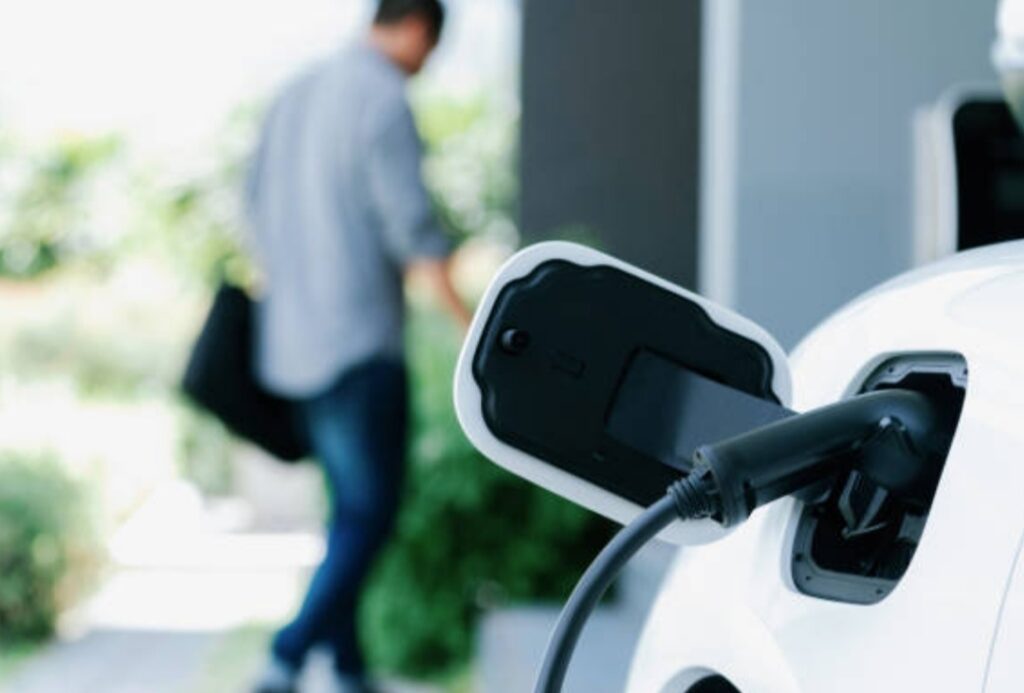
Professional Maintenance and Support 📞👨🔧
While regular maintenance can keep your smart garage running smoothly, there may be times when professional help is necessary.
Complex repairs, such as fixing a broken garage door spring or troubleshooting wiring issues, may require the expertise of a certified technician.
When to Call for Professional Help:
- If your garage door opener is malfunctioning despite troubleshooting.
- If you notice any signs of damage to your devices, wiring, or garage door tracks.
- If you encounter issues that can’t be solved through the app or basic troubleshooting.
By scheduling professional maintenance, you ensure that your smart garage remains safe and fully functional for years to come.
✅ Key Takeaways: Maintaining Your Smart Garage
Maintaining your smart garage ensures the longevity and smooth operation of all your devices. Here’s what you should do regularly:
- Software and firmware updates for enhanced security and performance.
- Cleaning devices such as cameras, sensors, and garage door openers to keep them running efficiently.
- Checking for wear and tear to prevent damage and malfunctions.
- Troubleshooting issues promptly to address problems before they escalate.
- Professional support for complex issues that require expert help.
By performing these tasks, your smart garage will continue to function optimally and be a valuable asset to your home.
Enhancing Security Measures 🔐🛡️
Security is one of the most compelling reasons homeowners invest in a smart garage setup.
As garages often house valuable tools, vehicles, and provide access to your home, it’s critical to fortify your smart garage with strong and reliable security features.
Whether you’re just learning how to set up a smart garage or already have one in place, upgrading your garage’s security can drastically reduce vulnerabilities and offer peace of mind.
Let’s explore how to protect your smart garage with modern security solutions, best practices, and essential gadgets.

Install Smart Security Cameras 🎥👁️
Smart security cameras are a must-have in any smart garage setup.
They offer real-time monitoring, motion detection alerts, night vision, and cloud recording capabilities that help keep an eye on everything—even when you’re not home.
Benefits of Smart Cameras in Your Garage:
- 24/7 Surveillance – Monitor your garage remotely from your smartphone.
- Instant Alerts – Get notifications when unusual activity is detected.
- Two-Way Audio – Communicate with anyone in your garage in real time.
- Cloud Storage – Store and review footage anytime, anywhere.
🔎 Tip: Choose cameras with wide-angle lenses and infrared night vision to cover all corners of your garage—day or night.
💡 Recommended Product: Smart Indoor/Outdoor Security Camera with 1080p Night Vision
Use Smart Motion Sensors for Real-Time Alerts 🕵️♂️⚠️
Motion sensors play a vital role in enhancing smart garage security. These devices can detect movement in and around your garage and trigger alerts, lights, or alarms accordingly.
Where to Place Smart Motion Sensors:
- Garage Entry Door – To detect anyone trying to enter from your house.
- Garage Bay Area – To monitor unexpected motion around your vehicle.
- Windows and Side Doors – Often overlooked, these are common break-in points.
💡 You can also integrate these sensors with smart lighting to create a deterrent: lights turn on instantly when motion is detected.
Enable Smart Alerts and Mobile Notifications 📱📢
One of the top features of smart garage systems is mobile notification alerts.
These keep you informed in real-time if anything unusual happens—like your garage door opening at odd hours or motion detected inside when you’re away.
Recommended Alert Configurations:
- Open/Close Alerts – Know exactly when your garage door is opened or closed.
- Unauthorized Access Notifications – Get notified if someone attempts to access without a passcode or fingerprint.
- Connectivity Loss Alerts – If a device disconnects from Wi-Fi, you’ll be the first to know.
🔐 Pro Tip: Use apps like MyQ, Ring, or Google Home for centralized alert management and to review historical logs of garage activity.
Upgrade to a Smart Garage Door Opener with Secure Access 🔓🚪
Traditional garage remotes can be easily hacked or lost.
A smart garage door opener with secure access methods—like fingerprint recognition, smartphone apps, or encrypted keypads—adds an extra layer of protection.
Security Features to Look for:
- Rolling Code Technology – Changes access codes after every use to prevent hacking.
- Remote Access Control – Open or close your garage from anywhere.
- User Management – Grant temporary access to family, friends, or delivery drivers with time-limited PINs.
The Future of Smart Garages 🚗🔮
As smart technology continues to evolve, smart garages are no longer just about opening and closing a door with your phone.
They’re becoming dynamic, intelligent ecosystems that integrate seamlessly with your entire smart home, electric vehicles, and even AI-powered systems.
If you’re learning how to set up a smart garage, it’s equally important to understand where the technology is heading—so you can future-proof your investment and stay ahead of the curve.
Let’s dive into the emerging trends and innovations shaping the future of smart garages.
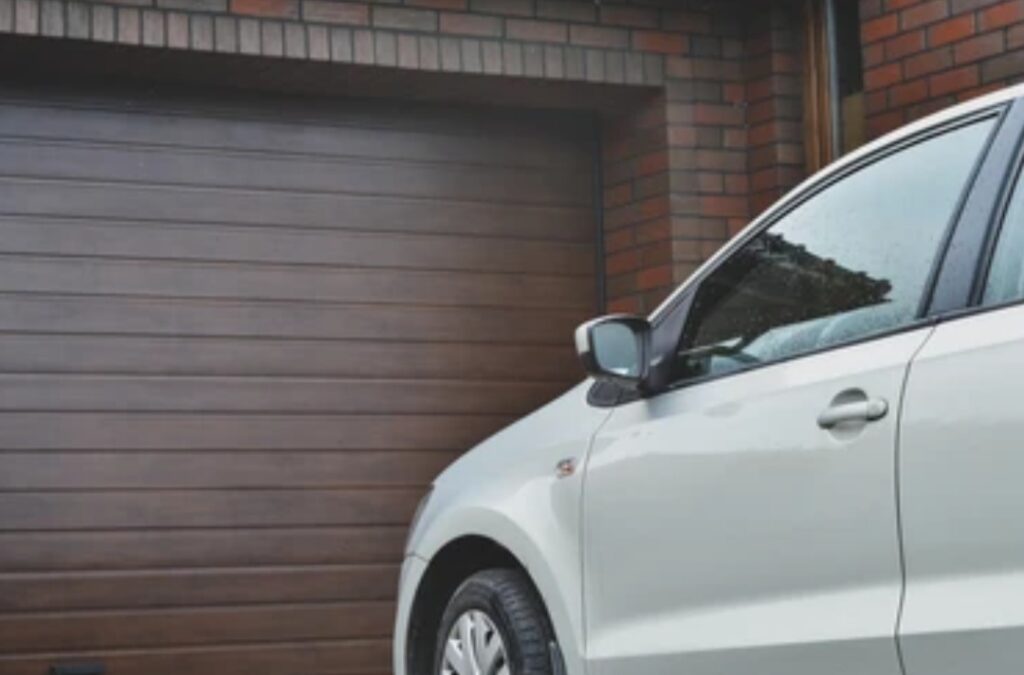
AI-Driven Garage Automation 🤖⚙️
Artificial Intelligence is transforming how we interact with our homes—and the garage is no exception.
Future smart garage systems will learn your routines, anticipate your needs, and adjust settings automatically without manual input.
What AI Could Do in the Smart Garage of Tomorrow:
- Predictive Door Automation – Opens the door when your car is detected approaching, based on location tracking and driving habits.
- Maintenance Reminders – Alerts you about tire pressure, oil changes, and general vehicle health through connected car sensors.
- Energy Optimization – Adjusts lighting, HVAC, and chargers to reduce electricity use during peak hours.
💡 Imagine a garage that knows when you’re coming and gets everything ready before you arrive. That’s the power of AI integration.
Integration with Electric Vehicle (EV) Ecosystems ⚡🔌
The rise of electric vehicles (EVs) has significantly influenced smart garage design. Your garage is no longer just a parking space—it’s becoming your private EV charging hub.
Key Features Coming to EV-Compatible Smart Garages:
- Smart EV Chargers – Automatically charge during off-peak energy hours to save on electricity costs.
- Solar Charging Integration – Harness solar power via roof panels to charge your vehicle sustainably.
- Real-Time Charging Insights – Monitor and manage charging sessions directly from your smartphone.
🛠️ Planning on setting up an EV-friendly smart garage? Knowing how to set up a smart garage that integrates with EV tech will soon be a necessity, not a luxury.
Enhanced Voice Control and Smart Assistant Compatibility 🗣️📡
While voice assistants like Alexa and Google Assistant are already part of most smart homes, their role in smart garages is expanding rapidly.
Soon You’ll Be Able To:
- Open or close your garage with voice commands.
- Ask for garage status updates (“Is the garage door open?”)
- Schedule automation via voice (“Close the garage at 9 PM every day.”)
- Create personalized routines, like turning on garage lights, unlocking the door, and starting a fan—all with one phrase.
🧠 Voice-first interaction makes managing your garage safer and hands-free—perfect when you’re carrying groceries or driving in.
Advanced Biometric and Facial Recognition Access 🔍🧠
Biometric access is ushering in a new era of garage security. In the near future, fingerprints and facial recognition will replace keypads and remotes altogether.
Innovations You Can Expect:
- Facial Recognition Entry Systems – Auto-unlock the door for approved users based on facial data.
- Fingerprint Scanners – Offer high-security, convenient access.
- Iris Scanners and Voice Biometrics – For maximum security levels.
⚠️ These technologies are becoming more affordable and accessible—making it easier than ever to enhance your smart garage setup without breaking the bank.
Greater Integration with Whole-Home Smart Systems 🏠🔗
The future isn’t about smart gadgets working in isolation—it’s about complete integration.
Your garage will work in sync with your entire smart home ecosystem, making the experience seamless and intelligent.
Examples of Whole-Home Integration:
- Geofencing – Garage opens as you arrive home and locks when you leave.
- Smart HVAC – Garage climate control adjusts when your car is parked.
- Home Security Sync – Your garage cameras, alarms, and lights integrate with the home’s main security system.
🧩 With centralized control hubs and cloud-based automation platforms, your garage won’t feel like an extension of your home—it will be your home.
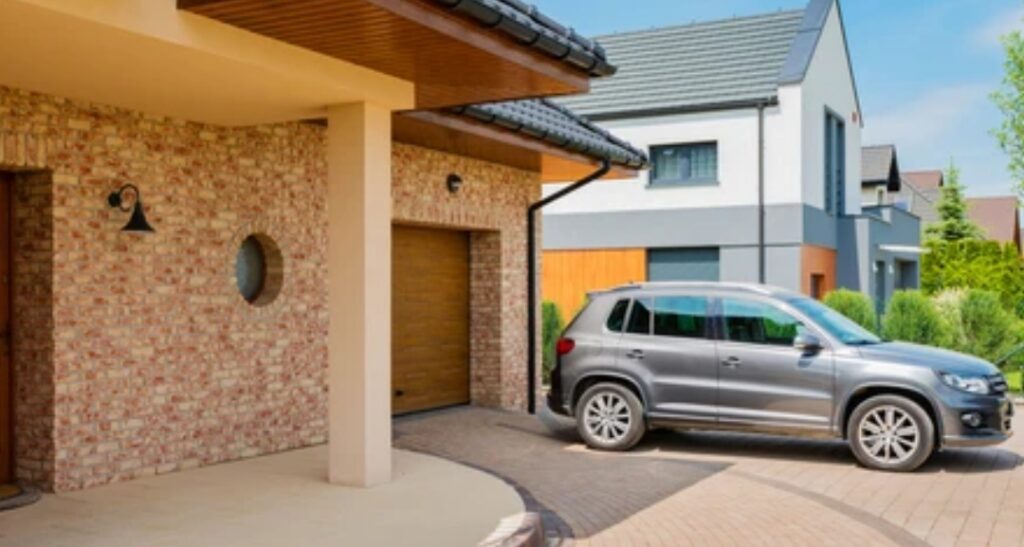
Sustainability and Energy Efficiency 🌱💡
Sustainability will continue to influence how smart garages are set up.
Energy-conscious homeowners are now turning their garages into green zones with solar energy systems, eco-friendly materials, and smart energy consumption.
Sustainable Trends in Smart Garages:
- Smart Lighting – Auto-adjusting LED lights that minimize power waste.
- Solar Panel Integration – Powers your smart systems and EV chargers.
- Insulated Smart Doors – Improve energy efficiency and reduce HVAC costs.
🌍 Green garages are not just good for the planet—they also slash your utility bills in the long run.
The Rise of DIY Smart Garage Kits 🔧📦
For tech-savvy homeowners and DIY enthusiasts, the future brings more plug-and-play smart garage kits that simplify setup without needing professional installation.
These Kits Often Include:
- Smart openers with app control
- Wi-Fi-enabled motion sensors
- Plug-in smart lights
- Smart garage camera units
- Centralized mobile app dashboards
💡 DIY kits are making it easier for anyone to learn how to set up a smart garage affordably and with minimal tech knowledge.
🔥 Ready to Future-Proof Your Garage?
Now is the perfect time to upgrade! With smart devices becoming more affordable and intelligent, creating a futuristic, secure, and eco-friendly garage is easier than ever.
👉 Check out our top-rated smart garage gadgets here
👉 Shop the best AI-powered garage tech bundles now
✅ Key Takeaways:
- Smart garages are evolving rapidly with AI, EV integration, and sustainability at the core.
- Voice control and biometrics are shaping how we secure and access garages.
- Future-proofing your garage now will save money, time, and energy in the years to come.
❓📘FAQs on Smart Garage
Got questions about how to set up a smart garage or maintain one?
You’re not alone.
Below are some of the most frequently asked questions, answered in a clear, practical way to help you make informed decisions before and after your smart garage upgrade.
These answers are designed for SEO visibility, Google Featured Snippets, and SGE summaries, so they’re straight to the point but packed with value.
What is a smart garage?
A smart garage is a connected space that integrates Wi-Fi-enabled devices and automation tools to enhance control, security, and convenience.
Smart garages often include:
- Smart garage door openers
- Motion sensors
- Cameras
- Lighting
- App-based remote access
- Integration with voice assistants like Alexa or Google Home
You can monitor and manage your garage from your smartphone or via voice commands, no matter where you are.
How do I set up a smart garage?
To set up a smart garage, follow these basic steps:
- Install a smart garage door opener – Choose one compatible with Wi-Fi and your smartphone.
- Add motion sensors and smart lights – These improve safety and energy efficiency.
- Integrate a smart camera – Provides real-time surveillance and motion-triggered alerts.
- Connect devices to your smart home system – Use apps like MyQ, Google Home, or Alexa for control.
- Set up automation routines – Like geofencing, auto-locks, and scheduled lighting.
✅ Tip: Start with one or two essential gadgets, then build out your system as needed.
Can I convert my existing garage into a smart garage?
Absolutely! You don’t need to build a new garage to enjoy smart features.
You can retrofit your existing garage using:
- A Wi-Fi garage door controller
- Smart plugs and smart lighting
- Battery-powered motion detectors
- Wireless cameras
This is a cost-effective way to experience automation without a full renovation.
What are the must-have devices in a smart garage?
Here are the essential smart garage gadgets every setup should include:
- ✅ Smart Garage Door Opener
- 🎥 Smart Security Cameras
- 💡 Smart Motion-Activated Lights
- 🕵️♂️ Motion Sensors
- 📲 Mobile App or Smart Hub Control
Optional upgrades include smart locks, carbon monoxide detectors, EV chargers, and smart thermostats for temperature-controlled garages.
Is it secure to control my garage over Wi-Fi?
Yes—as long as you follow security best practices.
Here’s how to secure your smart garage:
- Use strong, unique passwords
- Enable two-factor authentication
- Regularly update firmware and app software
- Avoid public Wi-Fi access to garage controls
- Choose devices with encryption protocols
🔐 Smart security is a critical part of learning how to set up a smart garage the right way.
Can I integrate my smart garage with Alexa or Google Assistant?
Yes! Most modern smart garage systems are fully compatible with:
- Amazon Alexa
- Google Assistant
- Apple HomeKit (for select devices)
This allows you to control your garage with simple voice commands, create custom automation routines, and get real-time updates.
🗣️ Example commands:
- “Hey Google, open the garage door.”
- “Alexa, is the garage door closed?”
- “Siri, turn off garage lights.”
How much does it cost to set up a smart garage?
The cost of setting up a smart garage depends on how many features you want.
Basic Setup:
- Smart garage opener: $80 – $150
- Motion sensors: $20 – $50
- Smart lighting: $25 – $60
- App control: Often free
Advanced Setup:
- Smart cameras: $80 – $300
- EV charging: $400 – $1,200
- Full automation systems: $1,000+
You can start with an affordable setup and upgrade over time.
Can a smart garage help with energy savings?
Yes. Smart garages reduce energy waste by:
- Automatically turning off unused lights
- Monitoring garage temperature
- Charging EVs during off-peak hours
- Using solar panels for power
🌱 These features not only save energy but also reduce your utility bills.
What happens if my Wi-Fi goes down?
Most smart garage systems have manual overrides or backup access options.
- Some door openers still function with a physical remote
- Others offer local Bluetooth control
- Cameras and sensors may temporarily stop sending alerts but record footage locally (if supported)
📡 Tip: Use a smart device that supports both Wi-Fi and Bluetooth for added reliability.
Can smart garages be installed by beginners?
Yes! Many smart garage products are DIY-friendly and come with simple instructions or mobile app guides.
Look for devices labeled:
- “No hub required”
- “Plug-and-play”
- “App-enabled setup”
If you’re still unsure, you can always hire a pro or get virtual installation support from many brands.
Don’t wait to bring your garage into the future. Whether you’re starting small or going full smart, the right gadgets can transform your space into a secure, energy-efficient, and tech-savvy environment.
👉 Click here to explore the best smart garage deals today!
👉 Grab your full smart garage starter kit now
Conclusion of Setting Up Smart Garage🚀
Creating a smart garage is no longer a futuristic fantasy—it’s a powerful, practical upgrade you can implement right now.
From advanced automation to AI-powered devices, learning how to set up a smart garage means transforming your garage into a secure, connected, and energy-efficient part of your smart home ecosystem.
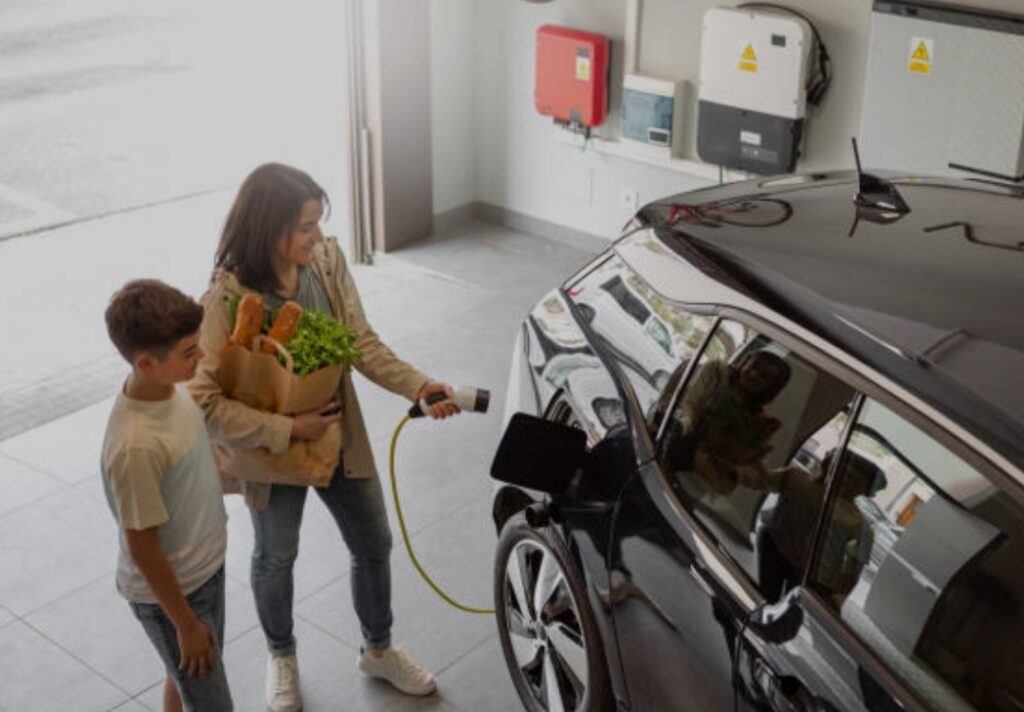
Why Your Garage Deserves the Smart Upgrade
✅ Convenience: Open, close, and monitor your garage from anywhere in the world.
✅ Security: Get real-time alerts, access logs, and HD footage at your fingertips.
✅ Efficiency: Automate lights, monitor temperature, and charge your EV smarter.
✅ Value: Increase your home’s resale value and appeal to tech-forward buyers.
Whether you’re a DIY enthusiast or new to smart home setups, the tools and technology available today make it easier than ever to get started—with no tech degree required.
Your Smart Garage Checklist
Before we wrap up, here’s a quick checklist to keep you on track:
- ✅ Installed a smart garage door opener
- ✅ Set up smart lighting and motion sensors
- ✅ Integrated smart cameras for surveillance
- ✅ Connected everything to your voice assistant
- ✅ Automated routines and schedules
- ✅ Enhanced garage security with biometrics or encryption
- ✅ Future-proofed your setup with EV or solar compatibility
You’re now on your way to having one of the most modern, secure, and intelligent garages on the block.
🔥 Ready to Build Your Smart Garage?
Stop settling for outdated tech. Take control of your garage with smart automation that delivers unmatched convenience and safety.
👉 Get started with the best smart garage opener here
👉 Shop the top-rated smart garage bundles for beginners
👉 Explore our full smart home guide here
✅ Final Thoughts:
Upgrading to a smart garage isn’t just about gadgets—it’s about peace of mind, control, and smarter living.
With the right setup, your garage can be more than a storage space—it can be a powerhouse of protection, sustainability, and futuristic tech.
If you’ve been wondering how to set up a smart garage, now you have the complete roadmap—from planning to automation and beyond.
🛠️ Now it’s your turn to bring this smart space to life!
You might also like :