
🏡 Introduction: Enhancing Your Airbnb Experience with Smart Locks
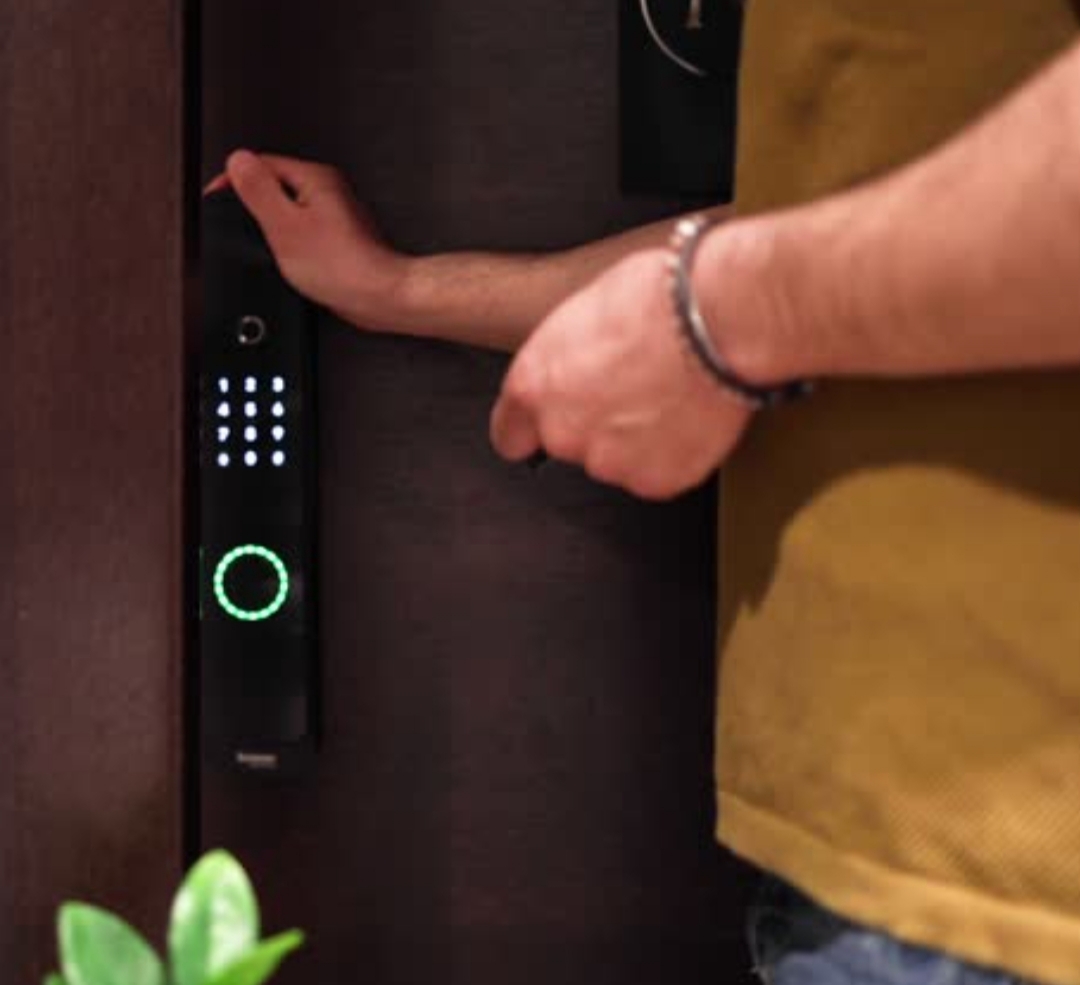
In the dynamic world of short-term rentals, ensuring a seamless and secure check-in experience is paramount for Airbnb hosts. One of the most effective ways to achieve this is by integrating smart lock technology into your property.
Smart locks offer a keyless entry solution, allowing guests to access your property using unique codes, eliminating the need for physical keys. This not only enhances security but also provides convenience for both hosts and guests.
Implementing a smart lock system can significantly improve your hosting experience by:
- Streamlining Check-Ins: Guests can arrive at their convenience without coordinating key exchanges.
- Enhancing Security: Unique access codes for each guest reduce the risk of unauthorized entry.
- Remote Management: Monitor and control access to your property from anywhere.
This guide will walk you through how to set up a smart lock for your Airbnb, covering everything from selecting the right device to integrating it with your listing. By the end, you’ll be equipped with the knowledge to enhance your property’s security and guest experience.
Note: The information provided is based on current best practices and available technologies as of 2025. Always consult the latest resources and manufacturer guidelines when implementing smart lock systems.
🔒 Why Smart Locks Are Essential for Airbnb Hosts
In today’s highly competitive short-term rental market, smart locks have become more than just a convenience—they are a necessity for modern Airbnb hosts.
Whether you’re managing a single unit or a portfolio of rental properties, using a smart lock can drastically improve your hosting experience, provide better security, and create a frictionless experience for your guests.
In this section, we’ll explore why smart locks are essential for Airbnb hosts, covering their benefits, real-world use cases, and why they’re considered a must-have feature in 2025 and beyond.
✅ Simplify Guest Check-ins with Keyless Entry
One of the biggest pain points for both hosts and guests is the traditional key exchange process.
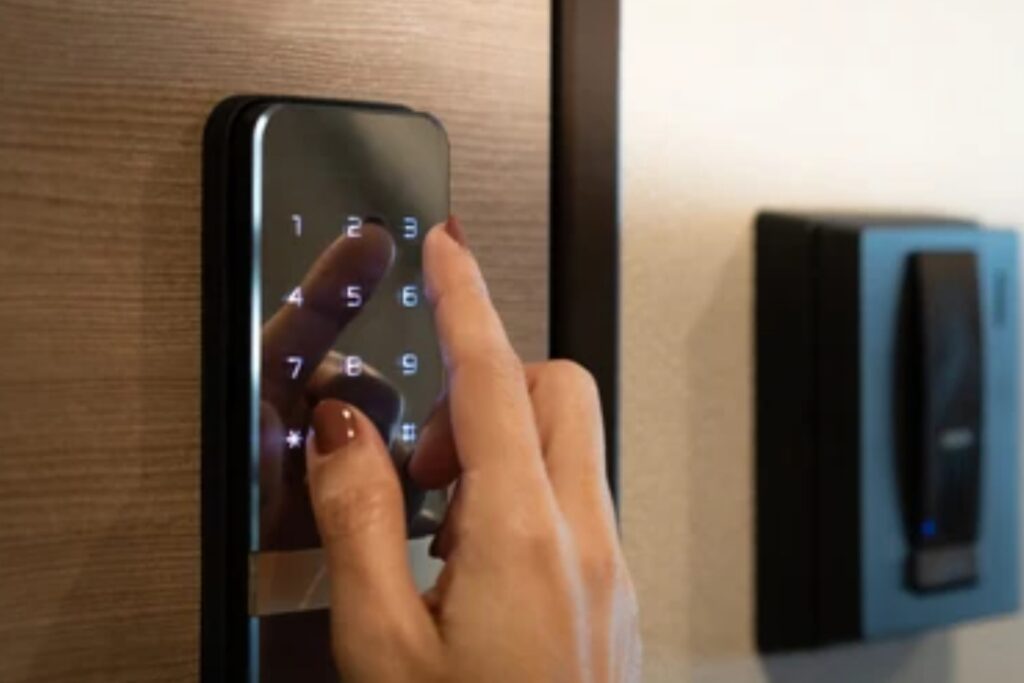
With a smart lock, there’s no need for in-person key handovers, hiding spare keys, or dealing with lost keys.
Guests can simply arrive, enter a code, and walk in—day or night.
This not only improves the guest experience but also minimizes late-night support calls or coordination headaches.
Benefits of Keyless Check-ins:
- Guests get instant access with a code sent via message.
- Hosts can create custom access codes for each stay and set expiration times.
- No more worrying about stolen or unreturned keys.
📌 Pro Tip: Choose a smart lock that lets you integrate with Airbnb’s calendar so access codes are generated and deleted automatically.
🔐 Improve Your Airbnb’s Security
As a host, security is one of your top priorities.
Smart locks provide an advanced layer of protection compared to traditional locks.
Most models include features like:
- Auto-lock timers, ensuring your door is never accidentally left unlocked.
- Access logs, so you know exactly when someone entered or exited the property.
- Remote locking/unlocking, which lets you secure your property from anywhere in the world.
These features offer peace of mind—especially when you’re managing a property from a distance.
Plus, using individual codes for each guest minimizes the chances of repeated unauthorized access.
📍 Did you know? Some smart locks can even notify you if someone attempts to tamper with the lock or make repeated failed entry attempts.
🌐 Manage Your Property Remotely—From Anywhere
For hosts who don’t live near their rental property or travel frequently, remote property management is a game-changer.
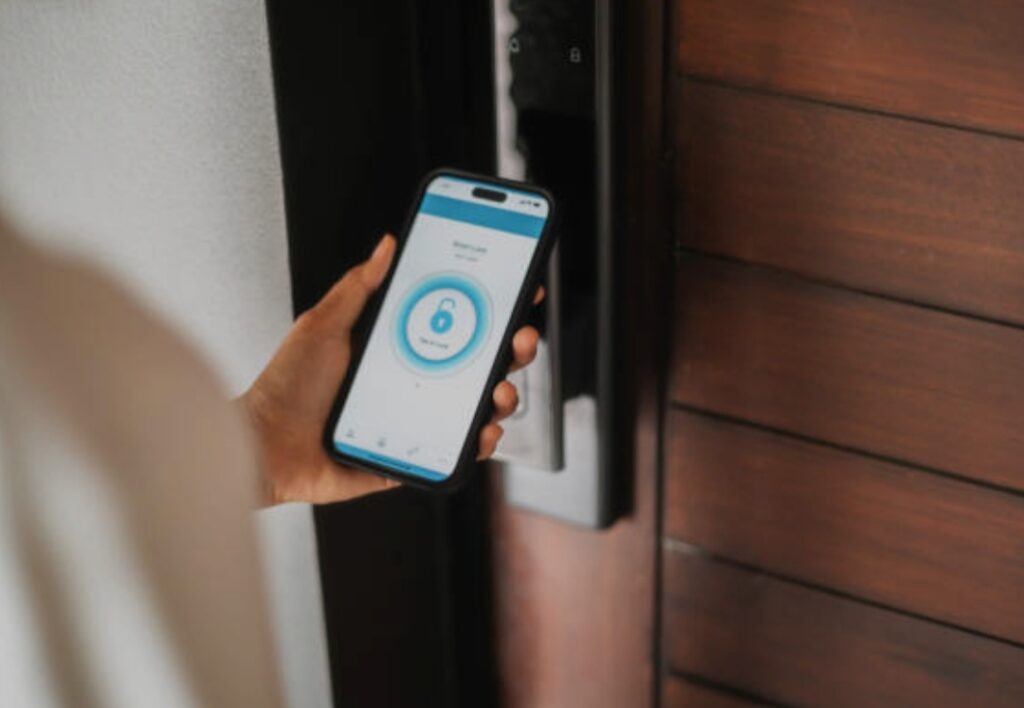
Smart locks can be controlled via mobile apps, giving you the power to:
- Check if the door is locked in real-time.
- Lock or unlock the door manually from your phone.
- Grant or revoke access instantly for cleaners, maintenance teams, or guests.
This kind of remote control adds a layer of flexibility and professionalism to your hosting operations that guests appreciate.
💼 Automate Operations and Save Time
If you’re managing multiple bookings, automation becomes critical.
Smart locks help you:
- Eliminate the need for physical meet-and-greets.
- Automatically rotate entry codes with each reservation.
- Receive notifications when guests check in and check out.
By reducing manual labor and eliminating common issues, you free up more time to focus on guest satisfaction and growing your business.
📌 Automation = better reviews, less stress, and more 5-star stays.
⭐ Increase Your Property’s Appeal and Booking Rate
Today’s travelers are tech-savvy.
Many guests expect smart home features, and smart locks are near the top of that list.
By showcasing that your property includes keyless self-check-in, you’ll stand out on Airbnb’s search results and filters.
Guests looking for a convenient and secure stay are far more likely to book a property with a smart lock over one that doesn’t offer it.
In fact, listings with self check-in enabled tend to perform better in Airbnb’s algorithm—boosting visibility and potential earnings.
📌 Tip: Add Smart Lock Feature to your listing title and description to attract more guests.
🔑 Why You Should Upgrade Today
If you’re still using a traditional lock and key setup, you’re missing out on the opportunity to:
- Provide a 5-star guest experience
- Protect your property
- Simplify your life as a host
Smart locks are affordable, easy to install, and compatible with most doors.
Many models now integrate directly with Airbnb or through platforms like RemoteLock, August Connect, or Operto—making the switch seamless.
➡️ Don’t wait. Upgrade to a smart lock today and give your guests the secure, seamless experience they deserve.
✍️ Summary of Benefits for Airbnb Hosts
| Feature | Benefit |
| Keyless Entry | No more lost keys or physical exchanges |
| Remote Management | Control and monitor access from anywhere |
| Guest Access Codes | Custom, time-sensitive access for each booking |
| Security Enhancements | Lock alerts, logs, and tamper notifications |
| Automation | Save time, reduce stress, and improve professionalism |
| Increased Bookings | Appeal to modern guests looking for tech-enabled stays |
Ready to level up your Airbnb?
👉 Click here to find the perfect smart lock for your Airbnb now!
Don’t settle for outdated methods—upgrade your rental with the power of smart technology and enjoy peace of mind, happier guests, and more bookings.
🛠️ Choosing the Right Smart Lock for Your Airbnb
When learning how to set up a smart lock for your Airbnb, the first and most crucial step is selecting the right smart lock.
Not all smart locks are created equal—some are ideal for single-unit hosts, while others are better suited for hosts managing multiple listings remotely.
In this section, we’ll guide you through the key factors to consider, the top smart lock features, and our expert recommendations to help you choose a device that meets your hosting needs, keeps guests happy, and ensures your property stays secure.
🎯 What to Look for in an Airbnb Smart Lock
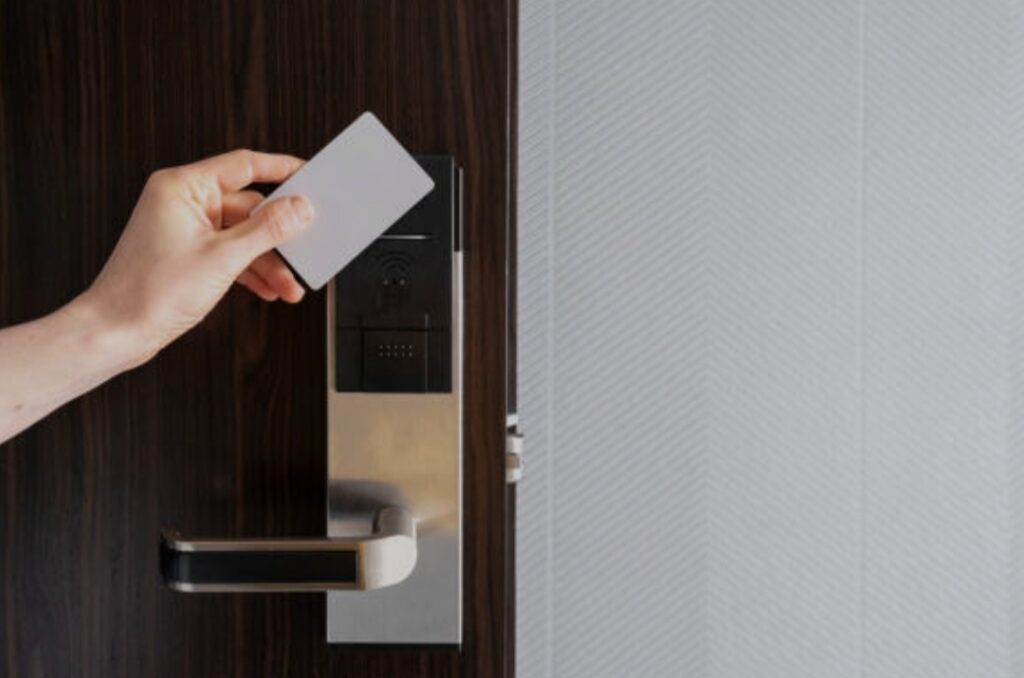
When shopping for a smart lock, consider the following essential features:
🔑 Keyless Entry with Custom Access Codes
Your smart lock should allow you to generate individual codes for each guest.
These codes should:
- Be time-limited (expire automatically after check-out).
- Be sent automatically via Airbnb or third-party tools.
- Be unique to each booking for better security.
This not only streamlines the check-in process but improves guest satisfaction by eliminating the need for physical keys.
✅ Look for locks that integrate with Airbnb’s calendar for full automation.
📶 Wi-Fi or Bluetooth Connectivity
You’ll need a lock that offers remote access, which is crucial for:
- Managing multiple properties.
- Granting or revoking access instantly.
- Checking entry logs or lock status from your phone.
👉 Wi-Fi-enabled locks are ideal for remote hosts, while Bluetooth locks are better for on-site management.
🛡️ Tamper Detection & Auto-Lock Features
The best smart locks include security enhancements like:
- Auto-lock timers (locks the door after a set period).
- Alerts for multiple failed entry attempts.
- Built-in alarms or app notifications if tampering is detected.
These help protect your property and give you peace of mind as a host.
🧩 Airbnb Integration & Property Management Tools
Smart locks that offer direct Airbnb integration can:
- Automatically generate guest access codes.
- Sync codes with the reservation calendar.
- Remove access after checkout—without any manual work.
Some tools like RemoteLock, August Smart Lock, and Operto specialize in these features.
If you manage multiple units, these tools are a game-changer.
🔋 Battery Life & Backup Options
Choose a lock with:
- A long battery life (preferably 6–12 months).
- Low-battery alerts sent to your phone.
- Backup key or keypad override in case of power failure.
Reliable locks = less guest lockout drama.
🧠 Top Smart Locks for Airbnb Hosts in 2025
Here are some host-recommended smart locks that are perfect for Airbnb rentals:
🥇 August Wi-Fi Smart Lock (4th Gen)
- Sleek design, works with your existing deadbolt.
- Offers Airbnb integration via August + RemoteLock.
- Easy to install, no drilling required.
- App support, remote access, and voice assistant compatibility.
Best For: Urban hosts with tech-savvy guests.
🥈 Schlage Encode Smart Wi-Fi Deadbolt
- Built-in Wi-Fi, no hub required.
- Generates up to 100 unique access codes.
- Top-rated for security and reliability.
Best For: Hosts who want a full-featured smart lock with no extra gadgets.
🥉 Yale Assure Lock 2 with Wi-Fi
- Sleek touchscreen design.
- Easily integrates with smart home systems (Google, Alexa, etc.).
- Works with Airbnb via Operto or RemoteLock.
Best For: Tech-friendly homes and modern apartments.
📊 Smart Lock Comparison Table
| Feature | August Wi-Fi Lock | Schlage Encode | Yale Assure Lock 2 |
| Wi-Fi Built-In | ✅ | ✅ | ✅ |
| Airbnb Integration | ✅ (via RemoteLock) | ❌ | ✅ (via Operto) |
| Auto-Lock | ✅ | ✅ | ✅ |
| Tamper Alerts | ✅ | ✅ | ✅ |
| Installation Complexity | Easy | Moderate | Moderate |
| Backup Key Option | ✅ | ✅ | ✅ |
🚀 Pro Tips for Smart Lock Installation
- Double-check your door type and compatibility before purchasing.
- If you’re not handy, hire a local locksmith to install it professionally.
- Test the lock thoroughly before your first guest uses it.
- Add instructions in your House Manual and Airbnb message templates.
🔧 Installation usually takes 15–30 minutes for DIY users.
📣 Final Thoughts on Choosing the Right Smart Lock
Choosing the right smart lock for your Airbnb can make or break your guest’s first impression.
By investing in the right model with Airbnb integration, strong security features, and remote access, you’re setting yourself up for:
- ⭐ Better reviews
- 🧘♂️ Less stress
- 📈 Higher booking rates
➡️ Ready to choose your smart lock? Explore our top-rated smart locks for Airbnb hosts now!
🔧 Step-by-Step Guide to Setting Up Your Smart Lock
Learning how to set up a smart lock for your Airbnb doesn’t need to be overwhelming.
Whether you’re a new Airbnb host or managing multiple short-term rentals, this step-by-step installation guide will walk you through the full process—from unboxing to fully automating guest access.
By following this detailed setup guide, you’ll ensure your smart lock works flawlessly, enhances guest experience, and meets Airbnb’s self-check-in standards.
Let’s break it down from A to Z. ✅
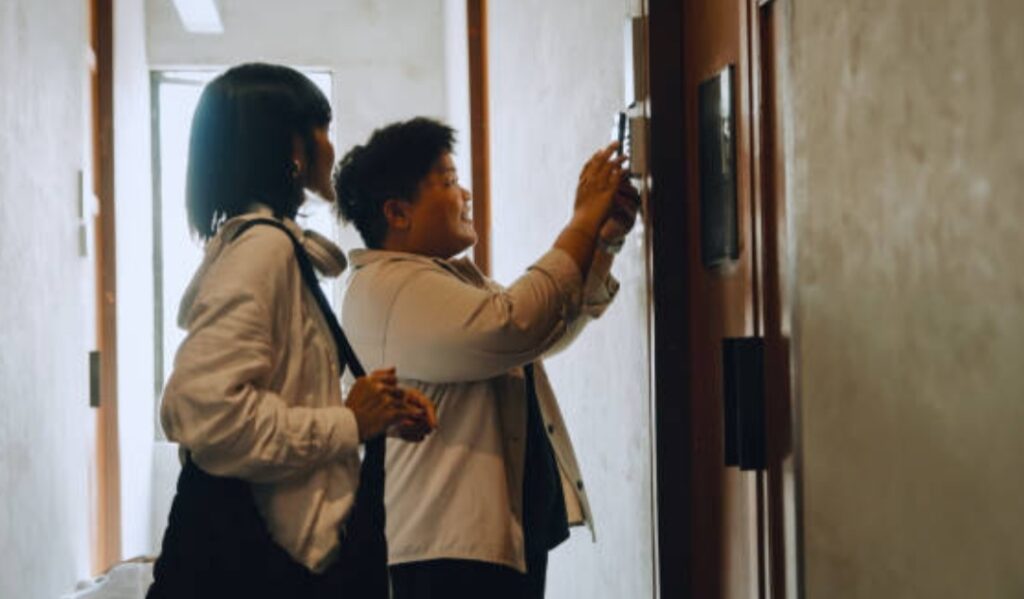
📦 Step 1 – Unbox and Inspect the Smart Lock
Before you begin installation:
- Carefully open the packaging and make sure all parts and tools are included.
- Most smart locks come with:
➤ Front & back plate
➤ Mounting plate
➤ Screws
➤ Batteries
➤ Quick-start guide
➤ Strike plate (if applicable)
Tip: Check compatibility with your door’s thickness and lock orientation (left or right hinge).
🛠️ Step 2 – Remove Your Existing Deadbolt
To avoid damage:
- Use a screwdriver to unscrew the interior plate of your existing deadbolt.
- Gently pull the front and back plates apart.
- Remove the existing strike plate from the doorframe if your new smart lock includes one.
💡 Pro Tip: Take a photo of your old setup in case you need to reassemble it later.
🔩 Step 3 – Install the New Deadbolt or Adapter
Depending on your smart lock type:
- If it’s a full replacement lock (like Schlage Encode), install the entire mechanism.
- If it’s an adapter-type lock (like August), mount it over your existing deadbolt.
Align the bolt and make sure it turns smoothly before securing it with screws.
🔐 Ensure your door is closed and aligned properly before final tightening.
🔋 Step 4 – Insert Batteries and Power It On
- Most smart locks require AA or AAA batteries, which are usually included.
- Once inserted, the device will beep or flash to indicate it’s ready to pair.
🔋 Look for low battery indicators or app alerts to avoid future lockouts.
🛑 Avoid rechargeable batteries unless the manufacturer approves them—they often cause malfunctions.
📱 Step 5 – Download and Install the App
Each smart lock has its own app (e.g., August App, Schlage Home, Yale Access).
- Go to the App Store or Google Play.
- Search and install the official app.
- Open the app and create an account or sign in.
- Begin the “Add Device” process to pair your smart lock.
📶 Most apps will guide you through Bluetooth or Wi-Fi connection step-by-step.
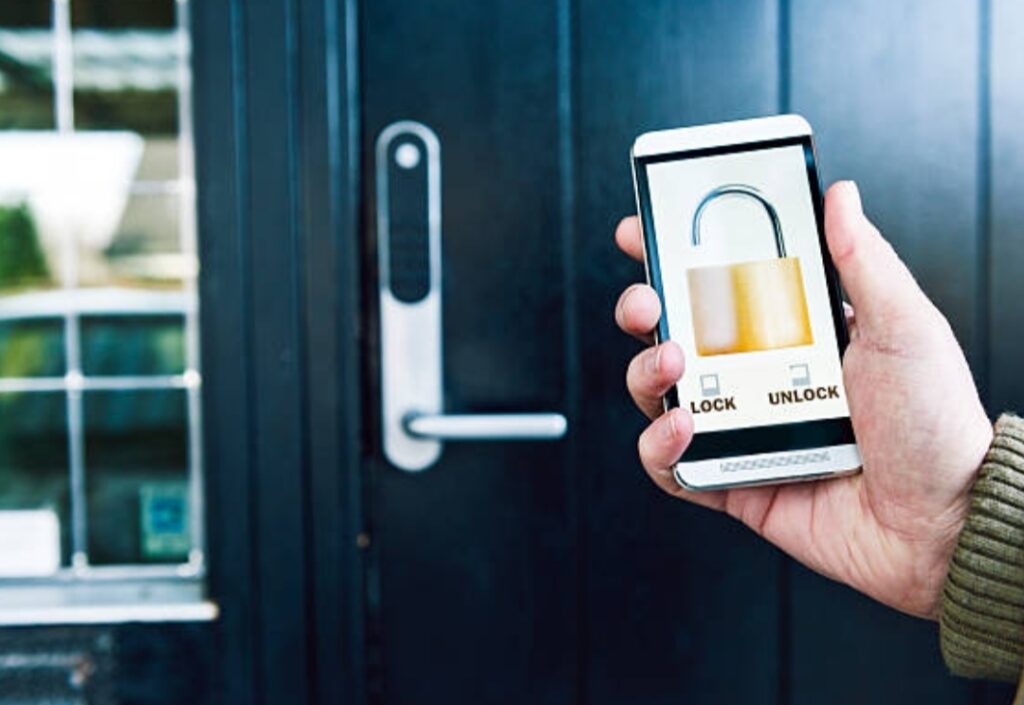
📡 Step 6 – Connect to Wi-Fi or Smart Hub (Optional but Recommended)
To manage your Airbnb remotely, Wi-Fi is essential.
Depending on the brand:
- Connect directly via built-in Wi-Fi.
- OR use a Wi-Fi bridge or hub (like the August Connect or Yale Connect).
Advantages of Wi-Fi Connection:
- Remote locking/unlocking 🔐
- Push notifications
- Code management
- Integration with Airbnb or remote lock software
📲 Test connectivity by locking/unlocking from the app once paired.
🔢 Step 7 – Set Up Guest Access and Custom Codes
Now, configure guest entry options to automate check-ins:
🧾 Manual Code Creation
Most apps allow you to:
- Create unique guest codes
- Set date/time expiry windows
- Share codes via email or SMS
🤖 Automated Code Sync (Recommended)
With tools like RemoteLock, Operto, or Host Tools:
- Guest codes are generated automatically based on your Airbnb calendar.
- Codes are deactivated at check-out.
- No manual intervention is needed!
✅ This is ideal for hands-off hosting and better security.
🛠️ Step 8 – Test the Lock Thoroughly
Before your next guest arrives, test all features:
- Lock and unlock via app
- Try the keypad/code entry
- Check auto-lock timer
- Review notifications and access logs
Have a friend or partner do a mock guest check-in to simulate the full process.
📋 Add lock instructions to your Airbnb guest messages or house manual.
🚪 Step 9 – Finalize Setup and Backups
To avoid lockouts or issues:
- Set a master code for emergencies.
- Store a physical backup key nearby (but not in obvious places).
- Enable push notifications for entry activity.
- Educate your co-host or cleaner on the system.
🔑 Always have a backup entry method (key box, spare code, etc.) in case of failure.
🎉 Congrats – Your Airbnb Smart Lock is Live!
You’ve now fully installed and configured your smart lock for Airbnb guests.
Here’s what you’ve achieved:
- Automated self-check-in
- Remote access control
- Enhanced security
- Streamlined operations for hosting success
➡️ Want to take it further? Explore automation tools that sync your lock with your Airbnb calendar!
❗ Troubleshooting Common Smart Lock Issues
Even with the best setup, smart locks can occasionally act up, especially in busy Airbnb environments where multiple guests check in and out weekly.
This section covers the most common smart lock issues Airbnb hosts face, their root causes, and—more importantly—how to fix them fast.
If you’re wondering how to set up a smart lock for your Airbnb and keep it running smoothly, this guide will help ensure your lock is always reliable.
🧠 Pro Tip: Proactive troubleshooting keeps guests happy and reviews positive ⭐⭐⭐⭐⭐
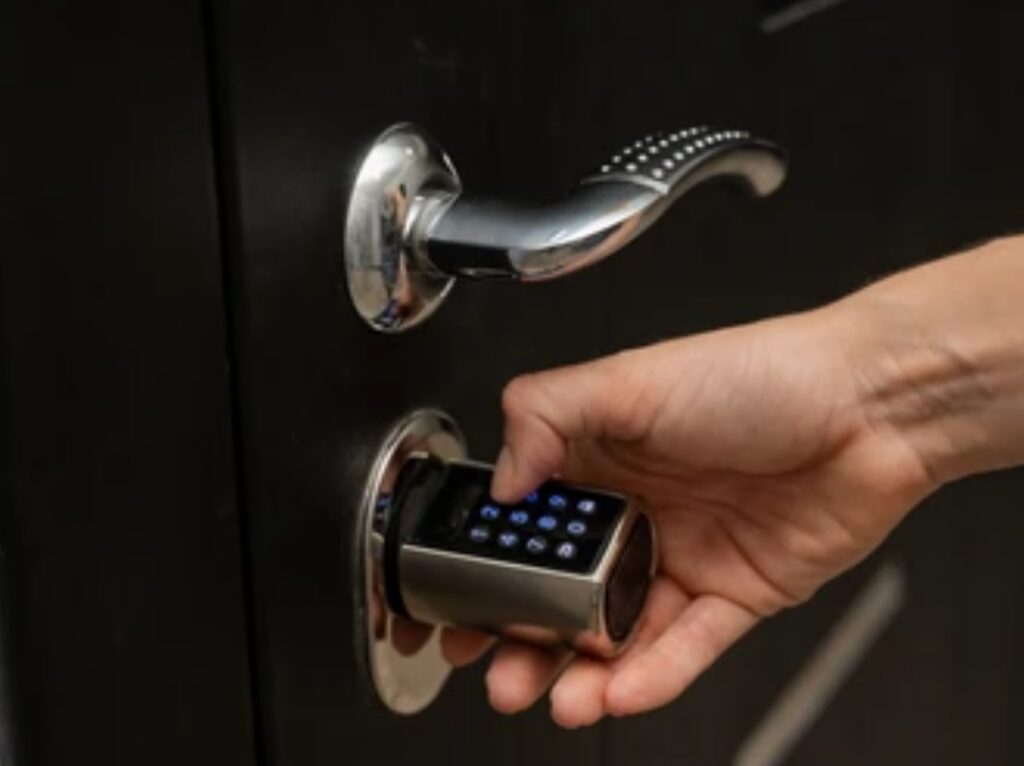
🔋 1. Low or Dead Batteries
Symptom:
Lock becomes unresponsive, sluggish, or fails to unlock remotely.
Fix:
- Replace batteries immediately (use high-quality alkaline batteries only).
- Avoid mixing old and new batteries.
- Keep a spare set in your cleaning closet or smart lock toolkit.
📌 Most smart locks notify you via app before batteries die—enable push notifications.
🧠 Pro Tip: Choose smart locks with battery backup or a manual key override.
📶 2. Wi-Fi or Bluetooth Connection Errors
Symptom:
Lock won’t sync with app, remote control fails, or integration with Airbnb platform drops.
Fix:
- Restart your Wi-Fi router.
- Ensure your smart lock is within Wi-Fi/Bluetooth range.
- Use a dedicated Wi-Fi bridge (like the August Connect or Yale Smart Module) for improved signal.
- Avoid placing locks near metal objects or thick concrete walls.
✅ Check your integration tool’s dashboard to re-sync your Airbnb calendar.
❌ 3. Access Codes Not Working for Guests
Symptom:
Guests report the code you provided is invalid or doesn’t unlock the door.
Fix:
- Double-check code validity period and format.
- Manually reset the code in the app or integration tool.
- Confirm the guest’s check-in/check-out times match code settings.
💡 Tip: Pre-schedule codes using a smart lock manager like RemoteLock or Operto.
🛠️ Avoid using the same code for every guest. Rotation = better security.
🔁 4. Lock Mechanism Jams or Doesn’t Turn Properly
Symptom:
The lock doesn’t fully engage or unlocks halfway.
Fix:
- Check door alignment—warped doors can block bolt movement.
- Lubricate the deadbolt with graphite or silicone-based spray (never use WD-40).
- Make sure the strike plate on the door frame is properly aligned.
🧠 Pro Tip: Test your smart lock physically after every cleaning to ensure smooth operation.
⚠️ 5. Integration Tool Sync Failure
Symptom:
Codes are not automatically generated or aren’t syncing with Airbnb bookings.
Fix:
- Log into your integration tool (e.g., Operto, RemoteLock, August) and re-authorize the Airbnb connection.
- Clear cache or reinstall the app if needed.
- Make sure the listing is still active and correctly mapped in the tool.
✅ Check for expired API tokens or app updates that may interrupt connectivity.
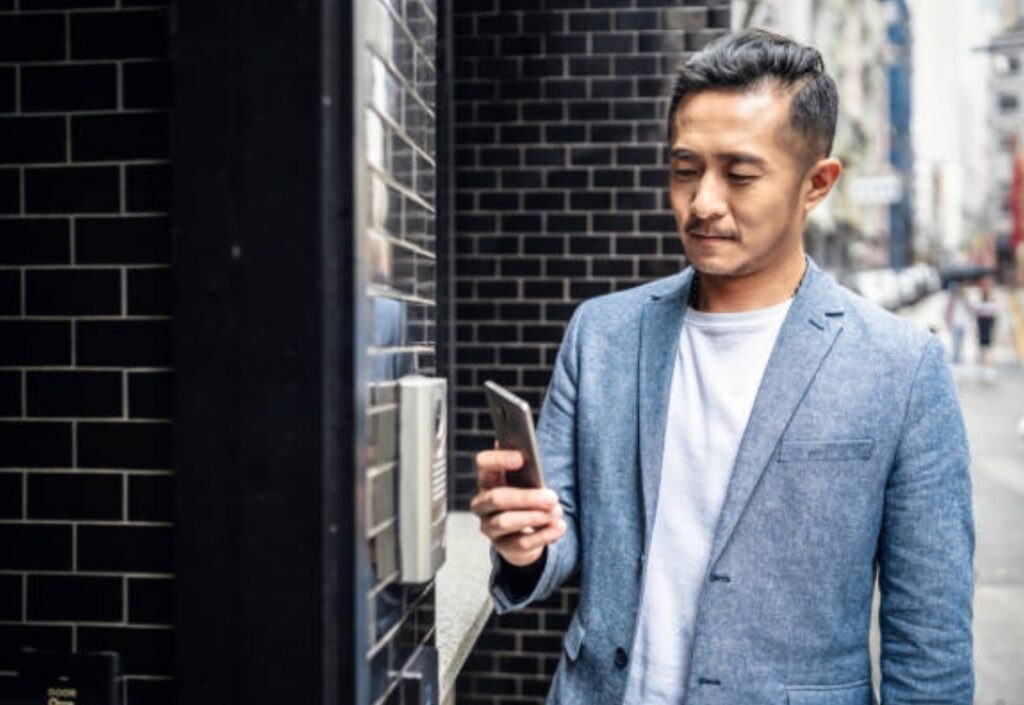
🔄 6. Time Zone Discrepancies
Symptom:
Access codes activate or expire at the wrong times.
Fix:
- Ensure your Airbnb account and smart lock app are set to the same time zone as your property.
- Confirm that DST (Daylight Saving Time) settings are applied correctly.
- Avoid manually setting times unless absolutely necessary—automation handles this better.
🕒 Small timing mismatches can lead to early arrivals or locked-out guests—double check your system clock settings.
🧠 Smart Lock Troubleshooting Checklist for Airbnb Hosts
Use this simple checklist to stay proactive:
✅ Replace smart lock batteries monthly or as notified
✅ Reboot Wi-Fi and check connection strength weekly
✅ Verify code generation automation is active
✅ Test the lock manually during property cleanings
✅ Keep a backup mechanical key in a secured lockbox
✅ Add a secondary contact method for guests in case of emergency
✅ Monitor guest reviews for recurring issues
🚀 Preventive Measures to Avoid Issues Before They Start
Want to avoid smart lock problems altogether?
Here’s how to stay one step ahead:
🔧 Schedule monthly maintenance on your smart lock (cleaning + testing)
🔁 Use auto-generated codes via integration tools
📩 Automate message delivery with check-in instructions + access info
📶 Upgrade to a Z-Wave or Zigbee lock with smart home hubs for better signal reliability
🆘 Keep a 24/7 backup plan (manual key, locksmith number, or co-host)
💡 A little maintenance goes a long way in keeping guests happy and your hosting stress-free.
✅ Smart Lock Problems? Not Anymore.
By understanding and preparing for these common issues, you’ll minimize disruptions and maximize guest satisfaction.
With a little preventative care, the right tools, and a responsive mindset, your smart lock setup will run smoothly day in and day out.
🔑 Don’t leave your guest experience to chance—opt for a reliable smart lock integration and backup system today.
🔐 Best Practices for Smart Lock Security and Guest Privacy
As a responsible Airbnb host, setting up a smart lock is only half the job.
The real challenge lies in maintaining maximum security and guest privacy—two pillars that build trust, prevent negative reviews, and protect your property.
In this section, you’ll learn the best practices to ensure your smart lock setup is not only convenient but also safe, secure, and fully respectful of your guests’ privacy.
If you’re wondering how to set up a smart lock for your Airbnb in a way that meets modern safety expectations, this is your go-to guide.
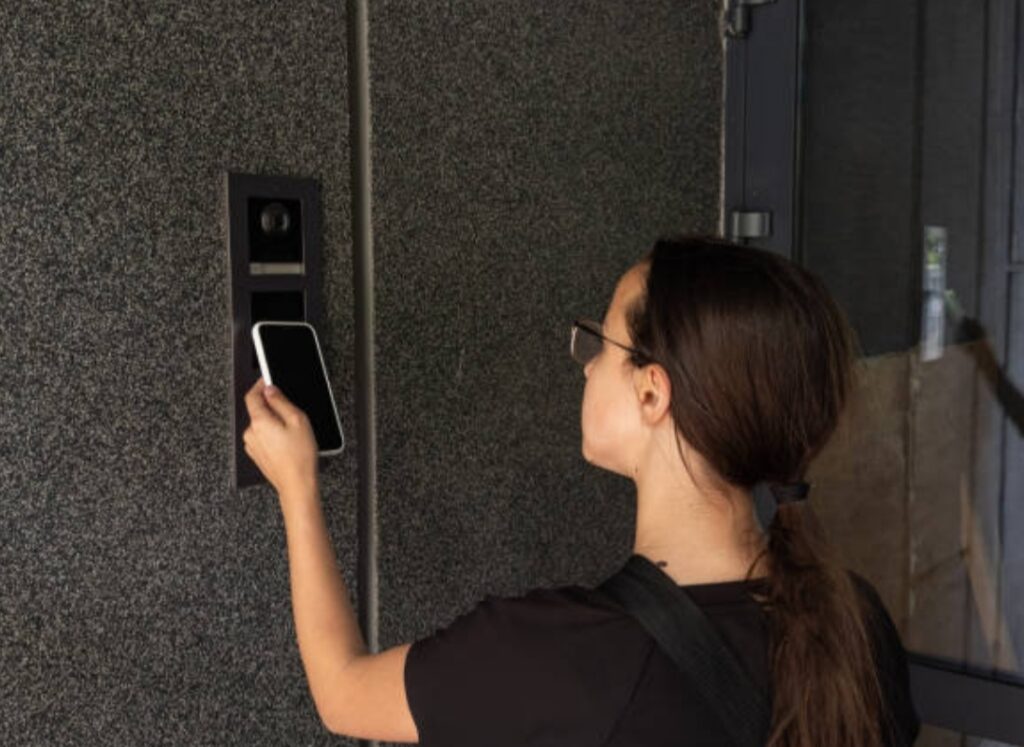
🛡️ 1. Always Use Unique, Time-Sensitive Access Codes
Avoid using static codes or reusing the same PIN for every guest.
Instead:
- Use your smart lock’s built-in scheduling tool or an integration like RemoteLock to generate unique, time-based access codes.
- Each guest should get a temporary code that activates only during their stay and expires automatically after checkout.
- For added security, consider auto-deleting old codes once they’re no longer in use.
🔐 Bonus Tip: Use 6-digit or alphanumeric PINs instead of simple 4-digit combinations for extra protection.
🔄 2. Automate Code Generation Through Airbnb Integration Tools
Manual input creates room for error and delays.
Use tools like:
- August + Airbnb auto-code sharing
- Operto, Lynx, or Smartbnb for seamless guest-code sync
- RemoteLock for bulk property management
Automation ensures:
✅ Timely delivery of access codes
✅ Zero human errors
✅ No sharing sensitive details manually
🧠 Pro Tip: Always test your integration after any system update or Airbnb listing change.
👁️🗨️ 3. Respect Guest Privacy—Never Spy or Monitor Entries
Smart locks often come with activity logs showing door access history.
But do not use this feature to monitor guest comings and goings unless it’s for a clear safety concern.
Do:
- Disable real-time logging notifications unless necessary
- Avoid sharing access history with third parties
- Inform guests in your house rules or welcome message that smart locks are used for convenience only—not for surveillance
❌ Don’t:
- Check entry logs unnecessarily
- Use video-equipped doorbells without clear disclosure
💡 Privacy builds trust and better reviews.
🔐 4. Enable Two-Factor Authentication on Your Lock’s App
If your smart lock app supports it, turn on 2FA immediately.
This adds a layer of protection against unauthorized access—even if someone steals your login.
Examples:
- August, Yale Access, Schlage Home, and Level apps all offer 2FA options
- Require 2FA on your Airbnb host account too for additional security
🧠 Pro Tip: Use a password manager to create strong, unique passwords for each platform.
📵 5. Never Share Admin or Owner-Level Access
It may be tempting to add your co-host, cleaning crew, or maintenance workers as “admins” to your smart lock app—but resist.
Instead:
- Use guest-level permissions or create limited-access codes
- Revoke temporary access when no longer needed
- Avoid linking smart lock apps to multiple unrelated devices
🔑 One admin, one control center = less risk of breach.
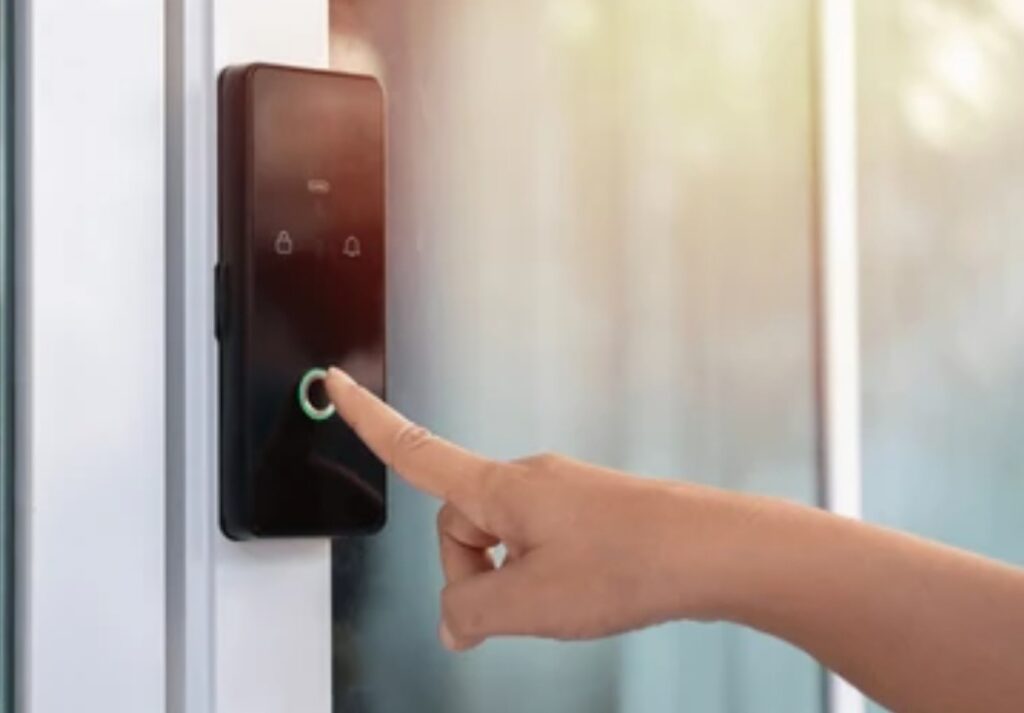
🔒 6. Use Encrypted Smart Lock Models Only
Not all smart locks offer the same level of digital protection.
Choose locks that feature:
- AES-128 or AES-256 encryption
- Two-way authentication protocols
- Secure cloud storage (not locally stored data)
Highly recommended models include:
- August Smart Lock Pro + Wi-Fi
- Yale Assure Lock 2 with Z-Wave
- Schlage Encode Plus
🧠 Pro Tip: Avoid generic or off-brand smart locks that lack proper security certifications.
🚫 7. Avoid Public Wi-Fi or Weak Networks for Configuration
Smart locks often require Wi-Fi for setup and access management.
✅ Do:
- Use a private, password-protected network
- Set up a dedicated guest Wi-Fi (separate from your lock’s network)
- Routinely update your router’s firmware
❌ Don’t:
- Configure your lock over coffee shop Wi-Fi
- Leave your Wi-Fi network unsecured
- Use easy-to-guess router passwords like “12345678”
🔒 Your smart lock is only as secure as your network.
🧠 8. Train Your Cleaning Staff & Co-Hosts
Even the most secure system can fail if users don’t follow best practices.
Give your team:
- A printed smart lock guide with do’s and don’ts
- Specific access codes that expire after each use
- A clear understanding of what to do if the lock malfunctions
📘 Well-trained staff = smoother turnovers, fewer emergencies, and better security.
✅ Security Is a Trust-Building Superpower
Your guests are trusting you with more than just a bed—they’re trusting you with their safety.
When you implement these smart lock best practices, you create:
✅ A seamless, hassle-free entry experience
✅ A secure environment where guests feel protected
✅ Fewer issues and better reviews
✅ Higher rankings on Airbnb search results
🎯 Take action now:
Upgrade to a secure smart lock system and set up automated privacy protection today!
💡 Tips to Enhance Guest Experience with Smart Locks
Delivering a smooth, secure, and convenient experience is essential if you want to earn 5-star reviews and repeat bookings on Airbnb.
Smart locks are more than just a security upgrade—they’re a powerful tool for elevating your guest experience.
In this section, we’ll dive deep into actionable, host-tested tips that transform a simple smart lock setup into a standout guest feature.
If you’re learning how to set up a smart lock for your Airbnb and want to create a WOW factor, this guide is your blueprint.
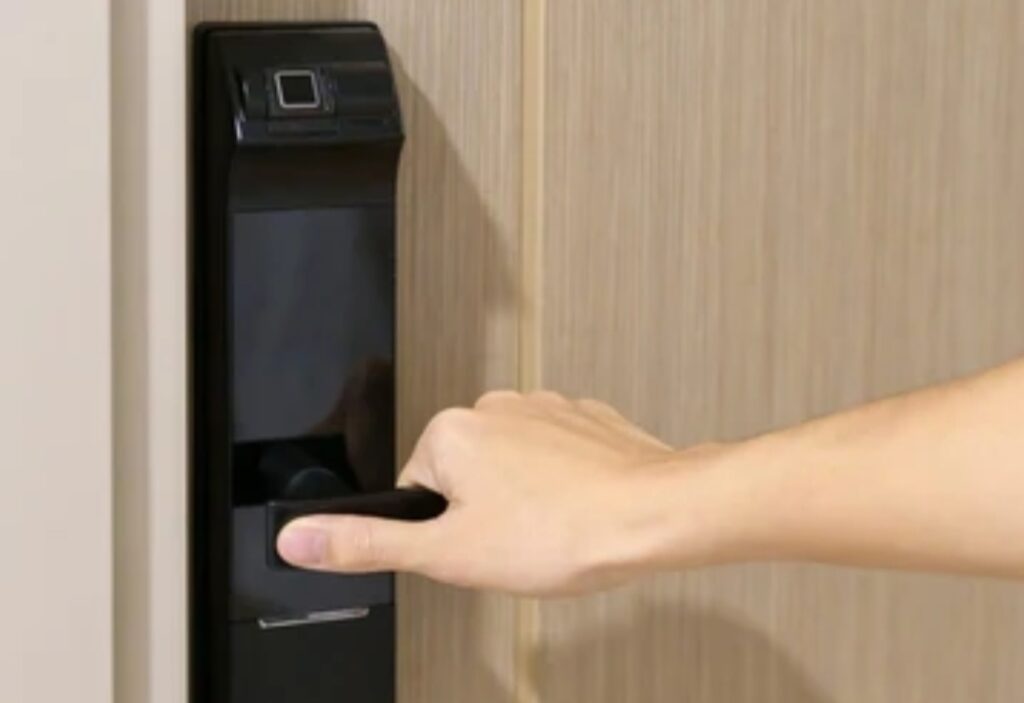
🚪 1. Send Clear and Timely Check-In Instructions
Nothing frustrates a guest more than last-minute or confusing directions.
Do this instead:
✔️ Send automated check-in instructions 24 hours before arrival.
✔️ Include smart lock PIN + entry instructions (with a video or image guide if possible).
✔️ Mention the lock brand and model, especially if it’s touchscreen-based.
✅ Example message:
“Welcome to your stay! Your access code for August Smart Lock is 543219.
The door unlocks automatically after entering the code.
Here’s a video guide to help you check in smoothly.”
🎥 Add a short screen-recorded video or infographic—guests LOVE visuals!
📱 2. Offer App-Free Entry for Tech-Challenged Guests
While smart lock apps like August, Yale, or Schlage offer full features, not all guests are tech-savvy.
Provide flexibility by offering PIN-based access instead of forcing guests to download an app.
Make sure your lock model allows for both options.
🔑 Key point: App-free entry is smoother, faster, and avoids unnecessary tech hurdles.
🧠 Pro Tip: Keep the instructions super short and bold in your message.
📝 3. Add Smart Lock Info to Your Airbnb Listing & Welcome Guide
Set guest expectations before they even book.
✅ Mention in your listing description:
“✅ Keyless smart lock check-in with secure personal access codes!”
✅ Include a Smart Lock User Guide in your digital welcome book.
Break down:
- How to use the lock
- What to do if it malfunctions
- Who to contact for immediate support
📘 This shows you’re a professional and increases guest confidence.
🧼 4. Sanitize and Maintain the Lock Regularly
No one wants to press sticky or worn-out buttons.
To maintain guest satisfaction:
✔️ Wipe down the keypad or handle between guests
✔️ Replace lock batteries every 2–3 months or sooner
✔️ Test the code before each new check-in
🧴 Tip: Use alcohol-free wipes to avoid damaging the finish.
🛠️ Bonus: Have a backup key or mechanical override ready—just in case.
💬 5. Respond Quickly If Guests Have Trouble Unlocking
Despite your best setup, some guests may face issues due to unfamiliarity or user error.
✅ Be ready with:
- A backup code
- A fast response window (within 5–10 minutes)
- A pre-written troubleshooting message like:
“Try entering the code again slowly. If the lock flashes red, wait 10 seconds and re-enter.”
🔔 Enable smart lock notifications so you’re aware of failed attempts or jams.
📲 High responsiveness = Higher ratings.
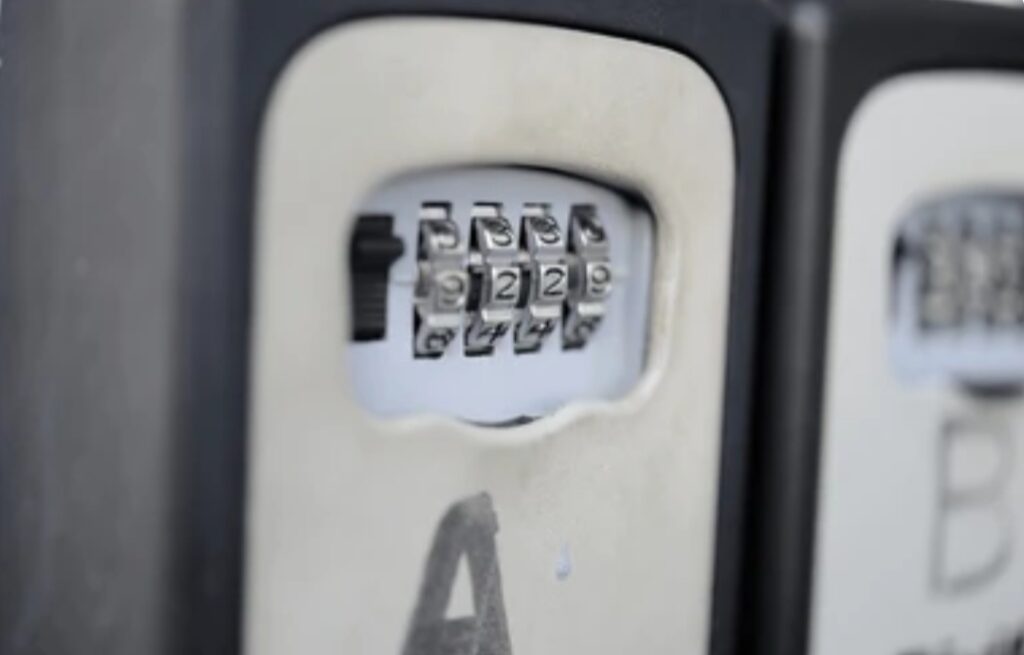
✨ 6. Customize the Lock Experience with a Personal Touch
Delight your guests by adding a unique, human element.
🎁 Examples:
- Set the access code to something memorable like the guest’s last 4 phone digits
- Leave a short welcome note by the door
- Add a tiny doorbell chime or LED light to guide guests at night
💡 “Small details create BIG impressions.”
📈 7. Highlight Smart Lock Benefits in Your Reviews Request
Remind guests of the convenience they experienced.
When asking for a review:
“We hope the keyless check-in made your stay smooth and hassle-free. If you loved the convenience, we’d appreciate a review!”
This increases the chance guests will mention it in their review—boosting your visibility and Airbnb search ranking.
⭐ Guest review mentions of “easy check-in” or “secure smart lock” increase trust for future bookings!
💎 8. Provide 24/7 Self Check-In with Smart Locks
One of the biggest benefits of smart locks for Airbnb is true flexibility.
Guests arriving late, from different time zones, or during emergencies can check in with zero host involvement.
✅ Make sure:
- Your smart lock supports 24/7 access windows
- Entry codes activate on the day of arrival and expire after checkout
- Instructions are available in multiple languages if you attract international travelers
🌍 Flexible check-in = happier guests and more bookings.
📢 Final Word – Guest Experience Starts at the Door
Your front door is your first impression.
With the right smart lock system, you’re not just offering keyless entry—you’re delivering peace of mind, security, and convenience.
⭐ Want to create a 5-star guest experience that starts before they even open the door?
👉 Get the best smart lock for your Airbnb now and start automating happy guest experiences!
❌ Common Mistakes to Avoid When Using Smart Locks in Airbnb Rentals
Setting up a smart lock in your Airbnb is a game-changer—but only when it’s done correctly.
While smart locks offer convenience, automation, and enhanced guest experience, many hosts unknowingly make simple mistakes that lead to bad reviews, security risks, or lockouts.
In this section, we’ll uncover the most common smart lock pitfalls—and how to avoid them like a pro.
Whether you’re just learning how to set up a smart lock for your Airbnb or already using one, this guide will help you eliminate costly errors and deliver a flawless guest experience.
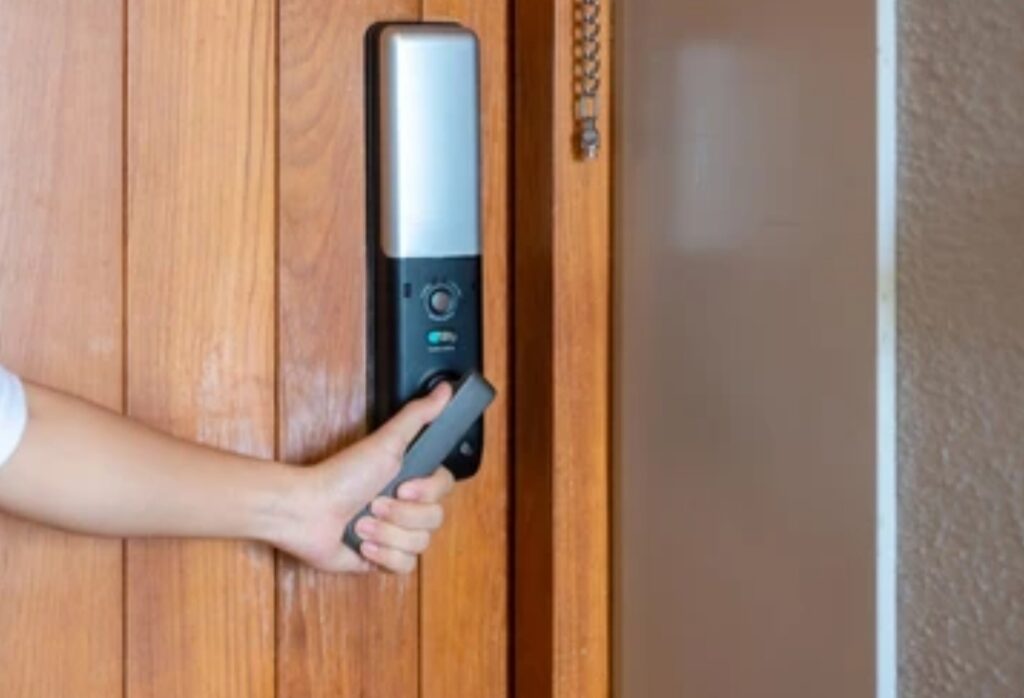
⚠️ 1. Using a One-Time Code for Multiple Guests
Reusing the same PIN or access code for every guest is a serious security and privacy risk.
🛑 Why this is a problem:
- Previous guests can return and re-enter anytime
- No way to track who entered when
- Airbnb could penalize you for security negligence
✅ What to do instead:
Use temporary, guest-specific codes that activate on check-in day and expire after check-out.
Most modern smart locks like August, Yale, and Schlage Encode support this feature.
🔐 Pro tip: Set the PIN to the last 4 digits of the guest’s phone number—it’s unique and easy to remember.
🔋 2. Forgetting to Replace or Monitor Lock Batteries
Dead batteries = locked-out guests.
📉 This leads to panicked calls, 1-star reviews, and lost future bookings.
✅ Always:
- Replace batteries every 2–3 months
- Use lithium batteries for longer life
- Enable low-battery alerts through your lock’s app
- Keep spare batteries in a labeled drawer inside the unit
⚡ Bonus Tip: Keep a manual backup key hidden in a lockbox as a fail-safe.
📴 3. Not Testing the Smart Lock Before Each New Guest
You’d be shocked how many hosts assume the smart lock works—only to discover issues after a guest arrives.
✅ Your checklist before every check-in:
✔️ Test the guest’s unique code
✔️ Confirm lock is responsive and firmware is up to date
✔️ Manually lock and unlock the door
✔️ Double-check smart lock access dates and expiration times
📲 Tip: Create a recurring reminder to test your smart lock every Friday before weekend check-ins.
❌ 4. Relying Too Heavily on Wi-Fi for Lock Functionality
Some smart locks require Wi-Fi for full functionality—but Wi-Fi outages can prevent guests from entering.
🚫 Don’t make this mistake:
If your Wi-Fi goes down, your guest could be locked out and unable to use app features or entry codes.
✅ Choose a lock with offline PIN entry capability, such as:
- Schlage Encode
- Yale Assure Lock SL
- Ultraloq U-Bolt Pro
📡 Pro tip: Use a Z-Wave or Bluetooth-based lock for backup if you have poor Wi-Fi reliability.
🧾 5. Not Including Smart Lock Instructions in Listing or Messaging
Don’t assume guests will “figure it out.”
Confusion during check-in leads to:
- Stressful first impressions
- Negative guest feedback
- Support tickets and refund requests
✅ Always provide:
📨 Automated pre-check-in message with code + instructions
📘 A visual guide (PDF or video) inside your Airbnb digital guidebook
📝 Clear signage near the door with operating instructions
💬 “Thanks for the easy keyless entry!” is a review phrase that boosts your search ranking!
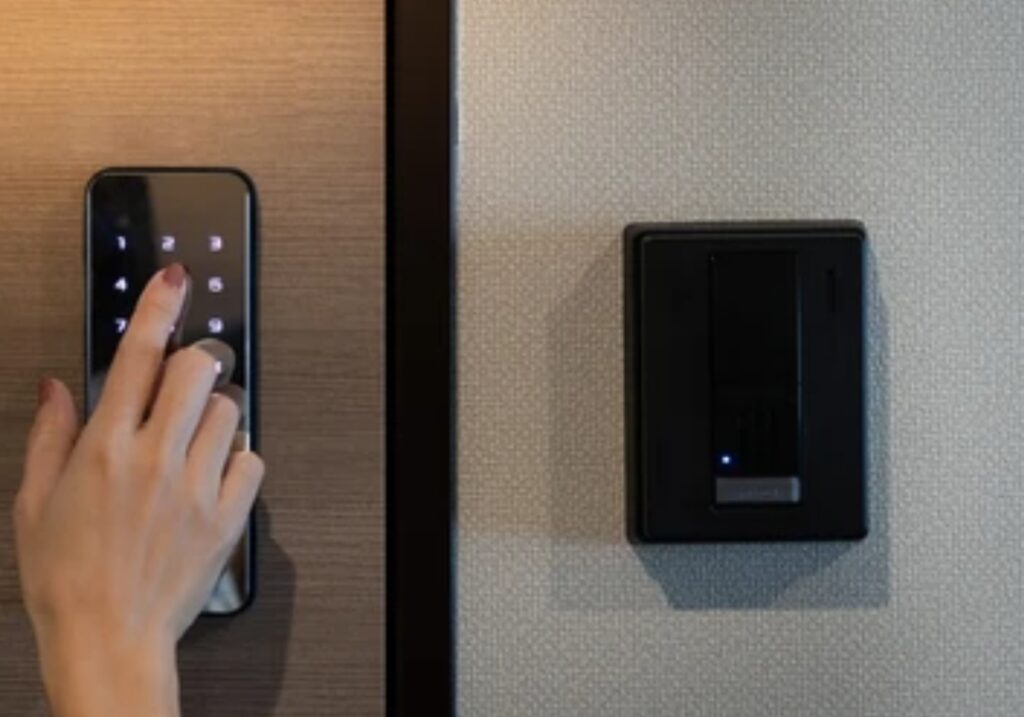
🧰 6. Not Having a Backup Entry Method
Things can go wrong—batteries fail, apps crash, or tech glitches happen.
You NEED a plan B.
✅ Backup options to consider:
- A mechanical key hidden in a lockbox
- A trusted co-host nearby with access
- A nearby property manager or neighbor who can assist
👥 Tip: Set up a trusted co-host account with admin access to the lock app.
🔐 7. Installing the Smart Lock Incorrectly
A misaligned or poorly installed lock leads to jams, failed unlocks, and bad reviews.
This happens more often than you’d think, especially with DIY installations.
✅ Do it right:
🛠️ Follow the manufacturer’s installation guide carefully
🧰 Use proper tools (avoid cheap screwdrivers or over-tightening screws)
📐 Ensure the deadbolt fully extends and retracts without force
💡 If in doubt, hire a local locksmith to do a professional install—it’s worth it!
🔎 8. Choosing a Low-Quality or Non-Compatible Smart Lock
Cheap or off-brand smart locks may look good initially, but often break, fail, or lack Airbnb integration.
✅ Only choose locks that:
✔️ Work with Airbnb through API integration or smart apps like RemoteLock or August Connect
✔️ Allow remote code generation
✔️ Have strong guest security ratings
Top-rated smart locks for Airbnb:
- August Wi-Fi Smart Lock
- Schlage Encode Plus
- Yale Assure Lock 2
📊 Investing in the right hardware leads to fewer headaches and more positive guest experiences.
🔚 Avoid Mistakes to Maximize Efficiency and Reviews
Avoiding these mistakes is just as important as knowing how to set up a smart lock for your Airbnb.
⚡ Every overlooked detail is a potential lost 5-star review.
With careful planning, regular testing, and strategic backups, your smart lock can become your most powerful hosting tool.
💥 Ready to upgrade your rental with a professional smart lock?
👉 Click here to grab our top-recommended smart locks for Airbnb hosts and eliminate check-in chaos today!
❓ FAQs – Everything You Need to Know About Setting Up a Smart Lock for Your Airbnb
Adding a smart lock to your Airbnb can raise plenty of questions—from installation to guest access.
Below, we’ve answered the most frequently asked questions (FAQs) Airbnb hosts have when learning how to set up a smart lock for your Airbnb.
🔐 What is the best smart lock for Airbnb rentals?
The best smart locks for Airbnb hosts are those that offer:
- Guest-specific access codes
- Integration with Airbnb (via API or third-party apps)
- Remote management capabilities
- Strong security features
Top-rated smart locks for Airbnb include:
- August Wi-Fi Smart Lock
- Schlage Encode Plus
- Yale Assure Lock 2
- Ultraloq U-Bolt Pro
Look for models that are compatible with platforms like RemoteLock, Host Tools, or Smartbnb for seamless automation.
🔄 Can smart locks automatically generate access codes for each Airbnb guest?
Yes!
Many modern smart locks allow you to automatically generate and assign unique PIN codes to each guest based on their booking dates.
This can be done by integrating your lock with Airbnb through apps like:
- August Connect
- RemoteLock
- Operto
- Host Tools
These platforms sync directly with your calendar to send codes only for the duration of the stay.
📱 Do guests need to download an app to use a smart lock?
In most cases, no.
Most smart locks allow guests to simply:
- Enter a PIN code on a keypad
- Or tap their phone (if enabled with Apple Home Key or Bluetooth)
Apps are typically only required if you offer advanced options, like remote unlock or mobile app check-ins.
✅ For guest simplicity, choose a smart lock with keypad entry and offline functionality.
🔋 What happens if the smart lock’s battery dies during a guest’s stay?
If the smart lock battery dies:
- The guest may be locked out
- Your Airbnb reputation could take a hit
- You may have to issue refunds or urgent support
To prevent this:
- Use lithium batteries with longer life
- Enable low-battery alerts in the smart lock app
- Replace batteries monthly or at regular intervals
- Keep a manual backup key in a lockbox on the property
⚡ Always have a backup entry plan to avoid emergencies.
🔧 Can I install a smart lock myself, or should I hire a professional?
Most smart locks are DIY-friendly and come with clear instructions.
You can typically install one in 30–45 minutes using basic tools like a screwdriver.
However, consider hiring a pro if:
- The door alignment is off
- You’re unsure about the deadbolt fit
- You’re not tech-savvy with Wi-Fi or app setup
📦 Tip: Make sure the smart lock is compatible with your existing deadbolt or door frame before purchasing.
🔐 Is a smart lock more secure than a traditional key?
Yes—when used correctly, smart locks are more secure than traditional keys.
Here’s why:
✅ No lost or copied keys
✅ Time-limited access codes
✅ Access logs and alerts for every entry
✅ Remote locking/unlocking from your smartphone
✅ Guest-specific entry eliminates unauthorized access
🎯 Combine your smart lock with a security camera doorbell for added protection.
🌐 Will a smart lock work if the Wi-Fi goes out?
Some smart locks require Wi-Fi for certain features like:
- Remote access
- Automatic code syncing
- Activity alerts
However, most high-quality models still allow offline PIN code entry even without Wi-Fi.
✅ Look for models with offline fallback or Bluetooth capability to avoid guest lockouts.
📩 How do I share the smart lock code with my Airbnb guests?
You can share codes through:
- Airbnb’s pre-check-in messaging
- Scheduled message automation tools (like Hospitable, Guesty)
- A PDF welcome guide or digital Airbnb guestbook
- Physical signage near the lock
Best Practice: Send the access code 24 hours before check-in to avoid early arrivals.
👁️ Can I track who enters and exits the property with a smart lock?
Yes. Most smart lock apps show access logs, including:
- Who unlocked the door
- What time the entry occurred
- If the door was manually or remotely unlocked
🎥 Pair your smart lock with a video doorbell for full visibility.
🧠 Is setting up a smart lock worth it for part-time Airbnb hosts?
Absolutely.
Even if you only rent your property occasionally, a smart lock:
- Saves time coordinating key handoffs
- Improves guest experience
- Reduces risk of lost or copied keys
- Automates your check-in process
💡 It’s one of the smartest upgrades any host can make—part-time or full-time.
Want a hands-off, automated check-in experience that impresses guests and boosts reviews?
👉 Choose a smart lock that integrates directly with Airbnb—click here to explore our top picks.
🤖 Final Thoughts: The Future of Smart Access in Short-Term Rentals
The way we manage short-term rentals is evolving at lightning speed—and smart access technology is leading the charge.
As Airbnb continues to grow more competitive, hosts must find new ways to deliver seamless, secure, and guest-friendly experiences.
And learning how to set up a smart lock for your Airbnb is no longer a luxury—it’s an industry standard.
🔮 Why Smart Locks Are Just the Beginning
Smart locks are just one part of a larger smart home ecosystem that’s transforming hospitality.
In the near future, more Airbnb hosts will adopt:
- Smart thermostats for energy-saving automation
- Video doorbells for remote guest monitoring
- Noise detectors to prevent party violations
- Smart lights that activate based on guest check-in time
- Fully integrated property management systems (PMS)
By combining these tools, you create a frictionless stay that feels high-end and intuitive—without being physically present.
💼 Smart Lock Access Will Become Hyper-Personalized
As platforms like Airbnb, Vrbo, and Booking.com become smarter, expect guest access to become:
- Automated by AI based on booking data
- Customizable for each guest type (e.g., families, digital nomads, luxury travelers)
- Predictive—offering personalized settings like preferred lighting or room temperature upon arrival
🎯 This shift means guest satisfaction and security will reach new levels, setting you apart from hosts using outdated manual methods.
💡 Investing in Smart Lock Technology = Higher ROI
If you’re asking whether this investment is worth it, here’s the reality:
✅ Smart locks reduce operational headaches
✅ They protect your property from key duplication and unauthorized entry
✅ They help you earn more 5-star reviews thanks to smoother guest experiences
✅ They’re more scalable as you grow your Airbnb portfolio
The result? More time saved, better reviews, and higher revenue.
📢 Ready to Elevate Your Airbnb Hosting Game?
If you haven’t yet installed a smart lock, now is the time.
Don’t get left behind in a tech-driven rental market.
✅ Start today by choosing a trusted smart lock brand that syncs with Airbnb and delivers both guest satisfaction and host control.
➡️ See our top smart lock picks for Airbnb hosts
🔐 Smart access isn’t the future—it’s the new normal.
Make the upgrade. Get ahead. And give your guests a check-in experience they’ll rave about.
You might also like :