
💡 Introduction: Why Choosing the Right Streaming Microphone Can Make or Break Your Stream
If you’re serious about live streaming — whether it’s gaming, podcasting, IRL content, or YouTube lives — audio quality isn’t just important.
It’s essential.
Many creators spend hours perfecting visuals, overlays, and lighting.
But here’s the hard truth: if your viewers can’t clearly hear you, they’ll click away faster than you can say “subscribe.”
That’s why learning exactly how to choose a streaming microphone is one of the most crucial decisions for anyone building a high-quality stream setup.
In this complete and up-to-date microphone buying guide for streamers, you’ll learn everything from different microphone types to connectivity options, polar patterns, and budget-friendly picks.
But we won’t just stop at the basics.
We’ll dive deep into:
- What makes a microphone great for live streaming 🎧
- How microphone placement affects your audio quality 🎙️
- Whether you need a USB or XLR mic (and the pros and cons of each) 🔌
- The exact mic specs to look for in 2025 and beyond 📈
Whether you’re a beginner shopping for your first mic or an experienced content creator looking to upgrade, this blog post will help you avoid common mistakes and confidently choose the best streaming microphone for your needs.
⭐️ Who This Guide Is For:
✅ Beginner streamers who are overwhelmed by too many options
✅ Content creators upgrading from a headset mic
✅ Twitch, YouTube, and Facebook Live streamers
✅ Podcasters, vloggers, or remote workers needing pro-grade sound
✅ Anyone who wants to deliver crystal-clear audio without spending a fortune
🧠 What You’ll Learn in This Guide
By the end of this post, you’ll walk away knowing:
- How to choose a streaming microphone based on your content type 🎯
- The key technical terms (like polar patterns and frequency response) — explained in plain English
- Which microphone features actually matter — and which are just marketing fluff
- How to optimize your mic setup for pro-grade sound, even if you’re on a budget
And if you’re ready to start comparing top-rated models right away, you can skip ahead to our expert picks for the best streaming microphones in 2025.
💥 Want to level up your stream audio fast?
Check out this essential microphone for beginner streamers that delivers pro results without the pro price.
🧲 Why Audio is the Secret Weapon for Streamers in 2025
As platforms like Twitch, YouTube Live, and Kick become more saturated, competition is fierce.
Thousands of creators go live every day.
So how do you stand out?
The answer: exceptional sound.
Think about it — would you sit through a crackly, muffled, echo-filled stream?
Neither would your viewers.
That’s why successful creators treat audio as a priority, not an afterthought.
A quality microphone builds trust, creates intimacy, and keeps people listening longer — which boosts watch time, engagement, and algorithm visibility.
That’s the power of choosing the right mic.
🎯 TL;DR: Your microphone isn’t just a tech accessory.
It’s your voice — and your voice deserves to be heard clearly.
So buckle up, because in the next sections, we’re going to demystify the mic market and show you how to make an informed, confident, and budget-friendly choice that levels up your stream.
👉 Ready to find your perfect mic?
Let’s dive in.
🔥 If you’re ready to sound like a pro, don’t settle for subpar audio. Scroll down to discover your ideal microphone setup and unlock your stream’s full potential.
🧠 Why Your Streaming Microphone Matters
🎧 Your Microphone Is More Than Just a Tool — It’s Your Entire Voice Online
When it comes to streaming, many creators focus on flashy overlays, high-res webcams, or immersive gameplay.
But let’s be honest — none of that matters if your audience can’t hear you clearly.
In fact, audio quality often has a bigger impact on viewer retention than video quality.
Yes, you read that right.
According to several user behavior studies and live stream analytics, viewers are more likely to leave a stream due to poor audio than due to grainy video or buffering.
That’s why understanding how to choose a streaming microphone is a decision that can directly influence the growth and success of your channel.
🗣️ First Impressions Are Made Through Sound
The first 30 seconds of your stream are crucial.
Your microphone is what introduces you to new viewers.
Whether you’re welcoming subscribers, commenting on gameplay, or interacting with your chat — your voice is the bridge that connects you with your audience.
If that bridge is unstable (crackling, muffled, or full of static), your viewers will quickly bounce and likely never return.
💡 Pro Insight: In the fast-paced world of streaming, crystal-clear audio helps build authority, trust, and connection.
People may forgive a pixelated webcam, but they won’t tolerate bad sound.
🎙️ Clear Audio Builds Trust and Professionalism
Ask yourself this: Would you trust a podcaster or streamer whose voice sounds like it’s coming through a tin can?
Exactly.
Your audio is your brand.
Whether you’re hosting interviews, running a Q&A, or cracking jokes with chat — your voice needs to come through warm, clean, and professional.
A great microphone captures not just sound — it captures emotion, tone, and nuance.
That’s the secret ingredient that makes top-tier streamers feel relatable and authentic.
🔥 Want your stream to sound like a professional broadcast?
Start by investing in a microphone that matches your voice and content type.\
Explore this top-rated beginner-friendly streaming microphone that delivers broadcast-quality sound without breaking your budget.
💥 Don’t Let Poor Audio Kill Your Engagement
Still not convinced that audio matters more than you think?
Here’s a quick breakdown of what happens when your mic isn’t cutting it:
- Viewers struggle to hear you over background noise
- Your jokes or commentary fall flat due to low volume or distortion
- Chat starts asking “what did you say?” instead of reacting to your content
- Viewers leave your stream early and don’t come back
And worst of all?
Bad audio hurts your channel’s algorithm performance.
If people leave early, your average watch time drops — which tells platforms like YouTube or Twitch that your stream isn’t engaging.
That means less promotion, fewer views, and slower growth.
🚫 Common Audio Problems Caused by the Wrong Microphone:
- Echoes and room reflections
- Unwanted background noise from your keyboard, fans, or pets
- Hissing or buzzing sounds
- Low or inconsistent volume
- Harsh or distorted highs when you raise your voice
🛠️ The Right Microphone Solves These Problems (Effortlessly)
When you choose the right microphone for streaming, you’re not just improving sound quality — you’re eliminating distractions.
A good mic ensures your voice cuts through clearly and consistently, even in less-than-ideal conditions.
And when combined with the right polar pattern and accessories (more on that in the next sections), you’ll sound polished, professional, and captivating — whether you’re streaming from a home studio or a cluttered bedroom.
📈 Pro Streamers Know This: Audio Is a Long-Term Investment
Let’s be real.
You can get by with a cheap headset mic when you’re just starting.
But if you’re serious about growing your channel, collaborating with others, or even turning your stream into a business — you’ll need a mic that sounds the part.
That’s why so many successful streamers and content creators treat their microphone as one of their first big investments.
Not just for quality — but for credibility.
🧲 Why Good Audio Boosts Follower Growth & Viewer Retention
Great audio does something magical.
It makes your viewers feel like you’re right there in the room with them.
That intimacy builds trust, encourages longer watch sessions, and creates an emotional connection with your audience.
Which, by the way, is exactly what leads to:
- More follows
- More subscribers
- More donations
- More loyalty
🎯 TL;DR: Your microphone isn’t just equipment — it’s the heart of your content.
If you want to be heard, trusted, and remembered, it’s time to choose a streaming microphone that does your voice justice.
🔥 Don’t settle for a mic that holds you back.
Upgrade your audio, upgrade your impact — see our top streaming microphone picks now.
Ready to dive deeper?
In the next section, we’ll break down all the different microphone types and help you decide which one is perfect for your unique streaming needs — whether you’re podcasting, gaming, or going live on YouTube.
🎙️ Understanding Microphone Types for Streaming
Before you hit “go live” with your new setup, it’s critical to understand the different types of microphones available and how they affect your sound.
Choosing the right microphone type is the foundation of building professional-quality audio.
Whether you’re streaming games on Twitch, uploading YouTube content, or podcasting from home — the microphone you choose will determine how you’re heard by the world.
So, let’s break down the key types of microphones for streaming and what makes each one unique.
💡 Why It Matters: Every microphone type captures sound differently.
And choosing the wrong one could mean capturing more background noise than your actual voice.
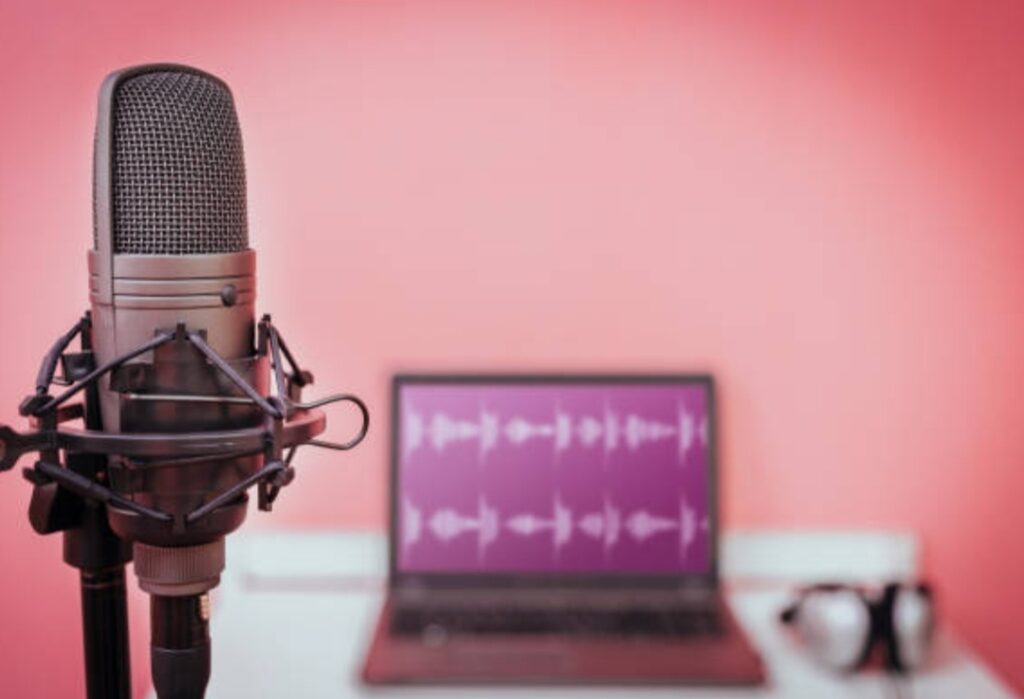
🧭 USB Microphones – Plug-and-Play Simplicity for Streamers
If you’re a beginner looking to improve your audio without dealing with complicated gear, a USB microphone might be your perfect starting point.
USB mics are incredibly easy to set up — just plug them directly into your computer’s USB port and you’re ready to record.
They include built-in analog-to-digital converters, so you don’t need a mixer or audio interface.
✅ Pros:
- Extremely easy to set up — no extra gear required
- Great for beginners and solo streamers
- Affordable and widely available
- Compact and portable
❌ Cons:
- Limited upgrade flexibility
- Slightly lower sound fidelity compared to XLR options
- Often lacks gain control or advanced features
🧲 Best For:
- Beginner streamers and podcasters
- YouTubers working with simple setups
- Remote workers or online teachers needing quality voice capture
🛍️ Check out this best-selling USB microphone for streamers — it’s plug-and-play with studio-quality sound.
⚙️ XLR Microphones – The Professional’s Choice for Sound Quality
If you want broadcast-level audio and plan to scale your setup, XLR microphones are the industry standard.
They require an external audio interface or mixer, but that added complexity gives you greater control over your sound.
XLR mics offer cleaner signal paths, higher dynamic range, and superior quality for voice and music.
✅ Pros:
- Exceptional audio quality and flexibility
- Professional-grade sound used in studios and radio
- Easily integrates with mixers and EQ processors
- Ideal for future upgrades
❌ Cons:
- Requires extra equipment (audio interface or mixer)
- Not plug-and-play — setup takes more effort
- Higher cost than USB mics
🧲 Best For:
- Serious content creators
- Twitch streamers with multi-input setups
- Podcasters, musicians, and vocal artists
🔥 Want to sound like a professional broadcaster?
Start with this affordable XLR microphone bundle designed specifically for streamers.
🎙️ Condenser vs Dynamic Microphones – What’s the Difference?
When choosing a streaming microphone, one of the most important decisions is whether to go with a condenser or dynamic mic.
Each has unique strengths — and choosing the right one depends on your recording environment and voice style.
🧪 Condenser Microphones – Crisp, Sensitive, and Studio-Ready
Condenser mics are known for their sensitivity and clarity.
They’re often used in studios because they capture a wide range of frequencies and subtle vocal details.
That makes them great for streamers with treated rooms or low-noise environments.
✅ Pros:
- Very sensitive — picks up rich vocal nuances
- Clear, detailed sound — ideal for voiceovers
- Great frequency response
❌ Cons:
- Sensitive to background noise
- Not ideal for untreated rooms
- Often requires phantom power (especially XLR models)
🧲 Best For:
- Podcasting and voiceovers
- YouTube content creators
- Streamers in quiet rooms with acoustic treatment
🎤 Dynamic Microphones – Rugged, Focused, and Noise-Resistant
Dynamic mics are less sensitive than condensers, which makes them perfect for live environments or noisy rooms.
They naturally reject background noise, making them a favorite among Twitch gamers and live event hosts.
✅ Pros:
- Durable and built for everyday use
- Rejects background noise effectively
- No need for phantom power
❌ Cons:
- Less sensitive to vocal nuances
- May need gain boosting equipment
- Narrower frequency response
🧲 Best For:
- Gaming streamers in noisy environments
- IRL streamers or creators on-the-go
- People without acoustic treatment
💥 Not sure which to choose?
This hybrid mic combines the warmth of a dynamic mic with the clarity of a condenser — perfect for multi-purpose creators.
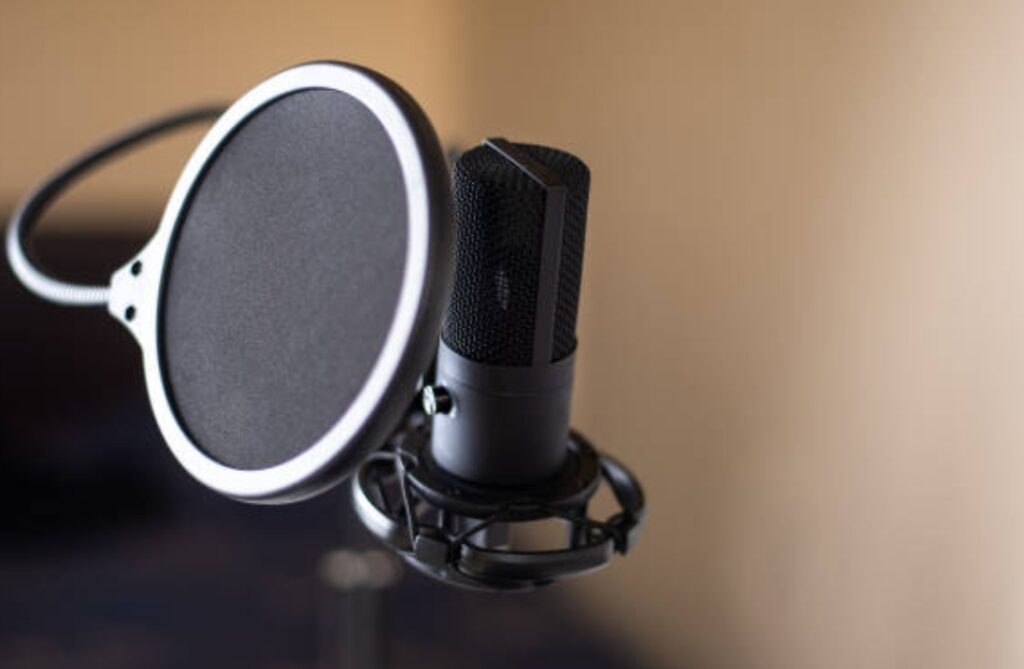
🎯 Polar Patterns – How Your Mic “Hears” the Room
A polar pattern determines the direction(s) from which your microphone picks up sound.
Choosing the right polar pattern is essential for eliminating background noise and keeping your audio clean.
📍 Cardioid (Most Popular for Streaming)
Cardioid mics capture sound primarily from the front and reject noise from the sides and rear.
This focused pickup pattern makes them ideal for solo streamers.
🧲 Best For:
- Twitch, YouTube, and solo content
- Gaming and voiceovers
- Any room with background noise
📍 Omnidirectional
Omnidirectional mics pick up sound from all directions — great for roundtable discussions or natural soundscapes, but not ideal for streaming due to noise pickup.
🧲 Best For:
- Interviews and group conversations
- Outdoor IRL streams
- Ambient recording
📍 Bidirectional
Bidirectional mics capture from the front and back but ignore the sides.
They’re commonly used in interview setups where two people face each other.
🧲 Best For:
- Co-hosted podcasts
- Face-to-face interviews
🚨 Pro Tip: For most streamers, a cardioid condenser or cardioid dynamic mic is the safest and most effective choice.
⚠️ Bonus Insight: USB vs XLR — Which One Should You Choose?
USB = Simplicity. XLR = Flexibility.
If you’re just starting, a USB mic gives you instant improvement with zero friction.
If you’re planning to build a full setup with mixers, boom arms, and audio routing — XLR is the long-term play.
🎯 TL;DR: The best microphone for streaming depends on your content style, room acoustics, and technical comfort.
If you’re unsure how to choose a streaming microphone, start with a cardioid USB condenser mic.
It’s the perfect mix of quality, simplicity, and affordability.
🔥 Still confused about which mic fits your setup?
Don’t worry — our expert guide below walks you step-by-step through choosing the perfect streaming microphone for your voice, space, and budget.
Find your ideal microphone with our comparison chart and recommendation engine.
🎧 Key Factors to Consider When Choosing a Streaming Microphone
Choosing the best streaming microphone isn’t just about brand names or price.
It’s about understanding how your voice, space, and equipment interact.
If you want to sound crisp, clean, and professional, you need to choose a microphone that complements your setup — not complicates it.
Below are the most critical factors every streamer must consider before buying a mic.
Whether you’re new or upgrading, this guide will help you make the smartest, most informed decision possible.
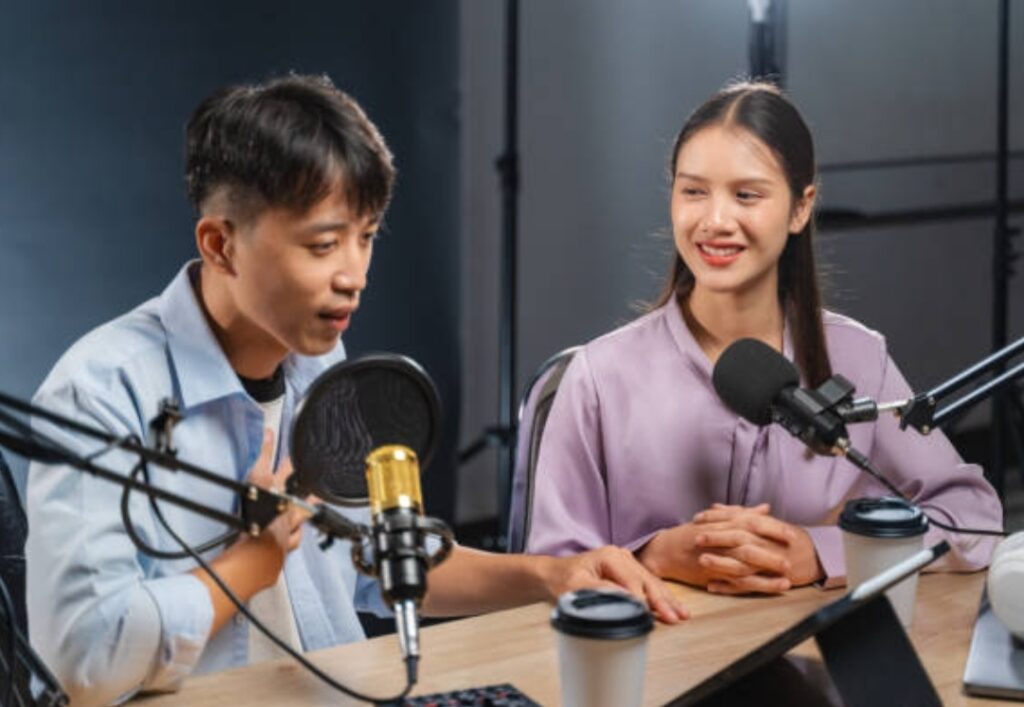
🧠 1. Microphone Type: USB or XLR?
Let’s start with the most important decision: USB vs. XLR.
Both have their place — but knowing which one fits your streaming needs is key.
USB Microphones:
- Plug-and-play — just connect directly to your computer
- Built-in analog-to-digital converter
- Ideal for beginners, solo streamers, and minimal setups
XLR Microphones:
- Requires an audio interface or mixer
- Offers professional-grade sound and more control
- Preferred by serious streamers, podcasters, and musicians
💬 Rule of Thumb:
- Choose USB if you want quick setup and portability
- Choose XLR if you plan to build a studio-grade setup over time
🔥 Ready to upgrade your mic setup?
Compare top-rated USB and XLR microphones side-by-side to find your perfect match.
🎙️ 2. Polar Pattern – How Your Mic Captures Sound
A microphone’s polar pattern determines the direction(s) from which it captures sound.
This is one of the most overlooked — but most important — factors in how to choose a streaming microphone.
🎯 Cardioid:
- Captures sound from the front
- Rejects sound from the sides and back
- Best for solo streamers in noisy rooms
🌀 Omnidirectional:
- Captures sound from all directions
- Not ideal for streaming — picks up lots of background noise
🎧 Bidirectional (Figure-8):
- Captures sound from the front and back
- Perfect for interviews or two-person podcasts
🎮 Supercardioid / Hypercardioid:
- More focused front pickup than cardioid
- Better noise rejection — great for loud environments
🔥 Pro Tip: Most streamers should choose a cardioid mic to keep the focus on their voice and reduce background distractions.
📊 3. Sensitivity and Frequency Response
Microphone sensitivity affects how easily your voice gets picked up — and how much ambient noise it detects.
🎤 High-sensitivity mics:
- Capture more vocal detail
- Great for voiceovers and quiet environments
- May pick up unwanted background noise
🎤 Low-sensitivity mics:
- Reject more ambient noise
- Ideal for gaming and noisy environments
- Require speaking closer to the mic
Frequency response refers to the range of sounds the mic can accurately capture — usually measured in hertz (Hz).
Look for a mic with a frequency response of 20 Hz – 20 kHz for full vocal range coverage.
💡 Insight: If your voice is naturally deep, look for a mic that boosts lower frequencies.
If your voice is light or sharp, choose a mic with a flatter response curve.
⚙️ 4. Build Quality and Durability
Not all mics are created equal.
Some feel solid and professional; others feel flimsy and break easily.
When streaming regularly, durability matters — especially if you’re adjusting your mic arm, moving setups, or traveling.
Look for microphones with:
- Metal construction instead of plastic
- Strong grill/head casing to protect diaphragm
- Detachable cables and replaceable components
💥 Don’t waste money on a mic that breaks after one drop.
Check out this rugged streaming microphone trusted by top-tier creators.
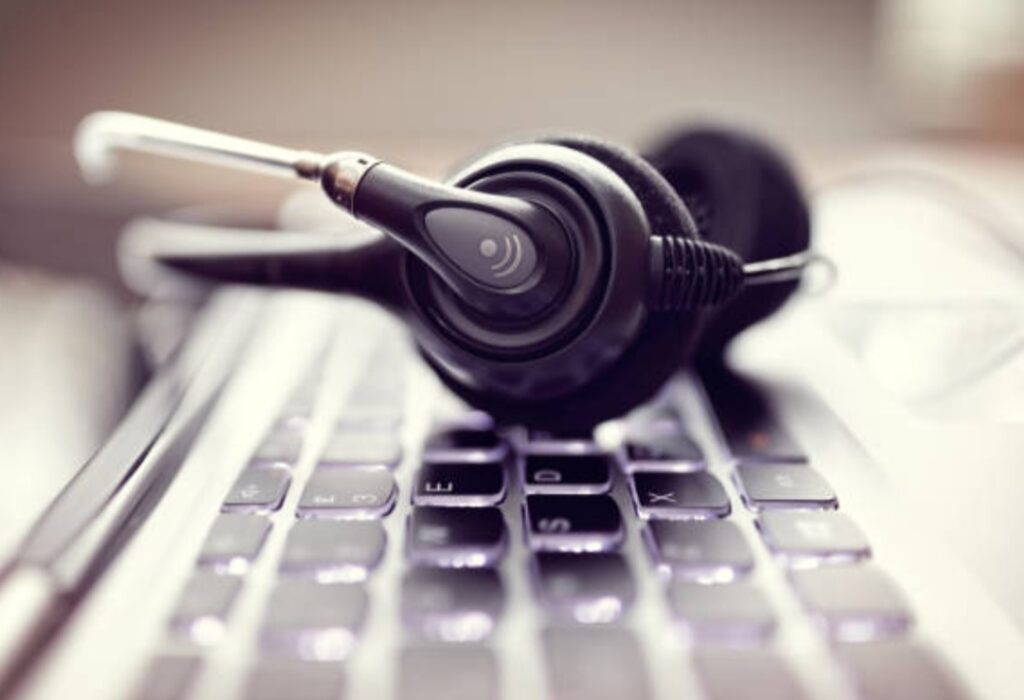
💻 5. Software Integration & Audio Controls
Today’s best microphones don’t just sound good — they also include powerful software features to enhance your voice in real time.
Look for models that include:
- Gain control dials
- Real-time monitoring (with headphone jack)
- Onboard mute buttons
- Companion software for voice filters, EQ, compression, noise reduction
These features can dramatically boost the quality of your audio — without requiring a mixing board or expensive post-editing.
🧩 Bonus: Some mics even integrate with OBS, Streamlabs, or Discord, giving you hands-on control over your voice profile directly from your streaming software.
📱 6. Compatibility with Accessories and Mounts
Your mic needs to work with your gear.
Before buying, check if the microphone is compatible with:
- Boom arms and shock mounts
- Pop filters and foam windshields
- Audio interfaces and phantom power (for XLR mics)
- USB-C vs. USB-A ports
This will save you the headache of returning products or needing extra adapters later.
⚠️ Important: Some USB mics have built-in stands that limit how you can mount or position them.
If you use a mic arm or shock mount, make sure your chosen model supports it.
🔊 7. Noise Rejection Capabilities
In most home setups, background noise is a real issue — fans, keyboards, traffic, pets.
That’s why your mic’s ability to reject noise is so critical.
Choose a mic with:
- Cardioid or hypercardioid pattern
- Low self-noise rating
- Internal shock mount or vibration control
- Onboard noise filtering or DSP (digital signal processing)
🔥 Want a mic that cuts out keyboard clatter and PC fans?
This noise-rejecting microphone is built specifically for gamers and streamers in high-noise environments.
🎤 8. Your Voice & Content Type
There’s no one-size-fits-all mic.
The best microphone for your stream depends on how your voice sounds and what type of content you produce.
🎮 For gamers with fast-paced commentary:
- Dynamic mic with cardioid pattern
- Good rejection of keyboard clicks and game sound
🎙 For podcasters and YouTubers:
- Condenser mic with rich frequency response
- Picks up vocal subtleties and storytelling tone
📱 For mobile and travel setups:
- Compact USB mic with built-in mount
- Plug-and-play for laptops or tablets
🎯 TL;DR: Think about your voice, your room, and your streaming goals.
Then choose the mic that fits — not just the one that looks cool.
💡 Expert Tip: Try listening to sample voice recordings on YouTube or Reddit to compare mic tones before you buy.
🔥 Still unsure how to choose the perfect streaming microphone for your needs?
Use our interactive mic finder quiz to get a custom recommendation in 60 seconds.
🎤 USB vs. XLR Microphones: Which Should You Choose?
When learning how to choose a streaming microphone, one of the most crucial decisions you’ll face is whether to go with a USB or XLR microphone.
This choice can dramatically affect your sound quality, setup complexity, and long-term flexibility as a content creator.
Let’s break it down to help you make the smartest, most informed decision — even if you’re brand new to streaming.
🌐 What’s the Difference Between USB and XLR Microphones?
The primary difference lies in how each microphone connects to your recording or streaming device.
USB Microphones:
- Plug directly into your computer via USB-A or USB-C
- Have built-in analog-to-digital converters
- Require no external hardware (e.g., mixer or audio interface)
- Ideal for beginners, remote streamers, and minimal setups
XLR Microphones:
- Connect via an XLR cable to an audio interface, mixer, or soundboard
- Require phantom power for condenser XLR mics
- Offer superior sound quality and more control over audio shaping
- Preferred by pro streamers, musicians, podcasters, and broadcasters
🛠 USB Microphones: Pros & Cons
USB microphones are designed with simplicity in mind.
They’re easy to use, cost-effective, and highly portable — perfect for getting started quickly.
✅ Pros:
- Plug-and-play with most computers
- Affordable and widely available
- Compatible with Windows, macOS, and even some mobile devices
- Great for podcasting, Zoom calls, YouTube videos, and Twitch streaming
- No additional gear needed
❌ Cons:
- Limited audio processing and customization
- Lower audio fidelity compared to XLR setups
- Not ideal for multi-microphone setups or mixing desks
🎯 Best For:
- Beginners
- Content creators who need quick setups
- Streamers with small spaces
- Traveling podcasters and digital nomads
🔥 Looking for the best plug-and-play USB mic for crystal-clear streaming?
Check out the top-rated USB streaming microphone recommended by pro creators.
🎚 XLR Microphones: Pros & Cons
XLR microphones are the industry standard for studio-quality audio.
They offer unparalleled control, flexibility, and sound depth — but they do come with a learning curve.
✅ Pros:
- Higher audio fidelity and dynamic range
- Customizable with audio interfaces, preamps, and mixing boards
- Built for professional-level production
- Ideal for treated rooms or home studios
- Compatible with multi-mic setups
❌ Cons:
- Requires additional gear (audio interface or mixer)
- Steeper learning curve
- Higher upfront cost
- Less portable
🎯 Best For:
- Experienced streamers or podcasters
- Content creators building a professional setup
- Voice actors, musicians, and ASMR creators
- Anyone who wants to scale their audio production
🔥 Want broadcast-quality sound like the pros?
Pair this best-selling XLR mic with a compact audio interface for top-tier results.
📊 USB vs. XLR: Quick Comparison Table
| Feature | USB Microphone | XLR Microphone |
| Setup Complexity | Simple (plug-and-play) | Advanced (needs interface) |
| Portability | High | Moderate |
| Audio Quality | Good | Excellent |
| Expansion/Upgrades | Limited | Highly expandable |
| Ideal User | Beginners, YouTubers | Professionals, podcasters |
| Software Integration | Often included | Depends on interface |
🎧 Which One Is Right for You?
It all comes down to your content goals and level of experience.
If you’re just getting started and want something quick, affordable, and simple, a USB mic is the way to go.
But if you’re serious about streaming, podcasting, or building a pro-level studio, an XLR microphone is a long-term investment that pays off in flexibility and audio quality.
💬 Real Talk:
USB microphones will get you 80% of the way there with minimal effort.
But XLR mics give you full control and professional polish — at a cost.
If you plan to scale your content over time, go XLR.
If you want easy, stick with USB.
🧠 Pro Tip: Many streamers start with a USB mic, then upgrade to an XLR setup as their content grows.
🔥 Still not sure which mic is best for your setup?
Take our 1-minute quiz to find out if USB or XLR is right for you — and get personalized gear recommendations based on your budget and streaming goals.
🎙️ Assessing Your Streaming Environment
When it comes to how to choose a streaming microphone, understanding your physical environment is just as important as understanding microphone specs.
Even the most expensive mic will produce poor audio if your space isn’t optimized.
By assessing your streaming environment carefully, you can make smarter gear choices that result in cleaner, more professional-sounding streams.
Below, we’ll walk you through the essential environmental factors to evaluate so you can choose the best mic for your specific setup.
🏠 Room Size and Acoustics: Does Your Space Echo?
One of the first things to assess is the size of your streaming room and how sound behaves inside it.
Larger rooms with hard surfaces can create echo and reverb — both of which will make your voice sound distant or “hollow” on stream.
Here’s how to test it:
- Clap your hands and listen for any lingering echoes.
- Speak normally and move around — does your voice bounce off the walls?
- Record yourself talking and listen back with headphones.
If you hear reverb, your room likely needs acoustic treatment before you choose a sensitive mic like a condenser.
🧩 Pro Tip: Use rugs, curtains, bookshelves, foam panels, or moving blankets to reduce echo.
Even small upgrades in your room acoustics can dramatically improve your audio.
🎯 Recommendation:
- In untreated or echoey rooms, choose a dynamic mic with a cardioid pattern.
- In treated, quiet rooms, consider a condenser mic for richer voice detail.
🖐️ Background Noise: What Sounds Are Always On?
Before buying a microphone, think about what noises regularly occur in your streaming space.
Common culprits include:
- Keyboard and mouse clicks
- Computer fan or gaming console hum
- Air conditioners or heaters
- Street noise or neighbors
- Roommates, pets, or children
🎧 Dynamic microphones are better at rejecting background noise.
They’re less sensitive and only pick up close-range sounds — perfect for noisy setups.
On the flip side, condenser mics are more sensitive, so they can pick up everything in the room — including sounds you’d rather not broadcast.
🎯 Use Case:
If you’re streaming in a shared apartment or near a busy street, opt for a noise-rejecting mic with a tight polar pattern (like supercardioid or hypercardioid).
🔊 Ambient Volume: How Loud Is Your Room Normally?
Consider the overall ambient volume of your space throughout the day.
Ask yourself:
- Is it quiet during your regular streaming hours?
- Do you live in a city or near high-traffic areas?
- Do appliances or HVAC systems run constantly in the background?
💡 Tip: If your room is loud — and can’t be easily fixed — your microphone choice becomes critical.
You’ll need one that isolates your voice and blocks out environmental noise.
🎯 Ideal Setup for Loud Rooms:
- Dynamic microphone
- Cardioid or hypercardioid polar pattern
- Shock mount and boom arm
- Built-in noise gate or DSP features
🔥 Want to sound studio-grade even in a noisy home?
Try this background-noise-canceling microphone loved by pro streamers with chaotic spaces.

🧱 Desk & Gear Vibration: Is Your Mic Picking Up Bumps?
If you use a desktop mic stand, your mic may be picking up vibrations from:
- Keyboard typing
- Mouse movements
- Hitting the desk accidentally
- Adjusting monitors or controllers
These low-frequency rumbles (called mechanical noise) can ruin your audio.
The fix?
Use a boom arm and a shock mount to isolate the mic from your desk.
🎯 Bonus Tip: Many microphones come with internal shock absorption, but a dedicated shock mount is still highly recommended — especially for streamers who move a lot while talking.
📸 Mic Placement Options in Your Room
Your streaming space determines where your mic can realistically go.
Before buying, ask:
- Will the mic block your face or camera view?
- Is there space for a boom arm or desk clamp?
- Do you need something portable or space-saving?
- Will you need to move your mic often?
🎯 Ideal Mic Setups Based on Space:
- Small desks: USB condenser mic with a low-profile stand
- Medium setups: Boom arm + dynamic mic for maximum clarity
- Mobile setups: Compact USB mic with swivel mount or tripod
🔥 Need a space-saving mic that sounds huge?
Check out this top compact mic for streamers that fits in any environment.
🧠 Let Your Space Guide Your Mic Decision
Your streaming environment isn’t just a backdrop — it’s a vital part of your sound quality.
By assessing your room’s acoustics, background noise, and available space, you’ll know exactly which microphone style and features you need.
Don’t just buy what’s popular — choose a streaming mic that works with your unique setup, not against it.
💥 Want personalized mic picks based on your room and voice?
Try our free Streaming Mic Match Tool and find your perfect fit in under 2 minutes.
🎤 Top Streaming Microphones in 2025
Choosing the right microphone is crucial for streamers aiming to deliver high-quality audio to their audience.
In 2025, the market offers a variety of microphones tailored to different needs and budgets.
Here’s a comprehensive guide to the top streaming microphones this year, ensuring you make an informed decision for your setup.
🎧 Best Overall Streaming Microphone
Shure MV7+
- Type: Dynamic
- Connectivity: USB-C and XLR
- Features: Touch controls, hybrid connectivity, excellent sound isolation
- Ideal for: Streamers seeking versatility and professional audio quality
The Shure MV7+ stands out as a top choice for streamers in 2025.
Its hybrid connectivity allows for both USB and XLR connections, providing flexibility for various setups.
The touch controls enhance user experience, and its sound isolation capabilities ensure clear audio, making it suitable for both beginners and professionals.
💡 Best Budget Streaming Microphone
Razer Seiren Mini
- Type: Condenser
- Connectivity: USB
- Features: Compact design, plug-and-play, cardioid pickup pattern
- Ideal for: New streamers and those on a tight budget
Priced at around $50, the Razer Seiren Mini offers impressive audio performance for its cost.
Its compact design makes it ideal for small setups, and the cardioid pickup pattern helps in focusing on the speaker’s voice while minimizing background noise.
🎮 Best Microphone for Gaming Streams
HyperX QuadCast S
- Type: Condenser
- Connectivity: USB
- Features: RGB lighting, four polar patterns, built-in shock mount
- Ideal for: Gamers seeking both aesthetics and functionality
The HyperX QuadCast S is a favorite among gamers due to its vibrant RGB lighting and versatile audio features.
With four selectable polar patterns, it caters to various recording scenarios, and the built-in shock mount reduces vibrations, ensuring clear audio during intense gaming sessions.
🎙️ Best USB Microphone for Streamers
Rode NT-USB+
- Type: Condenser
- Connectivity: USB-C
- Features: Revolution Preamp, internal DSP, zero-latency monitoring
- Ideal for: Streamers seeking studio-quality sound in a plug-and-play format
The Rode NT-USB+ offers broadcast-quality audio with enhanced circuitry and internal DSP.
Its zero-latency monitoring allows streamers to hear themselves in real-time, ensuring optimal audio delivery.
🎤 Best XLR Microphone for Professional Setups
Shure SM7B
- Type: Dynamic
- Connectivity: XLR
- Features: Wide frequency response, excellent noise rejection
- Ideal for: Professional streamers and podcasters with advanced setups
The Shure SM7B remains a staple in professional audio setups. Its dynamic range and noise rejection capabilities make it ideal for studio environments, ensuring rich and clear vocals.
📊 Comparison Table of Top Streaming Microphones
| Microphone | Type | Connectivity | Key Features | Ideal For |
| Shure MV7+ | Dynamic | USB-C/XLR | Touch controls, hybrid connectivity | Versatile streaming setups |
| Razer Seiren Mini | Condenser | USB | Compact, cardioid pattern | Budget-conscious streamers |
| HyperX QuadCast S | Condenser | USB | RGB lighting, multiple polar patterns | Gaming streamers |
| Rode NT-USB+ | Condenser | USB-C | Internal DSP, zero-latency monitoring | Plug-and-play studio quality |
| Shure SM7B | Dynamic | XLR | Wide frequency response, noise rejection | Professional studio setups |
Selecting the right microphone depends on your specific needs, environment, and budget.
Whether you’re just starting or looking to upgrade your professional setup, the options above cater to a range of requirements.
Remember, the key to excellent streaming audio lies not just in the microphone but also in understanding your environment and setup.
🔥 Ready to elevate your streaming audio? Explore our comprehensive microphone buying guide to find the perfect match for your setup.
🎧 Accessories to Enhance Your Streaming Audio
Once you’ve nailed down how to choose a streaming microphone that fits your needs, the next step is optimizing your setup with the right accessories.
These tools not only help improve sound quality but also enhance comfort, usability, and professionalism in your stream.
In this section, we’ll explore essential microphone accessories and how each contributes to achieving studio-quality sound—even if you’re just broadcasting from a bedroom or home office.
Investing in the right gear can transform your content from average to exceptional. Let’s break down the must-have accessories every streamer should consider in 2025.
🪝 Microphone Boom Arms — Comfort, Flexibility & Desk Space
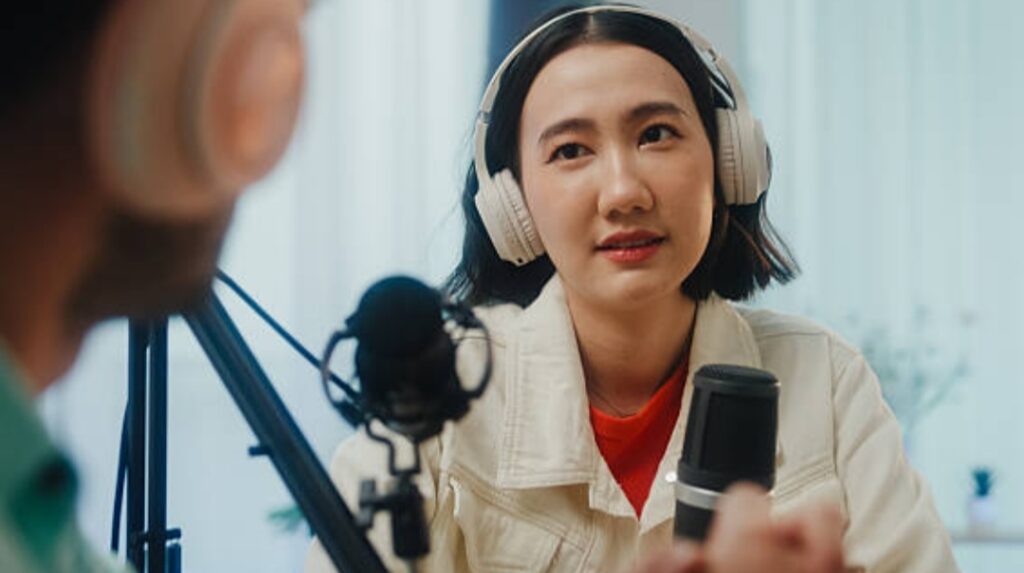
A microphone boom arm (also called a mic stand or boom mount) is more than just a convenience—it’s a game changer.
Instead of your mic sitting on the desk and capturing every vibration or keystroke, a boom arm suspends the microphone in the ideal position, away from noise and clutter.
Benefits of a boom arm:
- Frees up valuable desk space for your mouse, keyboard, and gear
- Positions the mic perfectly to avoid awkward angles
- Reduces unwanted noise from table vibrations
- Makes mic adjustments smooth and silent while live
🎯 Best for: All streamers—especially those using dynamic or condenser microphones with cardioid pickup patterns.
🔗 Suggested product: Adjustable boom arm with shock mount
🧘 Pop Filters & Windscreens — Eliminate Harsh Plosives
When you speak directly into a microphone, especially during animated or energetic commentary, harsh “p” and “b” sounds can create a burst of air that distorts your audio.
These are known as plosives.
Pop filters and windscreens solve this:
- A pop filter is a mesh screen placed in front of the mic to disperse air before it hits the diaphragm
- A windscreen is a foam cover that sits directly on the microphone and softens the audio input
Which one should you use?
- Pop filter: Better for indoor setups and studio mics
- Windscreen: Ideal for portable or outdoor streaming setups
✅ Pro tip: Combine both for maximum clarity.
💨 Want smoother vocals and fewer pops? Add this dual pop filter + windscreen combo to your setup today.
🧷 Shock Mounts — Silence Desk Rumbles & Movement
A shock mount suspends your microphone within an elastic or rubber frame to isolate it from vibrations.
Why it matters:
- It blocks noise from accidental desk bumps
- It absorbs low-frequency rumble from typing, mouse clicks, or foot taps
- It improves overall clarity for crisp vocal delivery
🧩 Most dynamic and condenser microphones offer dedicated shock mounts, so be sure to get one compatible with your specific model.
🎯 Ideal for: Streamers with sensitive mics (like condensers), or setups on unstable surfaces.
🎤 Audio Interfaces — For XLR Microphones
If you choose an XLR microphone (which typically offers superior sound quality over USB mics), you’ll need an audio interface to convert analog audio into digital data for your computer.
Top benefits of an interface:
- Controls gain, monitoring volume, and tone
- Allows use of phantom power for condenser mics
- Often improves clarity and reduces latency
Popular audio interfaces for streamers in 2025:
- Focusrite Scarlett 2i2
- Elgato Wave XLR
- GoXLR Mini (great for Twitch streamers and gamers)
💡 Using an XLR mic? Don’t forget your audio interface for professional-grade streaming.
🕹️ External Audio Processors — Level Up with Compression & EQ
For the ultimate audio quality, consider adding processors like:
- Preamps – Boost mic signal with minimal noise
- Compressors – Level your vocal dynamics (prevent peaking or whispering)
- Equalizers (EQs) – Shape the tone of your voice to sound richer or more neutral
- De-essers – Reduce harsh “s” sounds
These aren’t required for beginners, but if you’re serious about standing out in a crowded streaming space, these tools can provide that broadcast-quality polish.
⚠️ Note: Some USB mics now have built-in DSP (Digital Signal Processing) that mimics these tools.
📸 Cable Management — Keep It Clean & Professional
Yes, it’s minor—but messy cables kill your setup’s aesthetic and can even affect performance if bent or tangled.
Simple accessories like:
- Velcro cable ties
- Under-desk cable trays
- Magnetic or adhesive cable guides
…help keep your stream space organized and stress-free.
🎯 Pro tip: Coil excess cables in a figure-eight pattern to avoid signal interference.
🚀 Accessories Make the Difference
The best streaming microphones can only shine when paired with the right tools.
By investing in accessories that improve comfort, reduce noise, and add polish to your setup, you’ll elevate your content and viewer experience.
🛠️ Whether it’s a boom arm for flexibility, a pop filter for clearer speech, or an interface for pro-level control, each accessory contributes to more professional and enjoyable streams.
🔥 Ready to optimize your setup like a pro? Discover our streaming audio essentials bundle and upgrade your sound today.
🎙️ Tips for Optimizing Your Microphone Setup
Now that you’ve learned how to choose a streaming microphone and explored the top models and essential accessories, it’s time to dial in the final piece of the puzzle: optimization.
Even the best microphone can sound subpar without the proper setup, adjustments, and positioning.
The good news?
With a few smart tweaks, you can dramatically improve your sound quality—even on a budget.
This section offers expert-level tips for optimizing your microphone setup for live streaming, podcasting, gaming, or YouTube content creation in 2025.
Let’s get your voice sounding clear, rich, and professional—every time you hit that “Go Live” button.
📏 Perfect Your Mic Placement for Maximum Clarity
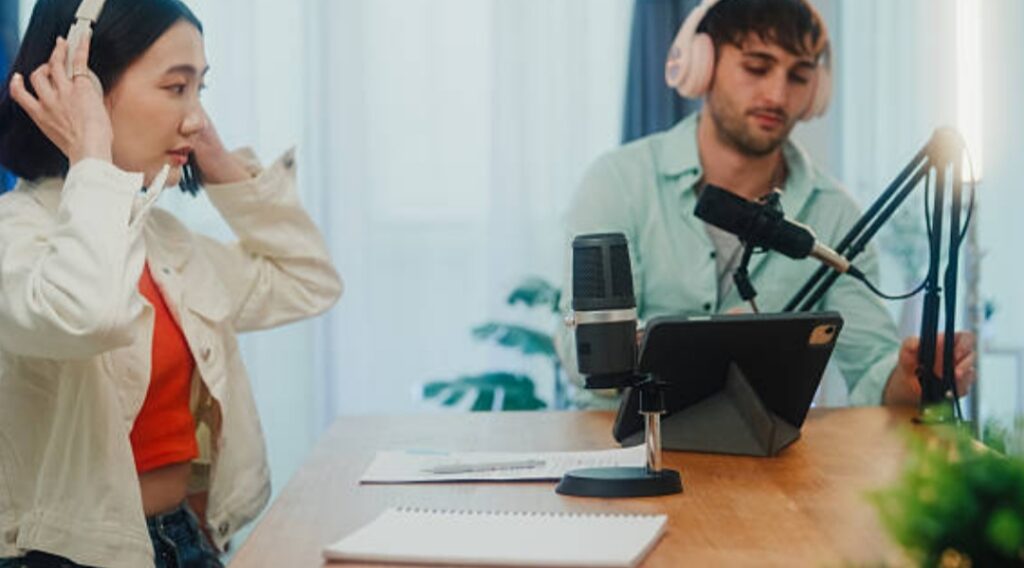
Where and how you position your microphone matters more than you might think. The goal is to capture your voice while avoiding background noise, reverb, or distortion.
Follow these guidelines:
- Place the mic 6–12 inches from your mouth (use a pop filter as a guide).
- Angle the mic slightly off-axis (not directly in front of your mouth) to reduce harsh “p” and “s” sounds.
- Speak across the microphone rather than directly into it if it’s a condenser type.
- Avoid placing the mic near mechanical keyboards, fans, or noisy PCs.
🎯 Tip: Use a boom arm to maintain consistent positioning and avoid bumping the mic while streaming.
🧱 Treat Your Room for Better Acoustics
Your room is part of your audio chain.
Even with the best mic, untreated spaces can create echo, reverb, and unwanted noise.
Simple acoustic fixes:
- Add foam panels or acoustic tiles on hard surfaces (especially behind and around you).
- Use thick curtains or rugs to reduce echo and sound reflection.
- Hang a thick blanket or use a portable vocal booth behind your mic setup if you’re in a large or open space.
🚫 Avoid recording near windows or hard walls without dampening them first.
🧪 Adjust Gain Levels to Prevent Clipping
Gain controls the sensitivity of your microphone input.
If your gain is too high, your voice will clip or distort.
If it’s too low, your stream will sound quiet or muffled.
Here’s how to set it properly:
- Speak at your typical streaming volume.
- Watch your levels in your audio interface or streaming software (OBS, Streamlabs, etc.).
- Aim for peaks around –6 dB for headroom without distortion.
💡 Want total control of your sound? Upgrade to an audio interface with real-time gain control to fine-tune your input on the fly.
🧽 Use Noise Suppression & Filters in Software
Your microphone setup doesn’t end with hardware.
Most streamers today use filters inside their broadcasting software to clean up and polish their audio.
Recommended filters in OBS or Streamlabs:
- Noise suppression: Removes static and background hum.
- Noise gate: Mutes the mic when you’re not speaking to eliminate room noise.
- Compressor: Smooths out volume spikes and keeps your voice consistent.
- EQ (equalizer): Adjusts bass, mids, and highs to enhance vocal tone.
🎛️ Bonus: Tools like NVIDIA Broadcast or RTX Voice (for compatible GPUs) use AI to eliminate keyboard clatter, fan noise, and even barking dogs!
🧑🔬 Monitor Yourself While Streaming
Real-time feedback = real-time improvement.
Use direct monitoring via your audio interface or software to hear exactly what your audience hears.
This lets you:
- Catch issues like static, muffling, or plosives before viewers do.
- Adjust mic distance or tone as needed during the stream.
🎧 Tip: Use open-back headphones to hear yourself naturally without causing mic bleed.
🛠️ Keep Firmware & Software Updated
Manufacturers frequently release updates that improve mic performance, add features, or fix bugs.
Always:
- Check your microphone’s support page for firmware updates.
- Update audio drivers and streaming software regularly.
- Revisit your settings after any major update to ensure nothing was reset or changed.
🪛 Back Up Your Audio Settings
Once you’ve dialed in the perfect mix of filters, EQ, gain, and positioning—save it.
Many streaming apps allow you to export or copy your audio profiles.
Benefits:
- Avoid redoing settings every time you stream.
- Restore your perfect setup quickly after an update or crash.
💥 Pro Tip: Use presets or templates for different recording environments (e.g., day vs. night, with/without guests, travel setups).
🎯 Your Voice Deserves the Best
At the end of the day, optimizing your microphone setup is about maximizing the value of your investment.
You don’t need a studio or $1000 rig to sound like a pro—just the right technique, tools, and tweaks.
Powerful, studio-quality sound builds trust, boosts engagement, and sets your content apart.
🔥 Want to make sure your mic setup is fully optimized? Download our free Streaming Audio Optimization Checklist and sound your best every stream.
🎯 Final Thoughts on Choosing a Streaming Microphone
As we wrap up this comprehensive guide on how to choose a streaming microphone, it’s important to emphasize one central truth: there is no one-size-fits-all solution.
The best microphone for you depends entirely on your content style, voice tone, recording environment, technical needs, and future growth plans.
By understanding the key factors—mic types, pickup patterns, connectivity (USB vs XLR), and streaming environment—you’ve taken a major step toward making an informed, confident decision.
🧠 Why Choosing the Right Streaming Microphone Matters
Your microphone is your voice online—literally.
Viewers will forgive grainy video or low-resolution webcams, but they won’t tolerate distorted or unclear audio.
Whether you’re gaming, podcasting, live chatting, or conducting interviews, crystal-clear audio is essential for building credibility, connection, and consistency.
In 2025, with more people streaming than ever and platforms like Twitch, YouTube Live, and Kick growing daily, professional-sounding audio is no longer optional—it’s expected.
Your mic can be the difference between earning loyal followers and being overlooked entirely.
📌 Recap of What We’ve Covered:
✅ We started by explaining the fundamental differences between condenser and dynamic microphones.
✅ You learned how pickup patterns like cardioid, omnidirectional, and bidirectional affect sound quality and isolation.
✅ We examined the differences between USB and XLR microphones, helping you decide which fits your current and future needs.
✅ We walked through assessing your streaming environment—including room acoustics, noise, and layout.
✅ You explored the top streaming microphones in 2025 and learned which ones dominate in quality, versatility, and price.
✅ We broke down key accessories (like boom arms, shock mounts, pop filters, and audio interfaces) that can level up your entire audio game.
By now, you not only understand how to choose a streaming microphone, but also how to optimize your overall setup for pro-quality results.
🛎️ Pro Tip: Always Test Before You Stream
Once you’ve set up your mic, record a short test stream or voice sample.
Adjust levels, distance, and positioning until your voice sounds natural, clear, and consistent.
Use monitoring features or even real-time feedback from trusted friends or community members to fine-tune your setup.
📣 Still wondering which microphone is best for you?
Don’t leave it to guesswork—check out our hand-picked microphone comparison chart and find your perfect match based on your exact setup, voice type, and budget!
🧲 Bonus Insight: Planning to stream long-term or grow your audience? Invest in gear that can scale with you.
Choosing a microphone with both USB and XLR (like the Shure MV7+) lets you start simple and upgrade later without replacing your entire mic.
💬 Join the Conversation
Have a favorite mic? Just bought one that transformed your stream?
Share your experience in the comments or tag us on social media using #MicSetup2025. Let’s help the next generation of streamers sound better, together.
🔥 Don’t let bad audio be the reason people scroll past your content.
With the right microphone and a few simple accessories, you can transform your streaming quality, grow your following, and sound like a true pro from day one.
👏 Ready to sound amazing? Visit our full streaming microphone resource hub for setup guides, gear reviews, and exclusive deals for our readers.
You might also like :